
Best Process Documentation Software (2026)
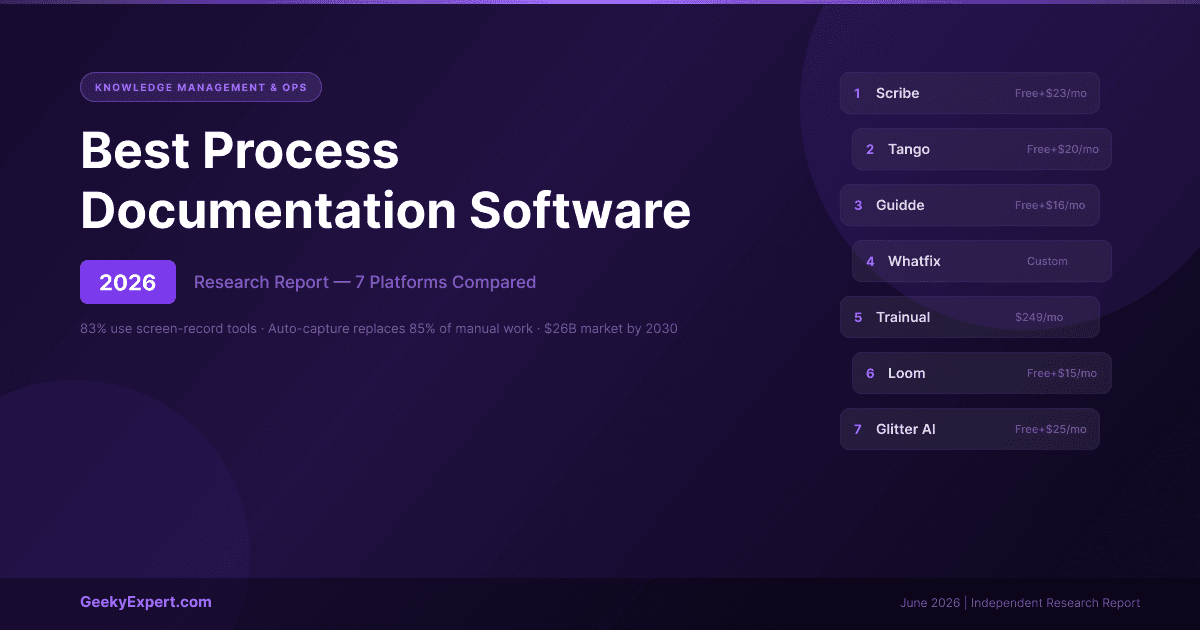
What Is Process Documentation Software?
Process documentation software automates the capture and creation of step-by-step guides, SOPs, and training materials -- replacing the manual process of screenshotting, pasting, annotating, and writing instructions that still dominates most organisations. The category solves a universal problem: critical processes live in employees' heads or in stale PDFs nobody reads, and recreating that knowledge by hand is slow and error-prone. Modern process documentation software records your clicks and keystrokes (or screen video) and generates structured, shareable guides in seconds.
What is the best process documentation software in 2026?
The best process documentation software in 2026 is Scribe -- it auto-captures your clicks and keystrokes into step-by-step guides with screenshots in seconds, starting free and from ~$12--15/seat/month for teams. Tango is the closest alternative with live in-app guidance, Guidde is best for AI video guides, and Whatfix is the enterprise digital-adoption option.
Best for your situation
- ▸Fast SOPs from software: Scribe -- capture to guide in seconds
- ▸Live in-app guidance: Tango -- on-screen overlay walkthroughs
- ▸AI video guides: Guidde -- narrated video, 25+ languages
- ▸Enterprise adoption: Whatfix -- full DAP, in-app at scale
VERIFIED PRICING & SCALE DATA (2026)
| Tool | Entry Price | Output Type | Scale / Note |
|---|---|---|---|
| Scribe | Free; Pro Team ~$12--15/seat | Text + screenshots | 5M+ users, 78K+ orgs, 94% Fortune 500 |
| Tango | Free; Pro ~$22/user/month | Text + screenshots + live overlay | Mid-market ops & enablement |
| Guidde | Free; Pro ~$16/user | AI video + text | 25+ languages, 11x faster |
| Whatfix | Custom, ~$20--30K+/year | In-app overlays (DAP) | Enterprise (Salesforce, SAP) |
| Trainual | ~$49--61+/month | Training docs + tracking | Onboarding/training programs |
| Loom | Free; Business $15/user | Async video | Video messaging, not SOPs |
| Glitter AI | Free; Team ~$60/month (5 creators) | Text + AI video | Human-sounding steps |
FOUR TYPES OF PROCESS DOCUMENTATION TOOL (2026)
| Type | Tools | Strengths | Best For |
|---|---|---|---|
| Static Step Guides | Scribe, Tango, Glitter AI | Fast, searchable, easy to edit | SOPs, help articles, software how-tos |
| AI Video Guides | Guidde, Glitter AI | Show the process; great for customer education | Customer onboarding, self-serve help |
| Digital Adoption Platform | Whatfix | Guidance pops up inside the live software | Enterprise rollouts (Salesforce, SAP) |
| Training Platform | Trainual | Structures docs into trackable training paths | Onboarding programs, compliance |
How Auto-Capture Works in 2026
The old way of creating process documentation -- screenshot, paste, annotate, write step, repeat -- takes 30+ minutes per guide and the result is instantly out of date. Modern auto-capture tools eliminate this entirely. You click "record," perform the task once, and the software generates a complete guide automatically. Scribe and Tango capture clicks and produce text-and-screenshot guides. Guidde and Glitter capture screen video and produce AI-narrated walkthroughs. Whatfix overlays guidance directly inside the live application. The capture method determines the output format -- match it to how your team consumes documentation.
Featured Knowledge Management
Scribe -- Best Overall Process Documentation Software
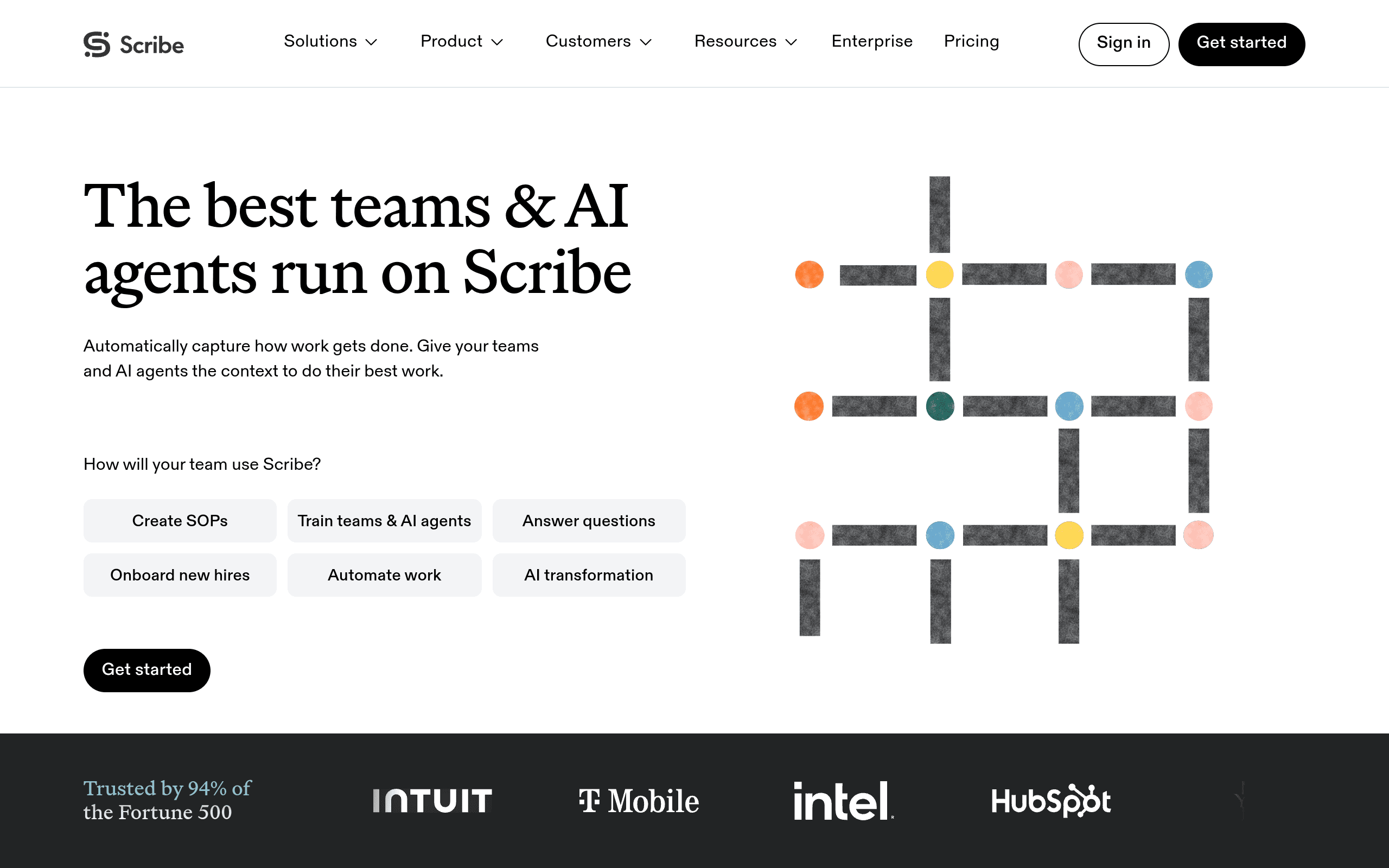
Scribe is the best overall process documentation software in 2026 -- the fastest, lowest-friction way to turn a software process into a shareable guide. You click record, perform the task once, and Scribe automatically captures every click and keystroke, then generates a step-by-step written guide with annotated screenshots in seconds. It is the category's most widely adopted tool by a wide margin.
SCRIBE AT A GLANCE
| Attribute | Detail |
|---|---|
| Users | 5 million+ |
| Organisations | 78,000+ |
| Fortune 500 usage | 94% |
| Free plan | Yes (browser capture) |
| Pro Team | ~$12--15/seat/month (annual, 5-seat minimum) |
| Pro Personal | ~$23--35/user/month (adds desktop capture) |
| Compliance | SOC 2 Type II, HIPAA, CCPA |
| Time saved (reported) | ~41.6 hours/month per user |
Honest Limitation
Scribe produces static text-and-screenshot guides, not video -- so it's ideal for software/digital processes but not for physical tasks or when video is clearer. Native integrations beyond embedding are limited, and some users find the editor clunky when reordering steps. Desktop capture is a paid feature.
Best For
Any team that needs to document software and digital workflows fast -- operations, customer success, IT, and HR -- especially where searchable text guides beat video and where SOC 2/HIPAA compliance matters.
Tango -- Best for Live In-App Guidance
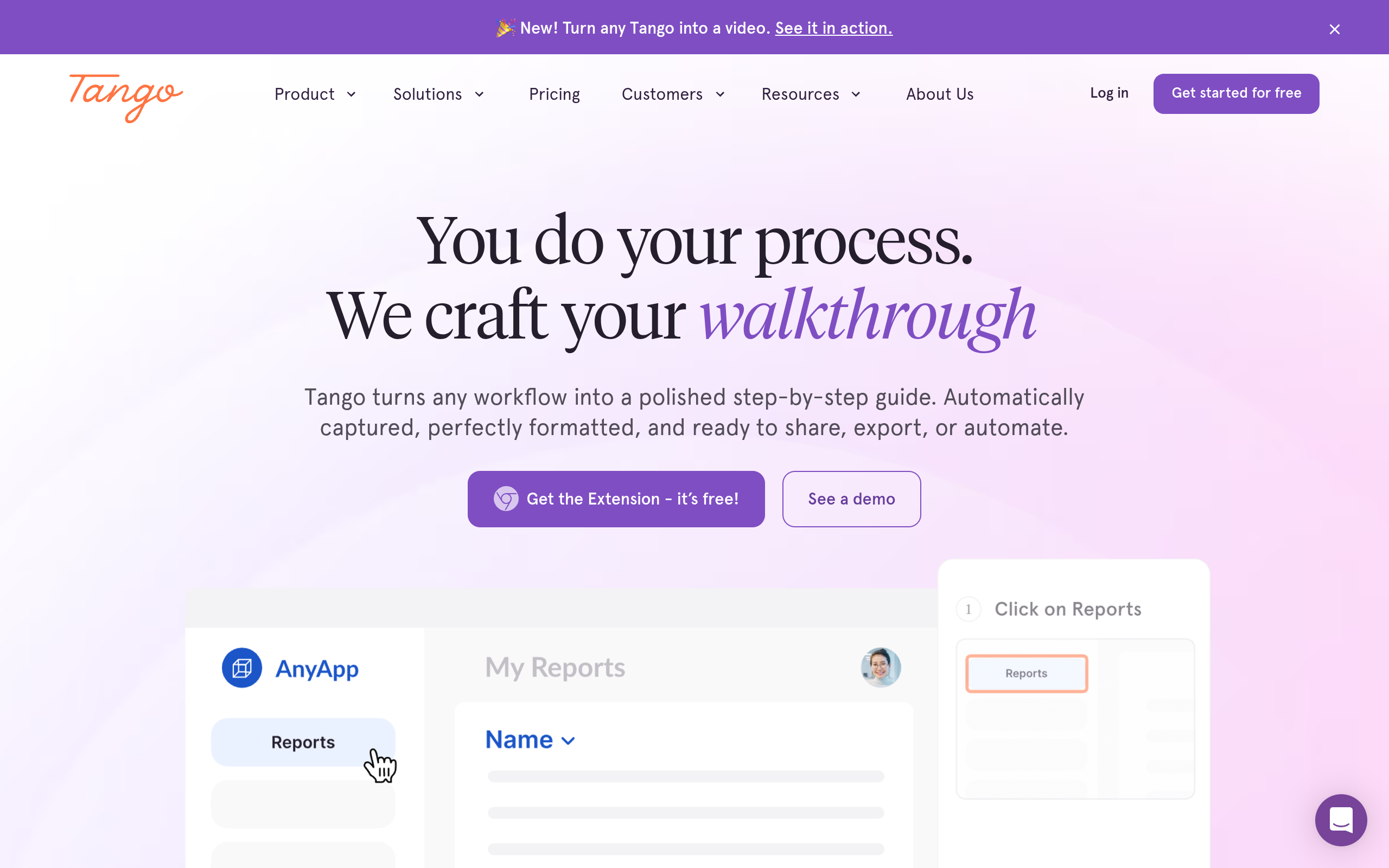
Tango is the closest alternative to Scribe for static step guides -- and its differentiator is "Tango Guidance," an on-screen overlay that walks employees through a process live, inside the actual application, while they perform it. It captures workflows in real time as you work, with minimal manual effort.
TANGO AT A GLANCE
| Attribute | Detail |
|---|---|
| Pricing | Free tier; Pro ~$22/user/month |
| 10-person team cost | ~$2,640/year |
| Capture method | Real-time click capture |
| Key differentiator | Tango Guidance -- live on-screen overlays |
| 2025--26 additions | Browser agents (task automation), SSO, SCIM |
| Integrations | Salesforce, HubSpot, DocuSign, Zoom, Gmail, Notion, Confluence, Slack, Zapier, API |
Honest Limitation
Like Scribe, Tango is static/screenshot-first, not video. The Guidance overlay is its standout, but core documentation is comparable to Scribe at a higher per-seat price.
Best For
Operations and enablement teams at mid-sized companies that want guides plus live, in-app walkthroughs to drive software adoption.
Guidde -- Best for AI Video Guides
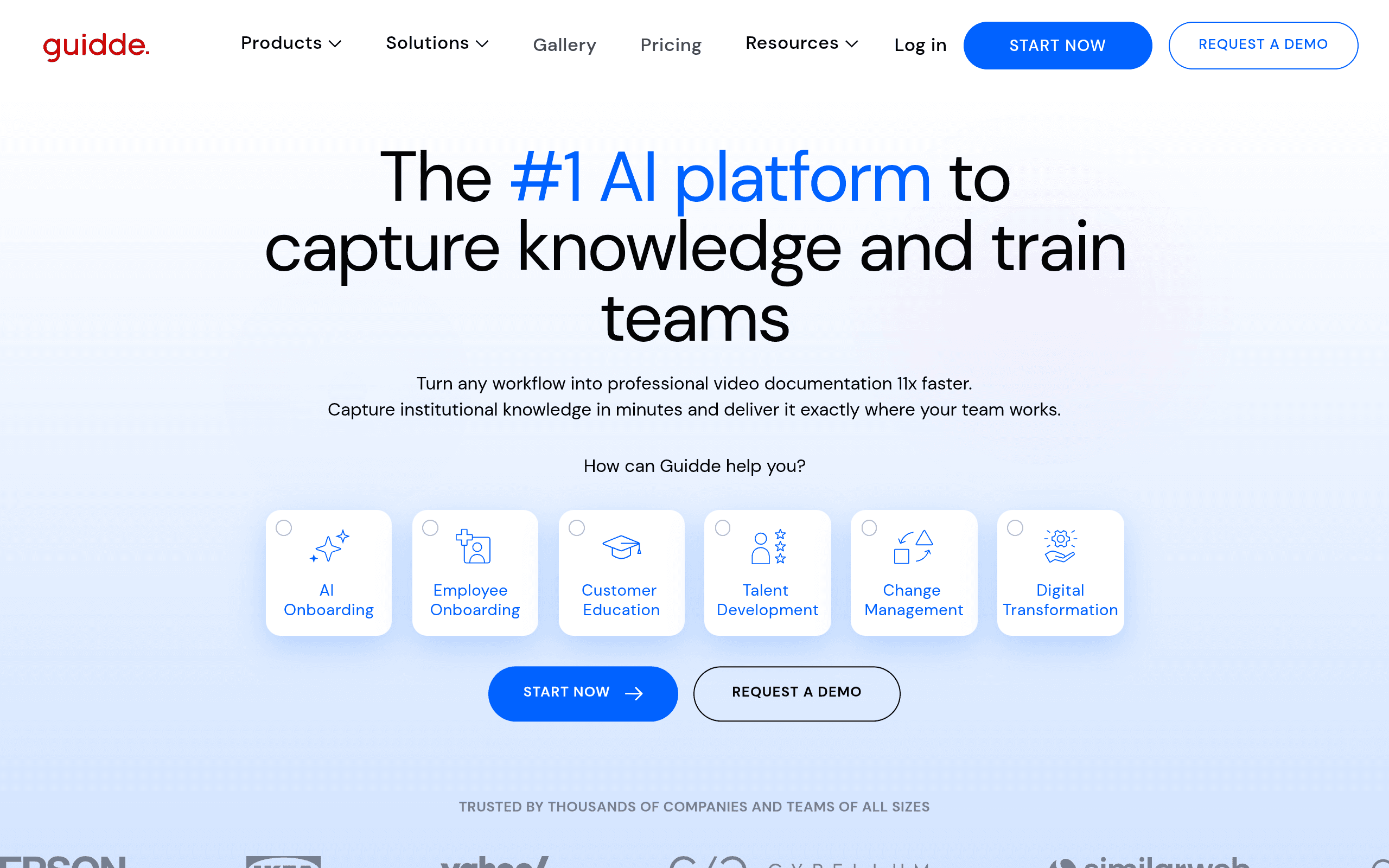
Guidde records your screen and generates a narrated video walkthrough -- with AI voiceover, captions, and step-by-step callouts -- from a single recording, while also producing a text version. It markets 11x faster creation and is strongest for customer-facing content.
GUIDDE AT A GLANCE
| Attribute | Detail |
|---|---|
| Free tier | Yes |
| Pro pricing | ~$16/user/month |
| Business pricing | ~$39--55 (unlimited AI voices) |
| AI voiceover | 25+ languages, 200+ voices (Business) |
| Output | Video + text from same capture |
| Integrations | Zendesk, Salesforce, Slack, Confluence |
Honest Limitation
Video is harder to keep current than text, so Guidde is less suited to internal workflows that change often. AI voiceover is gated to the Business tier. Per-creator pricing scales with team size.
Best For
Teams building libraries of video walkthroughs for customer onboarding or self-serve help centres, where showing the process beats writing it.
Whatfix -- Best for Enterprise Digital Adoption
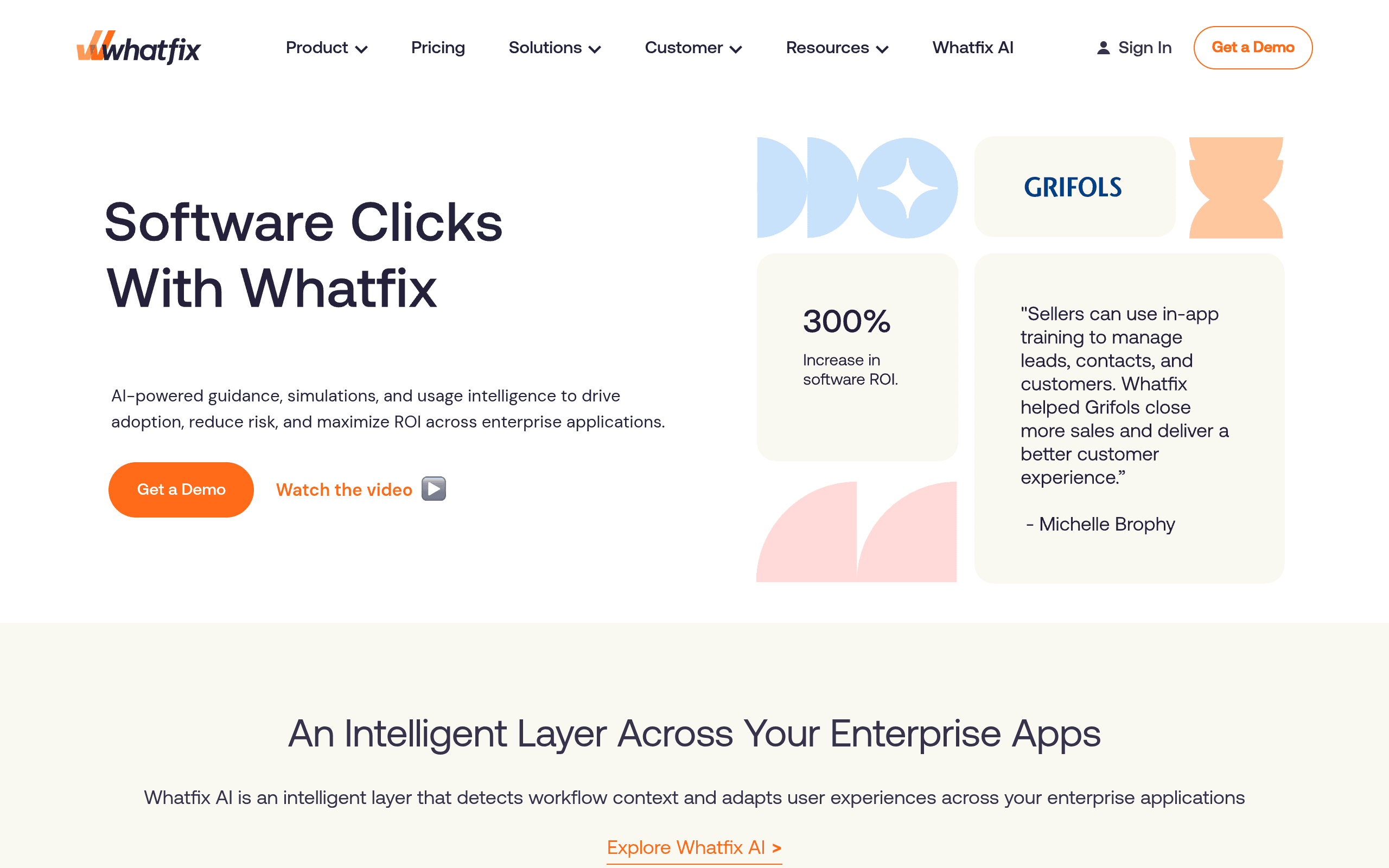
Whatfix is a Digital Adoption Platform (DAP) that overlays guidance directly inside enterprise software -- interactive walkthroughs, beacons, task lists, and pop-ups -- so users complete tasks without leaving the app. It's built for large enterprises rolling out complex platforms like Salesforce or SAP.
WHATFIX AT A GLANCE
| Attribute | Detail |
|---|---|
| Category | Digital Adoption Platform (DAP) |
| Pricing | Custom, ~$20,000--30,000+/year |
| Guidance type | In-app overlays inside live enterprise software |
| Key features | Role-specific Flows, Task Lists, beacons, pop-ups |
| Analytics | Adoption and task completion analytics |
| Target | Large-scale software rollouts (Salesforce, SAP, Workday) |
Honest Limitation
Enterprise-only pricing and long sales/implementation cycles make it wildly overkill for small or mid-sized teams. This is a digital-adoption investment, not a quick documentation tool.
Best For
Large enterprises rolling out major software platforms (Salesforce, SAP, Workday) across thousands of employees who need in-app guidance and adoption analytics.
Trainual -- Best for Training Programs
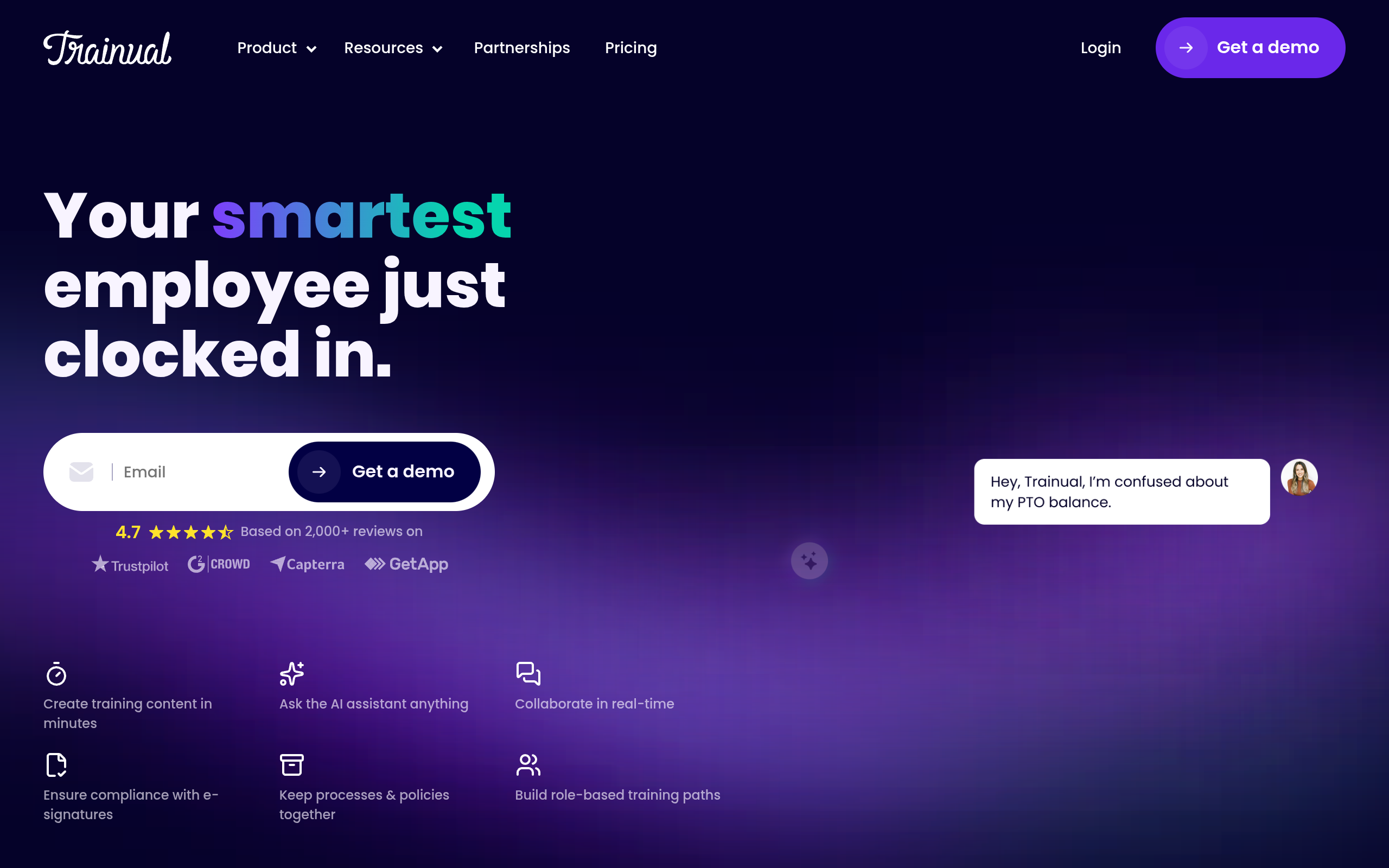
Trainual is less about auto-capturing workflows and more about organising company knowledge into structured, trackable training. It provides governance, version control, and completion tracking for SOPs and onboarding content.
TRAINUAL AT A GLANCE
| Attribute | Detail |
|---|---|
| G2 rating | 4.7/5 |
| Pricing | From ~$49--61/month + implementation fee |
| Knowledge structure | Centralised hub organised into trainable "Subjects" |
| Training features | Assignments, testing, completion tracking |
| AI & extras | AI content drafting, e-signatures, version control (higher tiers) |
| Notable clients | Stanford, RE/MAX, Design Pickle |
Honest Limitation
Does not auto-generate documentation from a recording -- you bring the content; Trainual structures and tracks it. Steep for very small teams.
Best For
HR and operations teams building formal onboarding and training programs with tracking and compliance, rather than ad-hoc process capture.
Loom -- Best for Async Video Communication
Loom is the fastest async screen-and-webcam recorder, widely used for quick process explanations. But it's important to be precise: Loom produces a video and a link, not a structured, searchable step-by-step guide. Acquired by Atlassian in 2023, it now has deep integration across the Atlassian ecosystem.
LOOM AT A GLANCE
| Attribute | Detail |
|---|---|
| Acquired by | Atlassian (2023) |
| Free Starter | 25 videos, 5-min limit |
| Business | $15/user/month |
| Business + AI | $20/user/month |
| Transcription | 50+ languages; AI summaries, chapters, filler-word removal |
| Platforms | Chrome, desktop, iOS, Android + Jira, Confluence, Slack |
Honest Limitation
No automatic step breakdown, per-step screenshots, or searchable structured guides -- it's video messaging, not process documentation. Teams often pair it with a documentation tool.
Best For
Teams wanting fast, casual async video to explain a process once -- not to build a searchable, structured SOP library.
Glitter AI -- Best for Human-Sounding Documentation
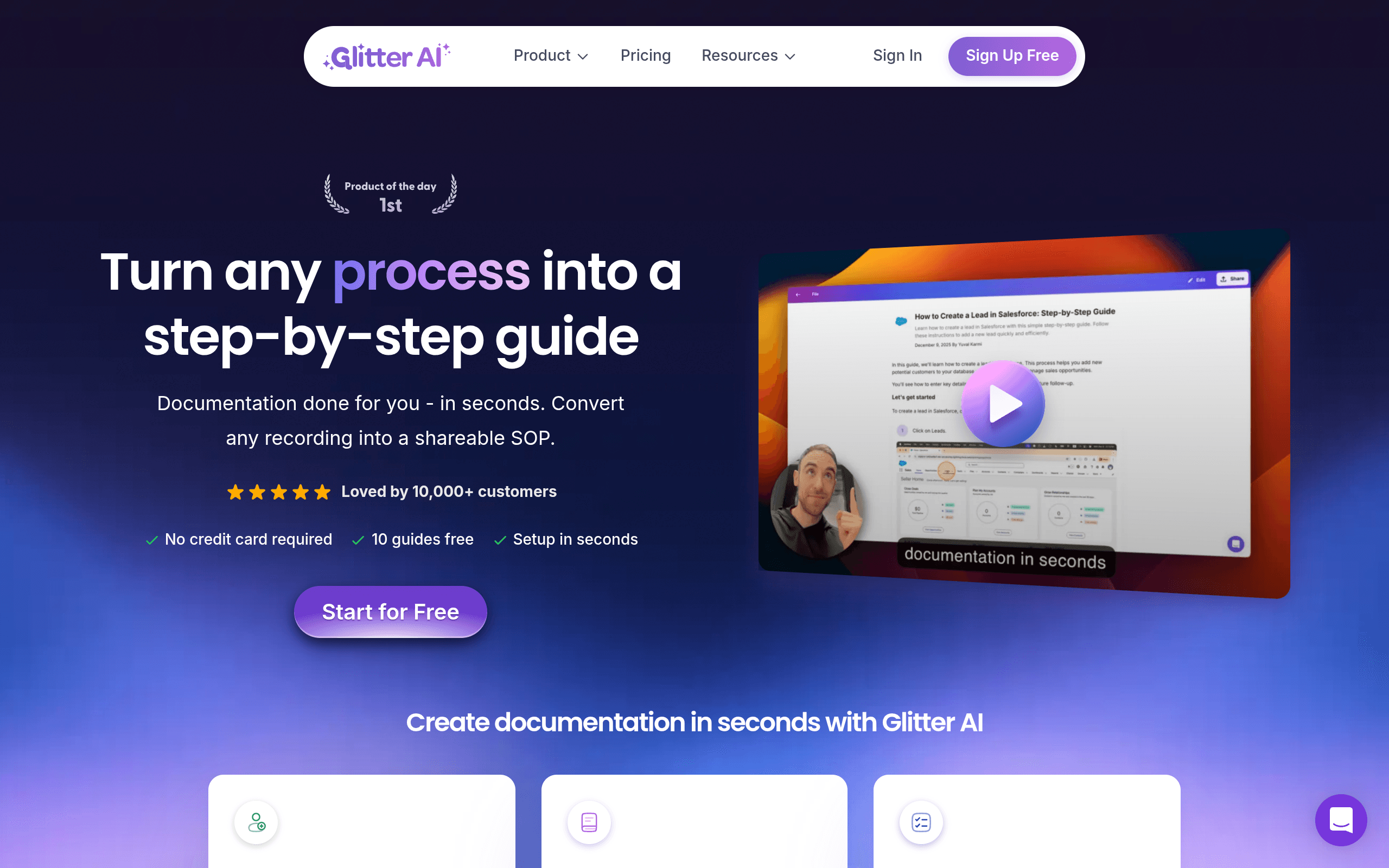
Glitter AI is a newer entrant focused on producing documentation that reads like a person wrote it. You record your screen while talking through the task, and Glitter captures screenshots automatically and turns your narration into clear, natural-sounding steps -- and can produce a video version of the same SOP.
GLITTER AI AT A GLANCE
| Attribute | Detail |
|---|---|
| Free tier | Yes |
| Team plan | ~$60/month annual for 5 creators |
| Viewer fees | None -- per-creator pricing only |
| Capture method | Voice-narrated screen recording |
| Output | Text guide + video from one recording |
| Cost savings | 50--70% less than per-seat tools |
Honest Limitation
Younger and less proven than Scribe or Tango, with a smaller integration ecosystem and user base. Best as a focused documentation tool rather than an enterprise platform.
Best For
Small and mid-sized teams that want documentation reading naturally (not robotic), with both text and video output, on cost-efficient per-creator pricing.
Frequently Asked Questions
What is the best process documentation software in 2026?
For most teams: Scribe -- it auto-captures clicks and keystrokes into step-by-step guides with screenshots in seconds, starts free, and is used by 5M+ people across 94% of the Fortune 500 with SOC 2 Type II compliance. For live in-app guidance: Tango. For AI video guides: Guidde. For enterprise software rollouts: Whatfix.
How does process documentation software work?
Modern tools automate capture. You click "record" and perform the task once; the software captures each click, keystroke, or screen action and automatically generates a structured guide -- step-by-step text with screenshots (Scribe, Tango), or a narrated video (Guidde, Glitter AI). This turns a 30-minute manual documentation job into a few seconds, and the guide can then be edited, branded, and shared.
Is Scribe better than Tango?
Both are excellent click-capture tools producing text-and-screenshot guides. Scribe leads on scale and adoption (5M+ users, 94% Fortune 500) and offers a strong free tier. Tango's differentiator is "Tango Guidance" -- live on-screen overlays that walk users through tasks inside the real app -- plus broader native integrations, at a higher ~$22/seat price. Choose Scribe for fast SOPs and free start; choose Tango if live in-app guidance matters.
What's the difference between process documentation and a digital adoption platform?
Process documentation tools (Scribe, Tango, Guidde) create standalone guides -- text or video -- that live in a help centre, wiki, or shared link. A Digital Adoption Platform (Whatfix) overlays guidance inside the live software application itself, so users get walkthroughs without leaving the app. DAPs are enterprise investments ($20--30K+/year) for large software rollouts; documentation tools are far cheaper and faster to deploy.
Can process documentation software handle physical or non-software processes?
The click-capture tools (Scribe, Tango) only document on-screen software processes, because they record clicks and keystrokes. For physical processes -- manufacturing, lab, field work -- you need a video-based tool that captures via camera or smartphone. Guidde and Glitter capture screen video, while dedicated video-SOP platforms handle physical tasks; pure click-capture tools cannot.
About Geeky Expert
Geeky Expert is a leading provider of research and insights, dedicated to helping businesses make informed decisions through comprehensive analysis.