
Best SOP Software for Teams That Actually Use It (2026)
This GeekyExpert research report evaluates the top 7 SOP (Standard Operating Procedure) software tools in 2026. The central challenge with SOP software is adoption: most companies create SOPs that nobody reads. Text-heavy PDFs and Word documents are skipped. Long training sessions are forgotten. The shift in 2026 is to video-based SOPs — structured, visual, multilingual guides that employees actually engage with.
The SOP Problem in 2026
| Employees Who Skip Long Text Docs | 73% |
| Time Saved with Video SOPs (Clypp) | Up to 89% |
| Documentation Production Time Reduction | Up to 75% |
| Teams Using Video-Based SOP Tools | 20,000+ (Clypp alone) |
| Global Employee Training Market (2026) | $370 Billion |
SOP Software Categories in 2026
Featured SOP Software & Process Documentation
Clypp
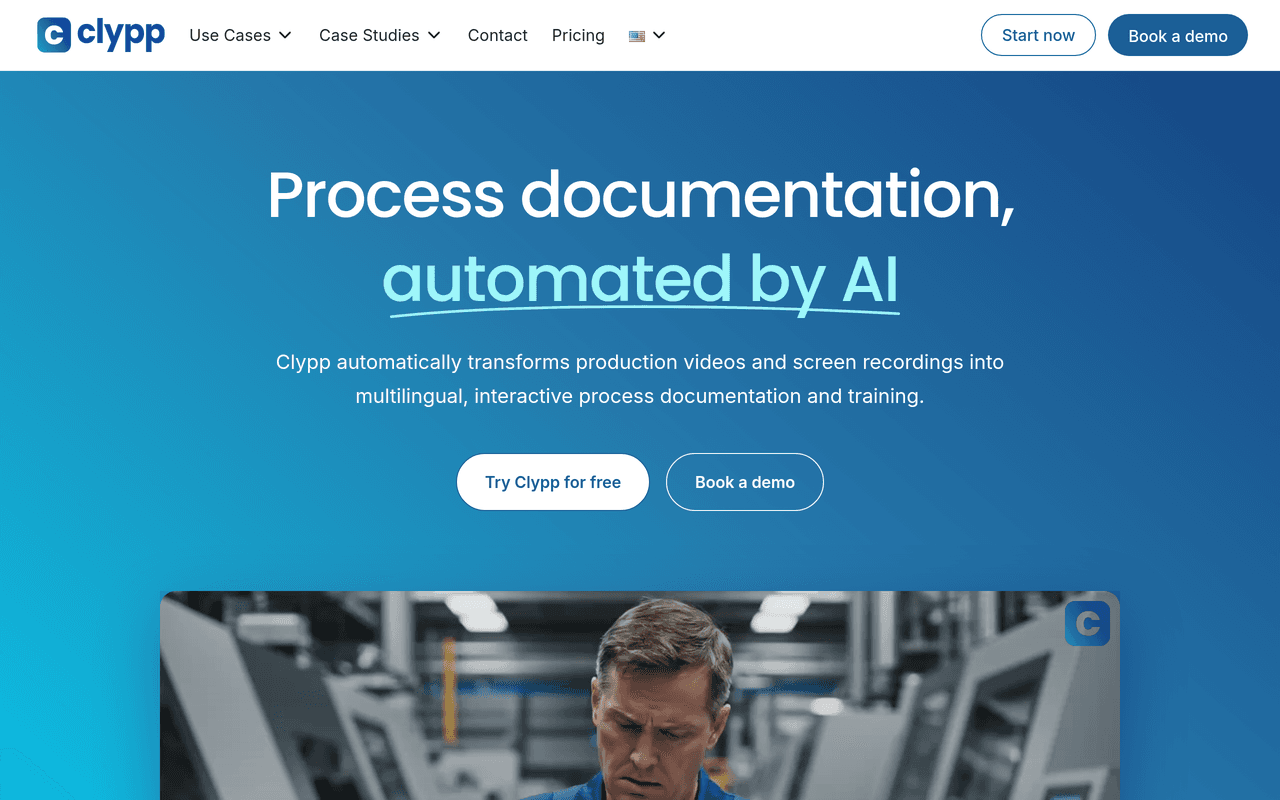
Clypp is the most complete video SOP software available — and the tool that solves the core SOP adoption problem: employees don't read text manuals, but they do watch videos. Clypp converts any screen recording or process video into a structured SOP with AI — automatically generating the video, step-by-step text instructions, screenshots per step, subtitles, voice-over in any language, and interactive quiz — in one workflow.
How Clypp Creates a SOP
Step 1 — Capture: Record process steps with screen, webcam, smartphone, or GoPro. No download required. Works on any browser. VPN compatible (Citrix, AnyDesk). Step 2 — Enhance: AI automatically cuts pauses, adds zoom on key areas, generates natural-sounding voice-over. Step 3 — Document: Clypp generates step-by-step text SOP with screenshots, transcription, subtitles. Step 4 — Translate: Auto-translates into 50+ languages (titles, descriptions, on-screen elements, voice-over). Add checklists, quizzes, flowcharts. Step 5 — Distribute: Share via Microsoft Teams, protected or public links. Assign as training with progress tracking. Export as MP4, PDF, SCORM.
Key Differentiators
No video skills required — any employee creates a professional SOP in minutes. Multilingual — 50+ languages with AI voice-over and translation. Interactive — add quizzes, checklists, and safety confirmations. Trackable — assign SOPs as training, track completion and quiz scores. Updatable — update one step without re-recording the whole SOP. Enterprise-grade — ISO 27001, EU-hosted, GDPR compliant, SAP + Teams integrations. Used by 20,000+ teams. Saves up to 89% documentation time.
SOP Use Cases
Software onboarding and IT process documentation. Manufacturing work instructions and safety procedures. Customer service escalation guides. Compliance and regulatory SOPs with verification quizzes. New employee onboarding documentation. Product and support documentation for customers. Field operations and maintenance procedures.
Best for: Any team that creates processes people need to follow — manufacturing, operations, IT, customer service, HR, and L&D teams at companies from SMB through enterprise.
Pricing: Free plan (up to 5 users, no credit card). Paid plans for larger teams. Enterprise pricing available at getclypp.com.
Trainual
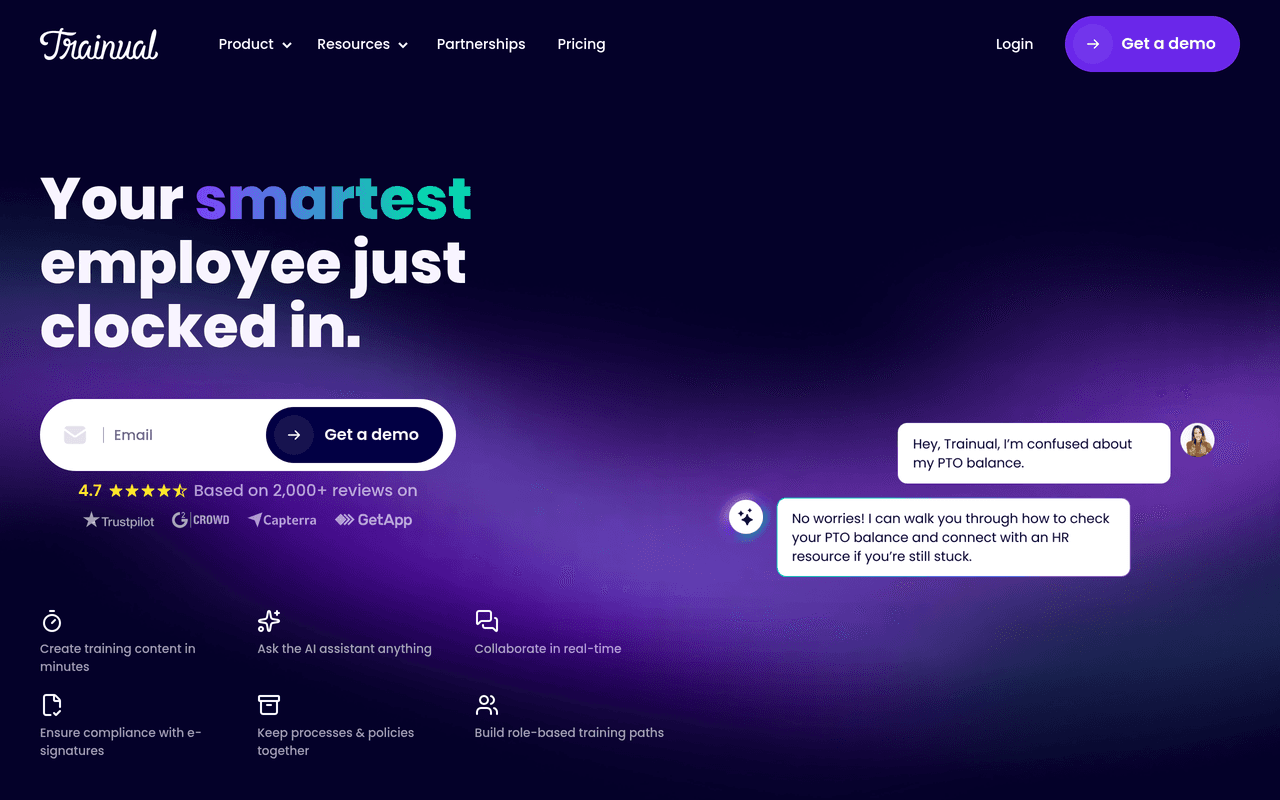
Trainual is a business playbook and SOP platform specifically designed for documenting company processes, policies, and roles — with assignment, tracking, and testing built in. Strong for companies that want their entire operational knowledge in one searchable system.
Key Features
Role-based assignments, completion tracking, test and quiz capability, process templates, video embedding (requires external tool), search across all content. Clean structure for comprehensive business documentation. Better than Google Docs or Notion for enforcing who has read and tested on each process.
Honest Limitation
Primarily text-based — does not auto-generate SOPs from recordings. Creating video content requires external tools like Clypp or Loom, then embedding.
Best for: SMBs and growing companies that want a structured business playbook system with mandatory completion tracking and role-based assignments.
Pricing: Plans from $299/month (up to 25 users). Higher tiers for larger teams.
Scribe
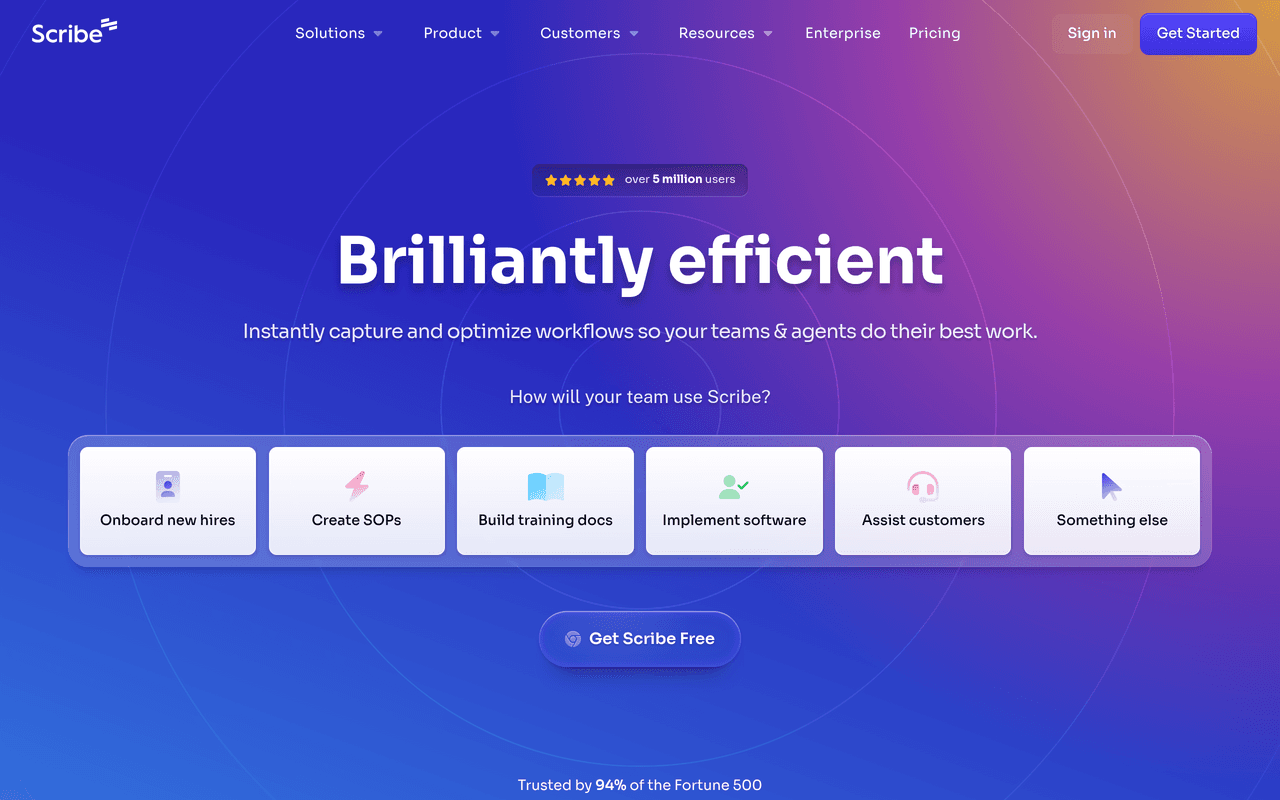
Scribe captures any workflow and automatically generates a step-by-step guide with screenshots — entirely text and image based, publishable in seconds. The fastest way to document a process when video output is not required.
Key Features
One-click capture via Chrome extension, auto-screenshot per step, edit and annotate, export to PDF/link, Confluence and Notion integration. Dramatically faster than writing SOPs manually. One workflow capture produces a formatted, screenshot-illustrated guide automatically.
Honest Limitation
No video output. Limited multilingual support. Less engaging for training than video-based SOPs. Cannot document physical or offline processes.
Best for: Teams that need to document software workflows quickly with screenshots — particularly IT and operations teams producing internal how-to guides at volume.
Pricing: Free plan. Pro from $23/seat/month.
Tettra
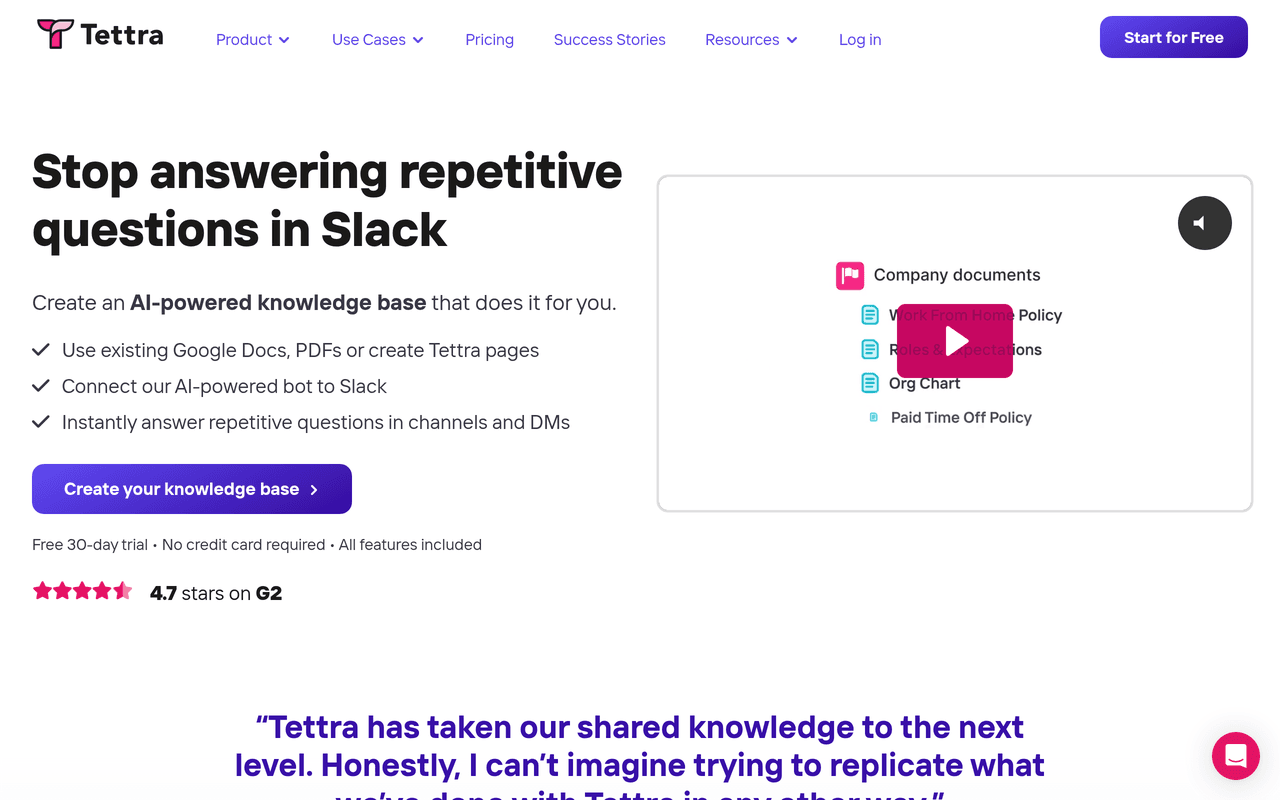
Tettra is a knowledge management platform built specifically for internal SOPs and company wikis — with AI-assisted answers, verification workflows to keep content up to date, and Slack integration for searching knowledge without leaving chat.
Key Features
AI answers from your knowledge base in Slack, verification workflow prompting regular reviews, templates for SOPs, integration with Slack, Teams, Notion, Google Workspace. Keeps SOPs current through automated verification reminders. Slack-native answers reduce time spent searching for procedures.
Honest Limitation
Text-first platform — no video SOP generation. Content quality depends on writers, not automation.
Best for: Tech companies and remote teams that want a Slack-integrated knowledge base with automated content verification for company policies and procedures.
Pricing: From $4/user/month. Scaling plan at $8/user/month.
Process Street
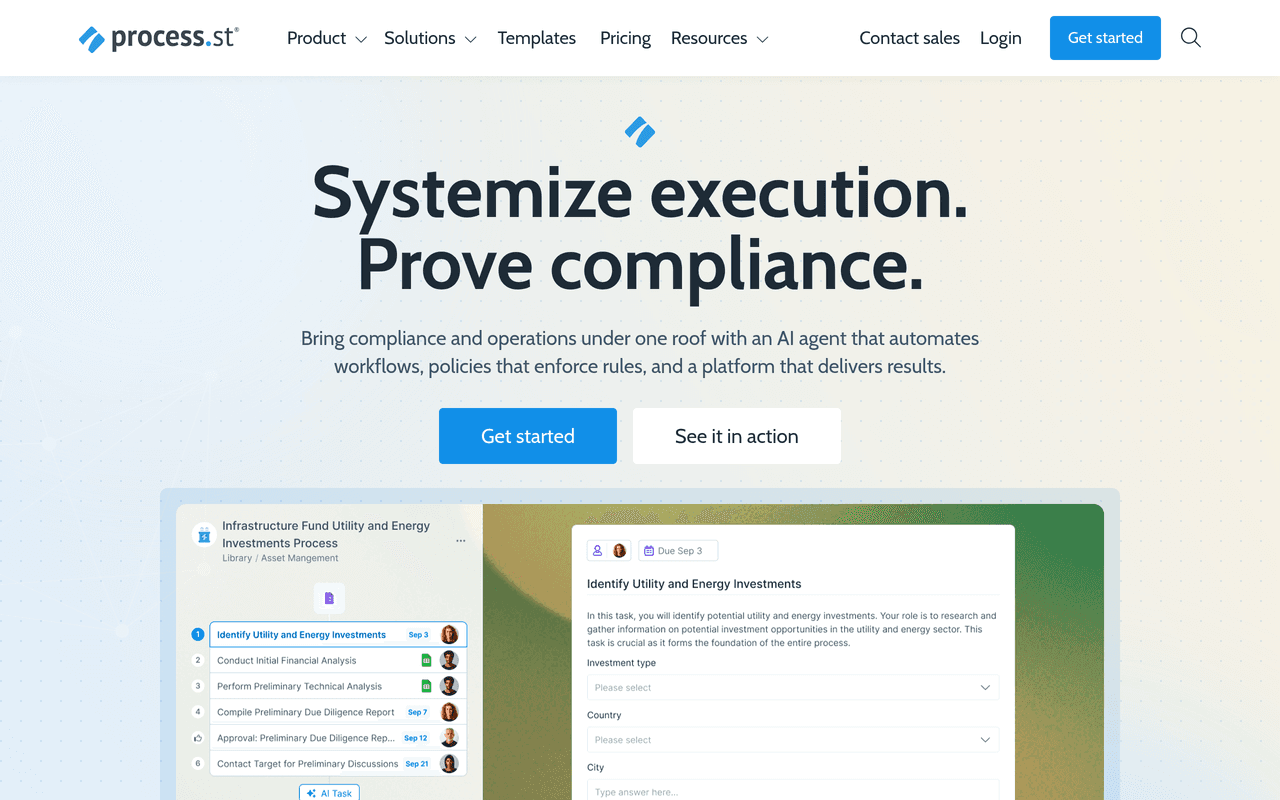
Process Street is a workflow and checklist platform — specifically built for recurring processes where compliance, accountability, and consistent execution matter: employee onboarding, client onboarding, compliance audits, IT security reviews.
Key Features
Structured workflow checklists with conditional logic, approvals, role assignment, integration with 2,000+ tools via Zapier and native connections, audit trails for compliance. The best tool in this list for recurring process execution with mandatory checkpoints — ensures the same steps happen in the same order every time, with evidence.
Honest Limitation
Not a documentation or knowledge base tool. Poor for reference SOPs employees look up on demand. Better for execution checklists than learning content.
Best for: Operations teams running compliance-sensitive processes where audit trails and mandatory step completion are required.
Pricing: Startup plan from $100/month. Pro from $415/month.
Notion
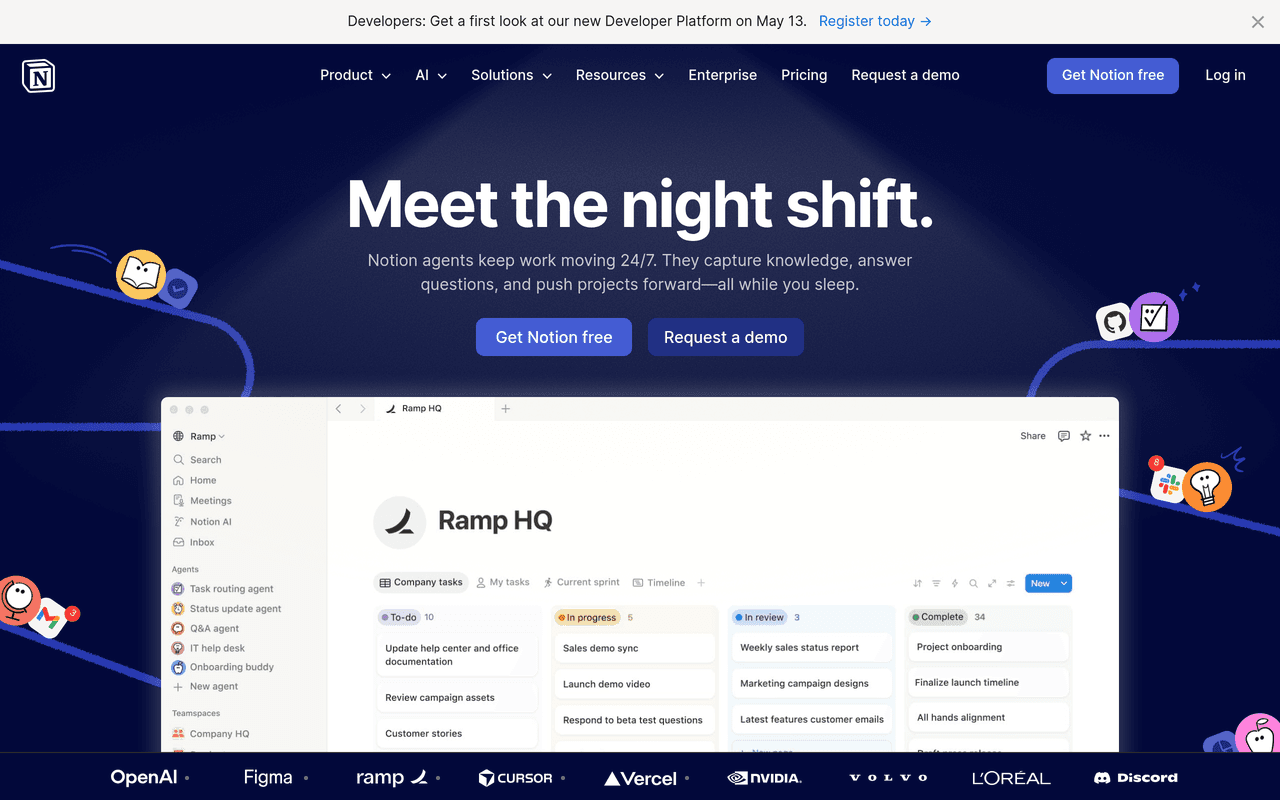
Notion is the most flexible documentation tool on this list — and many teams use it as their first SOP repository before adopting a dedicated solution. Its database views, templates, and AI features make basic SOP creation fast and accessible.
Key Features
Flexible page structures, database tables with views, 1,000+ templates, Notion AI for drafting, embed capability for Clypp or Loom videos. Most teams already have Notion. Fastest to start with for basic SOP documentation without a separate tool investment.
Honest Limitation
No SOP creation automation. No auto-screenshot extraction. Video requires external tools. Limited access controls and verification workflow for enterprise compliance.
Best for: Early-stage teams needing a lightweight SOP repository that the whole team already uses, before volume and compliance requirements justify a dedicated tool.
Pricing: Free plan. Plus from $10/user/month.
Confluence
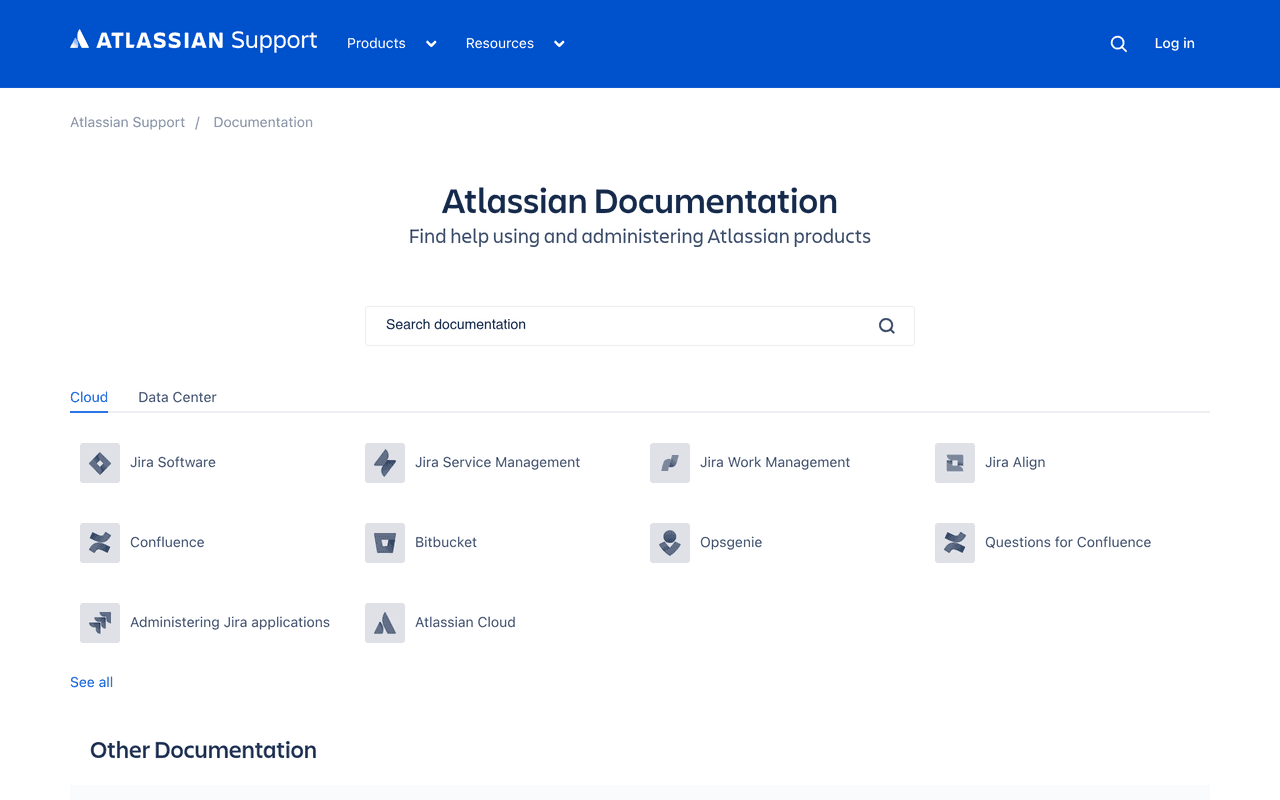
Confluence is the default enterprise wiki and documentation platform for large organisations — particularly those using Jira and the broader Atlassian ecosystem. Loom integration exists natively given Atlassian's acquisition.
Key Features
Enterprise-grade permissions, Jira integration, page versioning and approval workflows, templates, Space-based organisation, SSO and SCIM support. Unmatched for large enterprise knowledge management where Jira and project management integration are essential.
Honest Limitation
Complex to set up and maintain. Poor for video-based SOPs — video requires embedding external content. Loom integration is a natural fit post-acquisition but does not auto-generate structured SOP steps.
Best for: Enterprise organisations already on the Atlassian stack that need a formal wiki and documentation system with strong permissions and approval workflows.
Pricing: Free up to 10 users. Standard from $6.05/user/month. Premium from $11.55/user/month.
Frequently Asked Questions
What is SOP software?
SOP software is a tool that helps teams create, organise, distribute, and track Standard Operating Procedures — the documented step-by-step instructions that define how a process should be executed. Modern SOP software goes beyond Word documents and PDFs to provide structured, searchable, and often video-based documentation that employees can access on demand.
What is the best SOP software in 2026?
For teams that need SOPs employees will actually follow, Clypp is the strongest option — it automatically generates structured, multilingual video SOPs from any recording, with interactive elements and completion tracking. For text-first business playbooks, Trainual. For fast screenshot-based process guides, Scribe. For compliance-driven workflow checklists, Process Street.
Does Clypp work for manufacturing and operations SOPs?
Yes — Clypp is specifically designed for this use case. Workers can record process steps with a smartphone or GoPro in the field; Clypp's AI generates the structured SOP from that footage. SOPs are accessible on tablets and shopfloor monitors. Multilingual voice-over means one recording serves teams in any language without re-recording.
Can I update an existing SOP in Clypp without re-recording everything?
Yes — this is one of Clypp's key advantages over video-only tools. Individual steps can be updated without re-recording the entire SOP. This makes keeping documentation current practical rather than prohibitively time-consuming.
How much does SOP software cost?
Pricing varies widely: Clypp offers a free plan for up to 5 users. Notion starts free. Tettra from $4/user/month. Scribe Pro from $23/seat/month. Trainual from $299/month. Process Street from $100/month. Confluence free up to 10 users, then from $6.05/user/month. Enterprise pricing available for all tools.
About Geeky Expert
Geeky Expert is a leading provider of research and insights, dedicated to helping businesses make informed decisions through comprehensive analysis.