Knowledge Management7 items
Best Process Documentation Software (2026)
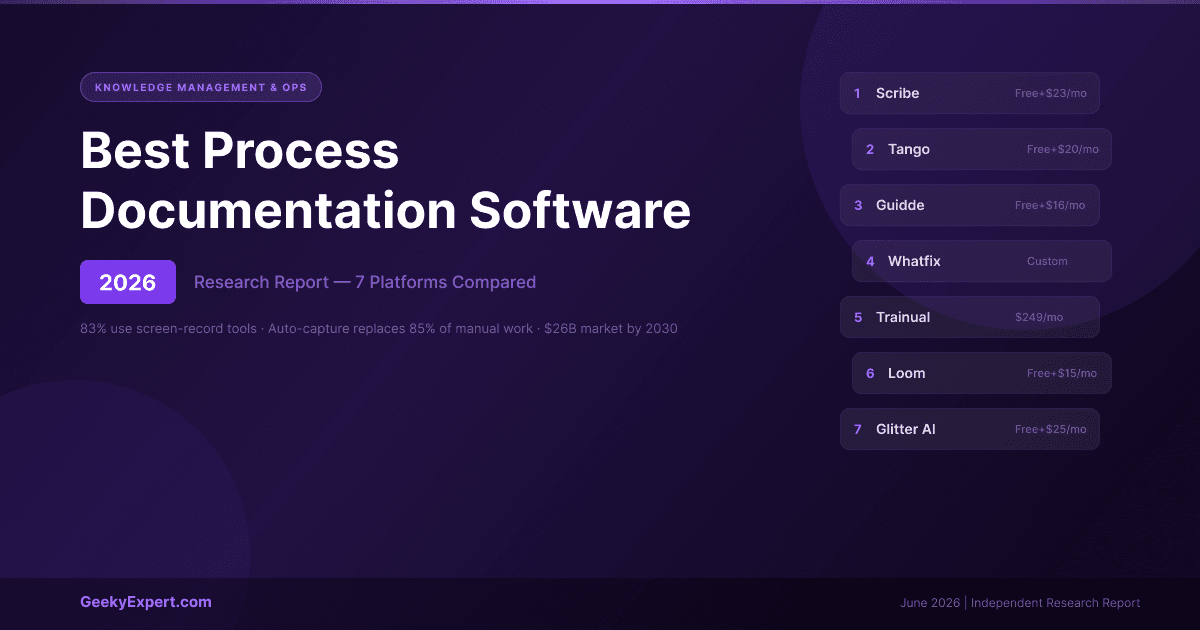
What Is Process Documentation Software? Process documentation software automates the capture and creation of step-by-step guides, SOPs, and training materials -- replacing the manual process of screenshotting, pasting, annotating, and writing instructions that still dominates most organisations. The category solves a universal problem: critical processes live in employees' heads or in stale PDFs nobody reads, and recreating that knowledge by hand is slow and error-prone. Modern process documentation software records your clicks and keystrokes (or screen video) and generates structured, shareable guides in seconds. For related research on knowledge management and AI-powered business tools, see our report on the best AI agents for business automation . For marketing technology recommendations, see our best AI tools for B2B marketing report. ⚡ Quick Answer What is the best process documentation software in 2026? The best process documentation software in 2026 is Scribe -- it auto-captures your clicks and keystrokes into step-by-step guides with screenshots in seconds, starting free and from ~$12--15/seat/month for teams. Tango is the closest alternative with live in-app guidance, Guidde is best for AI video guides, and Whatfix is the enterprise digital-adoption option. 🏆 Top Pick Overall Scribe Auto-capture to step-by-step guides in seconds. 5M+ users, 94% of Fortune 500, SOC 2 Type II. Best for your situation ▸ Fast SOPs from software: Scribe -- capture to guide in seconds ▸ Live in-app guidance: Tango -- on-screen overlay walkthroughs ▸ AI video guides: Guidde -- narrated video, 25+ languages ▸ Enterprise adoption: Whatfix -- full DAP, in-app at scale VERIFIED PRICING & SCALE DATA (2026) Tool Entry Price Output Type Scale / Note Scribe Free; Pro Team ~$12--15/seat Text + screenshots 5M+ users, 78K+ orgs, 94% Fortune 500 Tango Free; Pro ~$22/user/month Text + screenshots + live overlay Mid-market ops & enablement Guidde Free; Pro ~$16/user AI video + text 25+ languages, 11x faster Whatfix Custom, ~$20--30K+/year In-app overlays (DAP) Enterprise (Salesforce, SAP) Trainual ~$49--61+/month Training docs + tracking Onboarding/training programs Loom Free; Business $15/user Async video Video messaging, not SOPs Glitter AI Free; Team ~$60/month (5 creators) Text + AI video Human-sounding steps FOUR TYPES OF PROCESS DOCUMENTATION TOOL (2026) Type Tools Strengths Best For Static Step Guides Scribe, Tango, Glitter AI Fast, searchable, easy to edit SOPs, help articles, software how-tos AI Video Guides Guidde, Glitter AI Show the process; great for customer education Customer onboarding, self-serve help Digital Adoption Platform Whatfix Guidance pops up inside the live software Enterprise rollouts (Salesforce, SAP) Training Platform Trainual Structures docs into trackable training paths Onboarding programs, compliance How Auto-Capture Works in 2026 The old way of creating process documentation -- screenshot, paste, annotate, write step, repeat -- takes 30+ minutes per guide and the result is instantly out of date. Modern auto-capture tools eliminate this entirely. You click "record," perform the task once, and the software generates a complete guide automatically. Scribe and Tango capture clicks and produce text-and-screenshot guides. Guidde and Glitter capture screen video and produce AI-narrated walkthroughs. Whatfix overlays guidance directly inside the live application. The capture method determines the output format -- match it to how your team consumes documentation.