
Best Project Management Software for Remote Teams (2026)
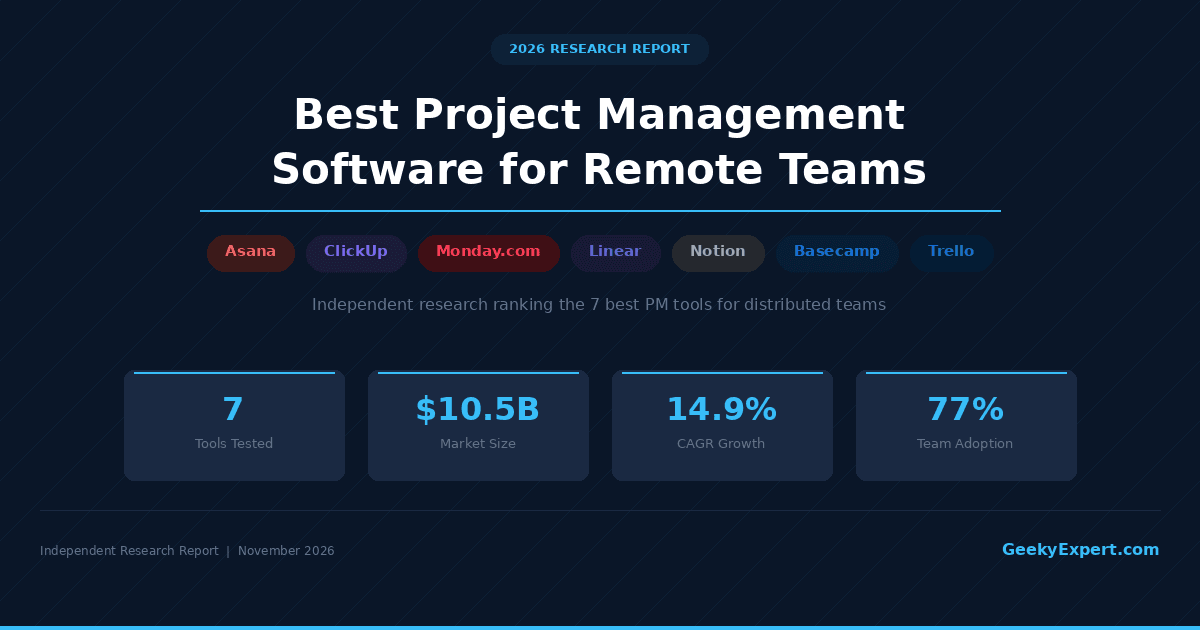
What is the best project management software for remote teams in 2026?
The best project management software for remote teams in 2026 combines async-first collaboration, real-time visibility across time zones, and AI-powered automation to keep distributed teams aligned. For the most complete remote-first project management platform, ClickUp leads with its all-in-one workspace starting at $7/user/month that consolidates tasks, docs, whiteboards, goals, and time tracking into a single tool. Asana is the top choice for enterprise remote teams, Monday.com excels at visual workflow management, and Linear is the go-to for remote engineering teams.
Best for your situation
- ▸Enterprise remote teams: Asana -- $10.99-24.99/user/mo, Portfolios, Goals, Workload, AI Studio
- ▸Visual workflows: Monday.com -- $9-19/seat/mo, color-coded boards, automations, dashboards
- ▸Engineering teams: Linear -- $10-16/user/mo, keyboard-first, cycles, triage, Git-native
- ▸Docs-first teams: Notion -- $10-20/user/mo, wikis + databases + projects in one workspace
- ▸Simple collaboration: Basecamp -- $15/user/mo or $299/mo flat, opinionated, no complexity
- ▸Small teams / freelancers: Trello -- Free-$10/user/mo, Kanban boards, Power-Ups, simple
VERIFIED PRICING DATA (2026)
| Platform | Starting Price | Free Tier | Best For |
|---|---|---|---|
| ClickUp | $7/user/mo (Unlimited) | Yes -- unlimited users | Best overall for remote teams |
| Asana | $10.99/user/mo (Starter) | Yes -- up to 10 users | Enterprise remote teams |
| Monday.com | $9/seat/mo (Basic) | Yes -- up to 2 seats | Visual workflow management |
| Linear | $10/user/mo (Standard) | Yes -- 250 issues | Remote engineering teams |
| Notion | $10/user/mo (Plus) | Yes -- individual use | Documentation-first teams |
| Basecamp | $15/user/mo or $299/mo flat | No | Simple remote collaboration |
| Trello | $5/user/mo (Standard) | Yes -- 10 boards | Small teams and freelancers |
PROJECT MANAGEMENT SOFTWARE MARKET (2026)
Project Management Software Market: 2026 Market Size $10.51 billion 2031 Projected Size $23.0 billion CAGR (2024--2031) 14.9% North America Share ~36% Key Growth Drivers: • Remote and hybrid work adoption now permanent for 58% of knowledge workers • AI-powered task automation reducing manual project admin by 30-40% • Cross-timezone async collaboration replacing meeting-heavy cultures • Consolidation trend: teams replacing 3-5 point tools with all-in-one platforms • Enterprise demand for real-time portfolio visibility across distributed teams Remote Work PM Adoption (2026): Teams using PM software daily 77% of high-performing teams Remote teams with 3+ PM tools 42% (driving consolidation) AI features in PM tools 68% of major platforms Async-first collaboration adoption 61% of remote-first companies Source: GeekyExpert Research Company, Mordor Intelligence, McKinsey, 2025--2026
WHAT TO OPTIMIZE FOR (2026)
ALL-IN-ONE workspace for distributed teams → ClickUp ($7/user/mo Unlimited, $12 Business) → Best for remote teams wanting tasks, docs, goals, time tracking in one tool ENTERPRISE portfolio management across global teams → Asana ($10.99-24.99/user/mo, Enterprise custom) → Best for 100+ person remote orgs needing Portfolios, Goals, Workload VISUAL workflow management with automations → Monday.com ($9-19/seat/mo, 3-seat minimum) → Best for ops, marketing, and cross-functional remote teams ENGINEERING-FIRST issue tracking for dev teams → Linear ($10-16/user/mo, keyboard-driven) → Best for remote engineering teams wanting speed and Git integration DOCS + PROJECTS unified workspace → Notion ($10-20/user/mo, flexible databases) → Best for remote teams that live in documentation and wikis SIMPLE, OPINIONATED collaboration without complexity → Basecamp ($15/user/mo or $299/mo flat unlimited) → Best for remote teams that want fewer features, not more KANBAN-FIRST boards for small remote teams → Trello (Free-$10/user/mo, Power-Ups ecosystem) → Best for freelancers and small teams wanting visual simplicity
The Project Management Software Market for Remote Teams in 2026
This GeekyExpert research report evaluates the top 7 project management tools for remote and distributed teams in 2026. The project management software market reached approximately $10.51 billion in 2026 and is projected to grow to $23 billion by 2031 at a 14.9% CAGR, driven by the permanent shift to remote and hybrid work (58% of knowledge workers), AI-powered task automation reducing project admin overhead by 30-40%, and a consolidation trend where distributed teams replace fragmented tool stacks with all-in-one platforms. The critical shift in 2026 is from meeting-centric coordination to async-first collaboration -- remote teams now demand PM tools that provide real-time visibility across time zones without requiring everyone to be online simultaneously.
Featured Productivity & Collaboration
ClickUp -- Best Overall for Remote Teams
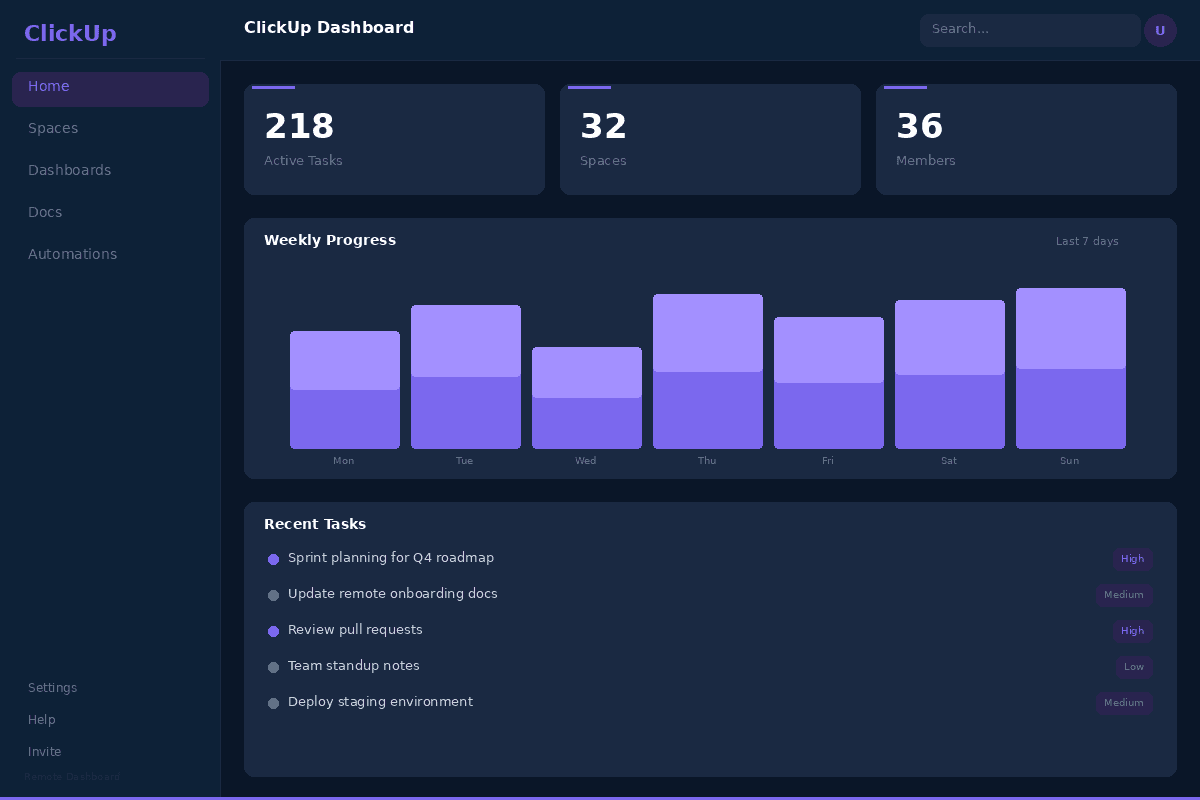
ClickUp is the best overall project management software for remote teams in 2026. With an Unlimited plan at $7 per user per month (annual billing) and a genuinely useful free tier with unlimited users, ClickUp provides the most comprehensive all-in-one workspace in the market -- tasks, documents, whiteboards, goals, time tracking, and the ClickUp Brain AI assistant all live in a single platform. For distributed teams tired of switching between Asana for tasks, Google Docs for documentation, Miro for whiteboards, and Harvest for time tracking, ClickUp consolidates everything into one tool. The Business plan at $12 per user per month adds advanced automations, timelines, and workload management that enterprise remote teams need. With 15+ project views including List, Board, Gantt, Calendar, Timeline, and Workload, every team member can work in their preferred style regardless of time zone.
CLICKUP CAPABILITIES OVERVIEW
| Capability | Rating |
|---|---|
| Async collaboration and cross-timezone visibility | Excellent -- built-in docs, comments, recordings |
| AI features (ClickUp Brain) | Strong -- summaries, action items, status updates |
| Project views | Industry-leading -- 15+ views including Gantt, Board, Calendar |
| Time tracking | Native -- built-in with reporting, no add-on needed |
| Pricing (annual) | Free, Unlimited $7, Business $12, Enterprise custom/user/mo |
| Best fit | Remote teams wanting all-in-one workspace at best value |
Key Features That Stand Out
- ClickUp Brain AI assistant that generates task summaries, standup reports, action items from comments, and project status updates -- reducing the need for sync meetings across time zones
- 15+ project views (List, Board, Gantt, Calendar, Timeline, Table, Workload, Mind Map, Activity, and more) so every remote team member works in their preferred format
- Built-in Docs with real-time collaboration, nested pages, and task embedding for centralizing project documentation alongside task management
- Whiteboards for visual brainstorming and async design collaboration with direct task creation from whiteboard elements
- Native time tracking with reporting and billable hours, eliminating the need for a separate time tracking tool for distributed teams
- Goals and OKR tracking with automated progress roll-up from tasks, sprint points, or custom metrics
- Automations engine with 100+ templates for task assignment, status changes, notifications, and cross-project dependencies
- Clip screen recording for async video communication when text-based updates are insufficient
Why ClickUp Ranks #1
ClickUp wins the top position because no other tool matches its combination of feature breadth and pricing for remote teams. At $7 per user per month on the Unlimited plan, a 25-person distributed team pays $175 per month for tasks, docs, whiteboards, goals, time tracking, and AI -- replacing what would otherwise require Asana ($275/month) plus Notion ($250/month) plus Harvest ($250/month) plus Miro ($200/month). The all-in-one approach eliminates context switching, which McKinsey research shows costs remote workers 20-25% of productive time. ClickUp Brain's AI summaries and auto-generated status updates are particularly valuable for distributed teams, replacing the daily standup meetings that do not work well across time zones.
Honest Limitation
ClickUp's feature density creates a steep learning curve. New users often report feeling overwhelmed by the sheer number of options, views, and settings. Performance can lag on complex workspaces with thousands of tasks -- load times are noticeably slower than Linear or Asana. The mobile app, while functional, does not match the desktop experience. Some features (Whiteboards, Docs) are good but not best-in-class -- dedicated tools like Notion (docs) and Miro (whiteboards) offer deeper functionality. The free plan's 100MB storage limit is restrictive for remote teams sharing files. Customer support response times have been criticized in user reviews. The UI, while improving, can feel cluttered compared to Asana's clean design.
Best For
Remote teams of 5-200 members that want to consolidate multiple tools into a single platform at an aggressive price point. Particularly strong for cross-functional distributed teams (product, engineering, marketing, design) that need task management, documentation, and visual collaboration in one workspace. For enterprise-grade portfolio management, see Asana (#2). For engineering-specific workflows, see Linear (#4).
Asana -- Best for Enterprise Remote Teams
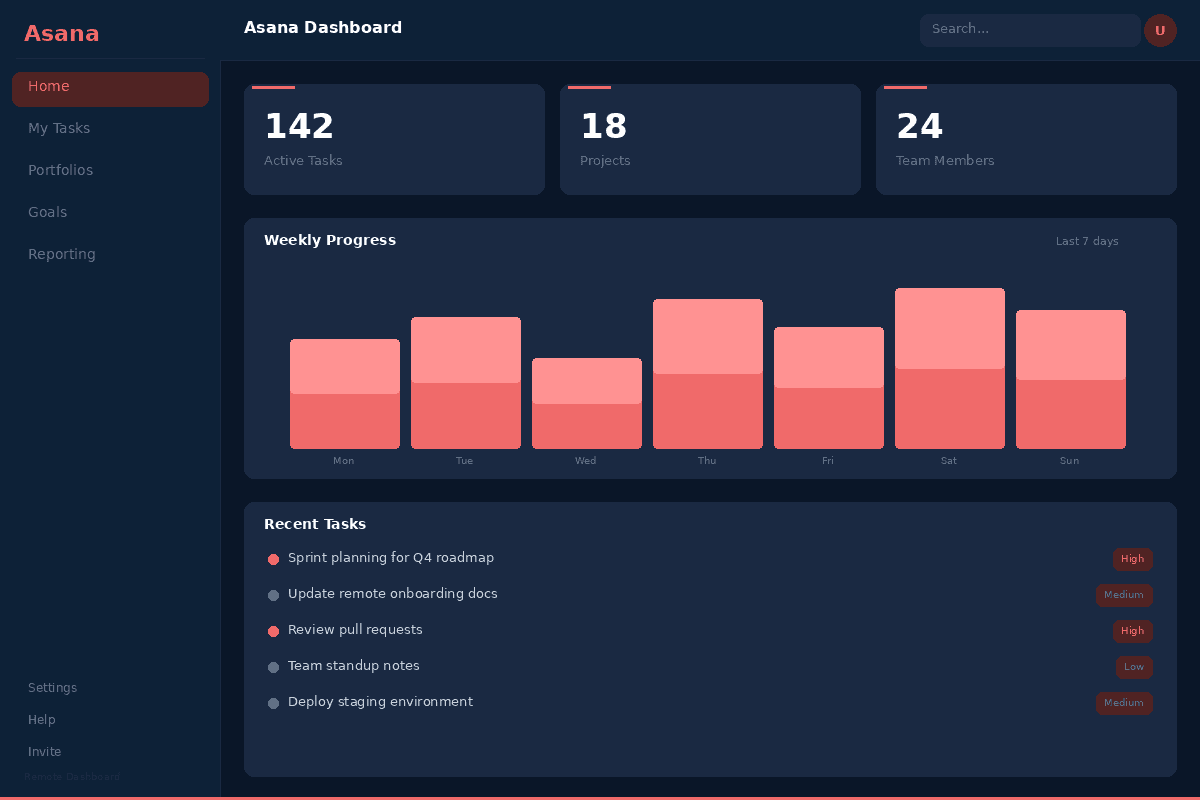
Asana is the best project management platform for enterprise remote teams in 2026. With Starter at $10.99 per user per month, Advanced at $24.99 per user per month, and custom Enterprise pricing, Asana provides the most polished and mature project management experience for large distributed organizations. Its Portfolios feature gives leadership real-time visibility across dozens or hundreds of projects without requiring status update meetings. Goals cascade from company-level OKRs down to individual tasks, creating alignment across remote teams in different time zones and geographies. The Workload view prevents burnout by visualizing capacity across distributed team members. Asana AI Studio, launched in 2025, brings custom AI workflows that automate routine project management tasks like status categorization, task assignment, and progress summaries.
ASANA CAPABILITIES OVERVIEW
| Capability | Rating |
|---|---|
| Enterprise portfolio management | Industry-leading -- Portfolios, Goals, Workload |
| AI features (Asana AI Studio) | Strong -- custom AI workflows, smart status, auto-assign |
| UI/UX quality | Best-in-class -- clean, intuitive, low learning curve |
| Cross-timezone visibility | Excellent -- Status Updates, Dashboards, Reporting |
| Pricing (annual) | Free (10 users), Starter $10.99, Advanced $24.99, Enterprise custom |
| Best fit | Enterprise remote teams (100+ members) needing portfolio visibility |
Key Features That Stand Out
- Portfolios for tracking dozens of projects in a single view with real-time status, progress, and health indicators -- essential for remote leadership visibility
- Goals with cascading OKRs that connect company objectives to team goals to individual tasks, creating alignment across distributed teams
- Workload view that visualizes team capacity and prevents burnout by showing who is over- or under-allocated across time zones
- Asana AI Studio for building custom AI workflows that automate task categorization, assignment, status updates, and risk detection
- Timeline (Gantt) view with dependency management for planning complex projects with cross-team handoffs
- Rules engine with 100+ automation templates for auto-assigning tasks, moving work between projects, and triggering notifications
- Status Updates that generate project summaries for stakeholders, replacing weekly status meetings for distributed teams
- Forms for standardized request intake from internal teams and external stakeholders
Why Asana Ranks #2
Asana earns this position because it provides the most mature and polished project management experience for enterprise-scale remote teams. Where ClickUp wins on feature breadth and value, Asana wins on execution quality and scalability. A 200-person remote organization with 50+ active projects needs Portfolios for executive visibility, Goals for strategic alignment, and Workload for capacity management -- features that Asana has refined over years while competitors are still catching up. The UI is the cleanest in the category, which matters for onboarding remote employees who cannot attend in-person training sessions. Asana AI Studio is the most sophisticated AI implementation for project management, allowing teams to build custom AI workflows rather than using generic AI features.
Honest Limitation
Asana lacks built-in documentation, whiteboards, and time tracking -- three capabilities that remote teams frequently need. You will still need Notion or Confluence for docs, Miro or FigJam for visual collaboration, and Harvest or Toggl for time tracking. The Starter plan at $10.99 per user per month is 57% more expensive than ClickUp Unlimited at $7 per user per month with fewer features. The free tier is capped at 10 users, which limits evaluation for growing teams. Advanced features like Portfolios and Goals require the $24.99 Advanced plan, which is expensive for mid-size teams. Asana's task model is flat (tasks and subtasks only) -- teams that need deeply nested work hierarchies may find it limiting.
Best For
Enterprise remote teams with 100+ members across multiple time zones that need portfolio-level project visibility, strategic goal alignment, and capacity management. Particularly strong for marketing, product, and operations teams at scale. For more affordable all-in-one workspace, see ClickUp (#1). For engineering teams, see Linear (#4).
Monday.com -- Best for Visual Workflow Management
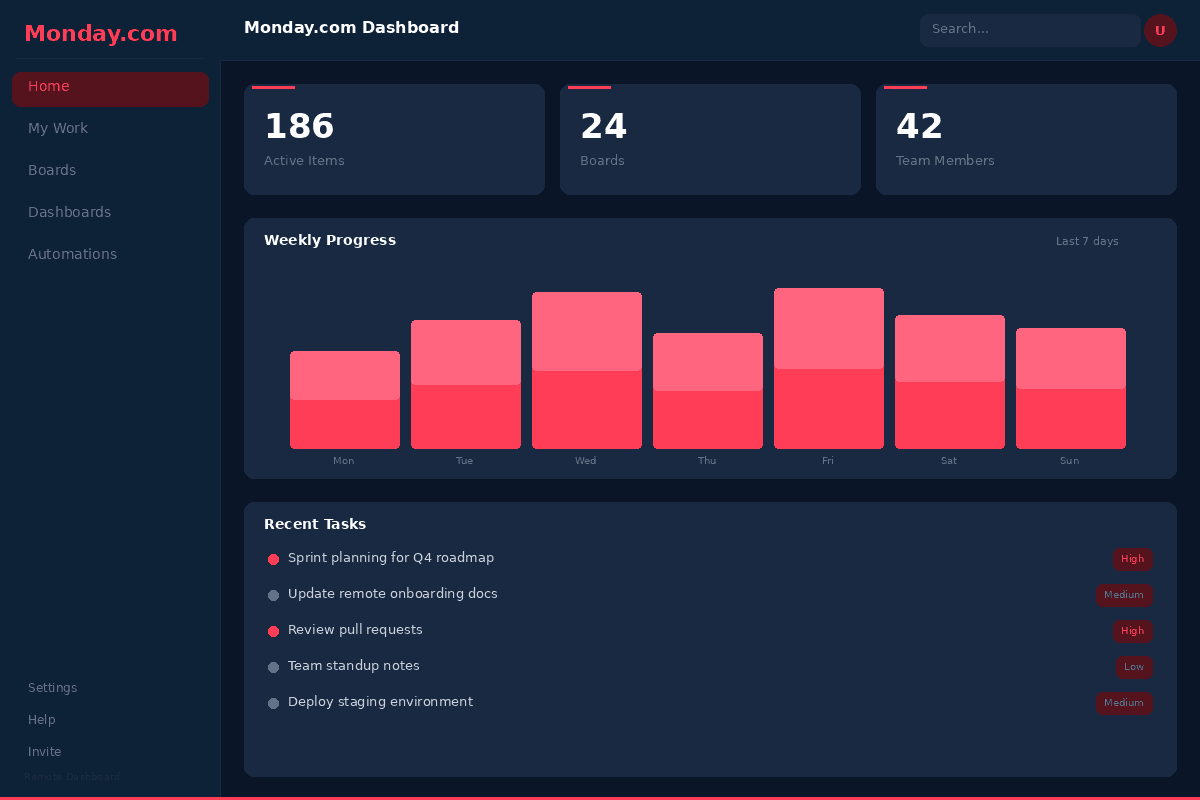
Monday.com is the best project management platform for remote teams that need visual, color-coded workflow management in 2026. With pricing from Basic at $9 per seat per month through Standard at $12, Pro at $19, and custom Enterprise, Monday.com excels at making complex workflows visually intuitive for non-technical distributed teams. The platform's signature color-coded boards, automations engine (with 250,000+ automation actions per month on Pro), and dashboard builder make it particularly strong for operations, marketing, HR, and cross-functional remote teams that need clear visual status at a glance. Monday.com went public in 2021 (NASDAQ: MNDY) and has grown to over 225,000 customers, with the Monday Work OS expanding into CRM, dev, and service products alongside the core work management platform.
MONDAY.COM CAPABILITIES OVERVIEW
| Capability | Rating |
|---|---|
| Visual workflow management | Industry-leading -- color-coded boards, status columns |
| Automations | Excellent -- 250K+ actions/mo on Pro, no-code builder |
| Dashboard builder | Strong -- 30+ widgets, cross-board aggregation |
| Integration ecosystem | 200+ native integrations including Slack, Teams, Zoom |
| Pricing (annual) | Free (2 seats), Basic $9, Standard $12, Pro $19, Enterprise custom |
| Best fit | Ops, marketing, and cross-functional remote teams |
Key Features That Stand Out
- Color-coded boards with customizable status columns that provide instant visual status of work items across distributed teams
- Automations engine with no-code builder and 250,000+ automation actions per month on Pro for hands-off workflow management
- Dashboard builder with 30+ widget types for creating executive-level views aggregating data across multiple boards and projects
- Monday AI assistant for generating task descriptions, summarizing updates, composing emails, and building automation formulas
- Workload view for balancing team capacity across remote team members and preventing over-allocation
- Time tracking column with reporting for monitoring how distributed teams spend their time
- Docs with embedded boards for combining documentation and task management
- 200+ native integrations with Slack, Microsoft Teams, Zoom, Google Workspace, Jira, GitHub, and more
Why Monday.com Ranks #3
Monday.com earns this position because its visual-first approach to project management is uniquely suited for non-technical remote teams. While ClickUp and Asana require some learning to maximize their potential, Monday.com's color-coded boards are immediately intuitive -- a remote marketing manager can glance at a board and instantly see which campaigns are on track (green), at risk (yellow), or blocked (red). The automations engine is the most accessible in the category, letting non-technical users build complex workflow automations without writing code. For remote operations, HR, and marketing teams, this visual clarity reduces the communication overhead that plagues distributed work.
Honest Limitation
Monday.com enforces a 3-seat minimum on paid plans, which makes it expensive for very small remote teams ($27 per month minimum for Basic). The free plan is limited to 2 seats, making it impractical for evaluation by most teams. Pricing per seat adds up quickly for larger teams -- 50 seats on Pro costs $950 per month. The Work OS expansion into CRM, dev, and service products has added complexity without reaching the depth of dedicated tools. The platform is weaker for software development teams compared to Linear or Jira. Storage limits on lower tiers (5GB on Basic) constrain file-heavy remote teams. Monday.com's Gantt chart and timeline views are less polished than Asana's. Guest access pricing can be confusing.
Best For
Remote operations, marketing, HR, and cross-functional teams of 10-500 members that value visual workflow management and no-code automations over raw feature count. Particularly strong for teams where many members are non-technical and need intuitive tools. For all-in-one value, see ClickUp (#1). For enterprise project management, see Asana (#2).
Linear -- Best for Remote Engineering Teams
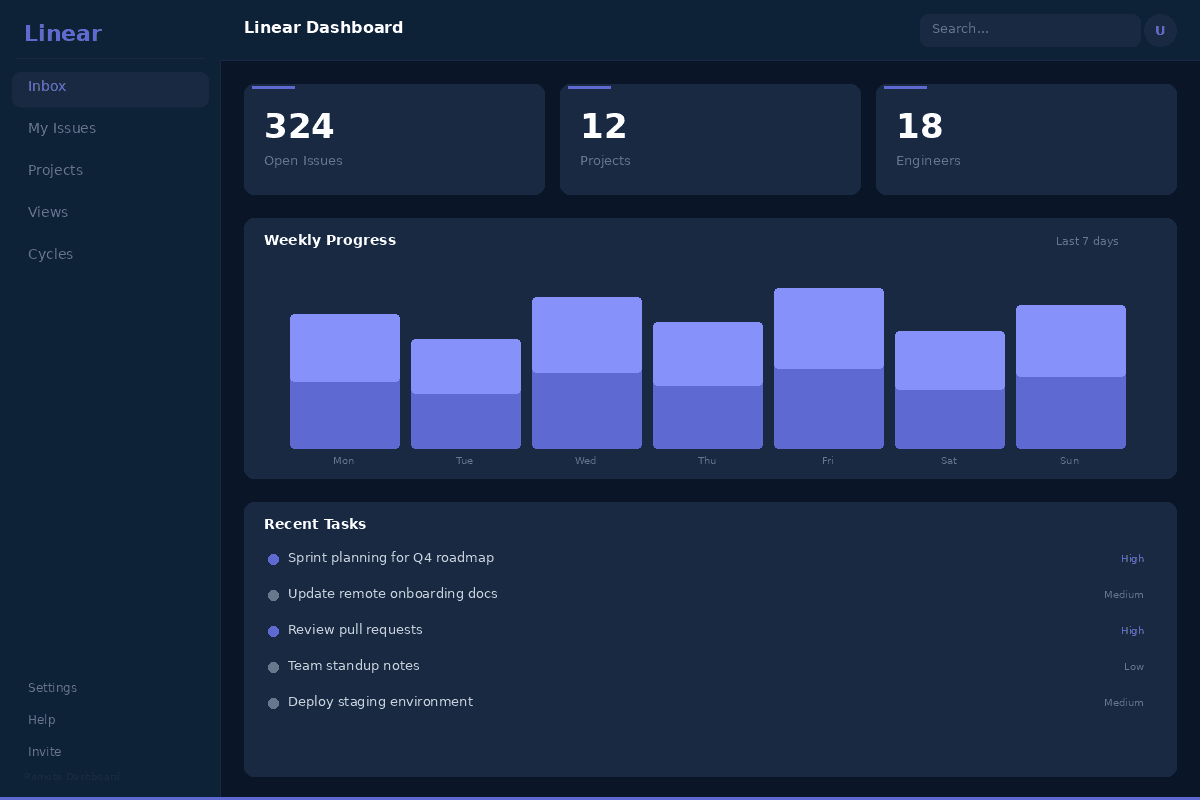
Linear is the best project management tool for remote engineering teams in 2026. Built by engineers for engineers, Linear provides a keyboard-first, blazingly fast issue tracking experience that integrates natively with GitHub, GitLab, Slack, and Figma. With a free tier, Standard at $10 per user per month, and Plus at $16 per user per month, Linear focuses on doing one thing exceptionally well: helping distributed software teams plan, track, and ship software. The Cycles feature provides structured sprint planning with automated issue management, Triage ensures nothing falls through the cracks across time zones, and Linear's sub-100ms UI response time means developers spend time building, not waiting for their PM tool to load. Founded by former Uber engineers, Linear has become the default issue tracker for high-velocity remote engineering teams at companies like Vercel, Coinbase, and Retool.
LINEAR CAPABILITIES OVERVIEW
| Capability | Rating |
|---|---|
| Engineering workflow optimization | Best-in-class -- Cycles, Triage, Git-native |
| Performance and speed | Industry-leading -- sub-100ms response, local-first sync |
| Developer integrations | Excellent -- GitHub, GitLab, Slack, Figma, Sentry |
| Keyboard-first UX | Full keyboard navigation, vim-inspired shortcuts |
| Pricing (annual) | Free (250 issues), Standard $10, Plus $16, Enterprise custom |
| Best fit | Remote engineering teams shipping software fast |
Key Features That Stand Out
- Cycles (sprints) with automated issue management -- unfinished issues automatically roll over, backlog grooming is streamlined, and velocity tracking shows team throughput over time
- Triage system that captures incoming issues, bugs, and feature requests into a queue for structured async review across time zones
- Sub-100ms UI response time with local-first sync architecture that feels instant, even on slow connections that remote workers in different regions may face
- GitHub and GitLab integration that auto-links PRs to issues, updates issue status on merge, and shows branch and deployment status inline
- Keyboard-first interface with vim-inspired shortcuts for bulk operations, navigation, and issue creation without touching the mouse
- Projects for grouping related issues into initiatives with progress tracking, roadmap views, and cross-team dependencies
- Linear AI for auto-labeling, duplicate detection, issue summarization, and smart prioritization
- Slack integration with bi-directional sync for creating issues from Slack messages and getting notifications in channels
Why Linear Ranks #4
Linear earns this position because it is the only tool in this ranking purpose-built for how modern remote engineering teams actually work. While ClickUp, Asana, and Monday.com are general-purpose PM tools that can be configured for engineering, Linear's entire design -- from the keyboard-first interface to the Git-native integrations to the Cycles workflow -- is optimized for software development. The sub-100ms performance is not a gimmick: when a developer uses their issue tracker hundreds of times per day, the difference between 100ms and 2-second load times compounds into significant productivity. For a 30-person remote engineering team, Linear's speed and opinionated workflow reduce the meta-work of project management so developers spend more time coding.
Honest Limitation
Linear is deliberately not a general-purpose project management tool. It lacks built-in time tracking, documentation, whiteboards, and most features that non-engineering teams need. The free tier caps at 250 issues, which a small team can exhaust in weeks. There is no Gantt chart or timeline view. Reporting is functional but lacks the depth of Asana or Monday.com dashboards. The opinionated workflow (Teams, Cycles, Triage) does not suit every engineering team's process. Non-technical team members (marketing, design, ops) will find Linear unintuitive and will need a separate tool. The ecosystem of third-party integrations is smaller than ClickUp, Asana, or Monday.com. Linear is a poor fit for cross-functional teams that include non-engineers.
Best For
Remote engineering teams of 5-200 developers that want the fastest, most developer-friendly issue tracking experience available. Particularly strong for startups, developer tools companies, and engineering-led organizations. Not recommended for non-technical teams or cross-functional organizations. For general-purpose PM, see ClickUp (#1) or Asana (#2).
Notion -- Best for Documentation-First Remote Teams
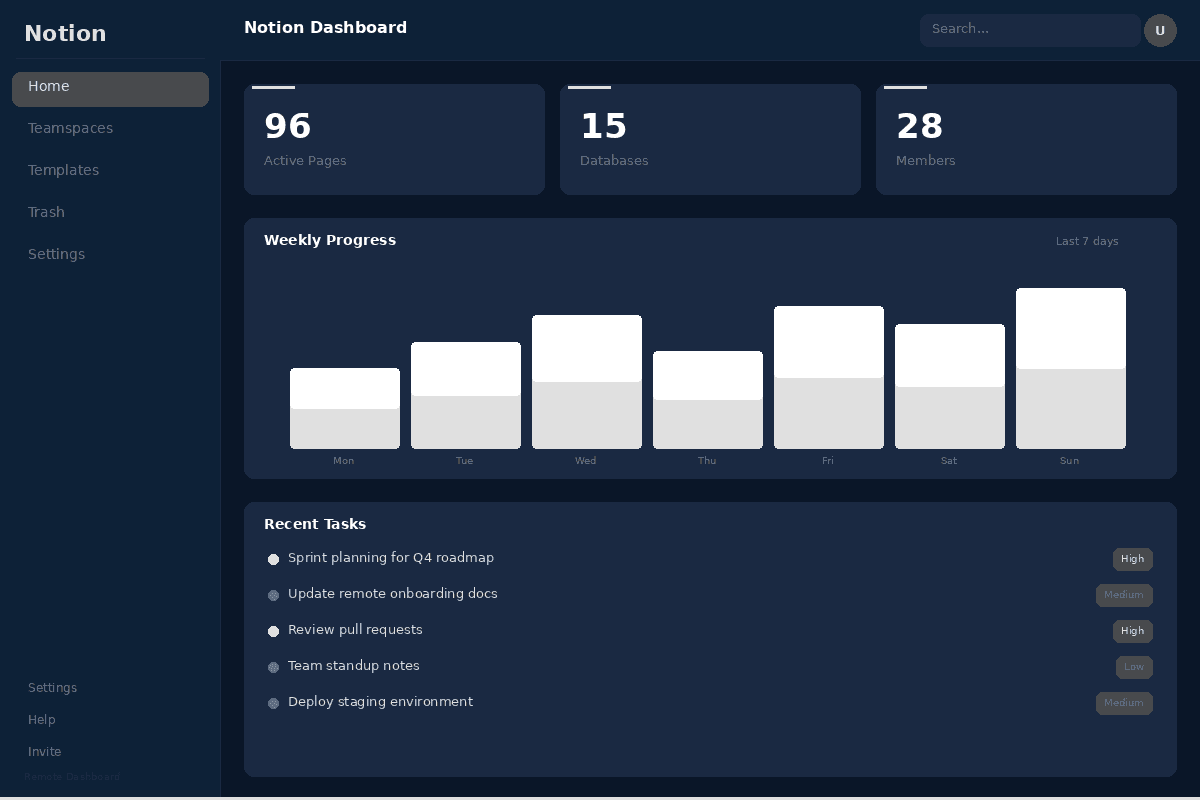
Notion is the best project management tool for remote teams where documentation is central to how work gets done in 2026. With a free individual plan, Plus at $10 per user per month, and Business at $20 per user per month, Notion combines flexible databases, rich documents, wikis, and project management into a single connected workspace. For distributed teams that rely on written communication over meetings -- engineering handbooks, product specs, process documentation, meeting notes, and knowledge bases -- Notion eliminates the gap between where knowledge lives and where work is tracked. The 2025-2026 expansion of Notion Projects with sprints, sub-issues, and custom views has closed much of the project management gap with dedicated tools, while maintaining the unique docs-plus-databases architecture that no competitor replicates.
NOTION CAPABILITIES OVERVIEW
| Capability | Rating |
|---|---|
| Documentation and knowledge management | Best-in-class -- docs, wikis, databases unified |
| Flexible database architecture | Industry-unique -- relational databases with any view |
| AI features (Notion AI) | Strong -- Q&A, summarization, writing, autofill |
| Project management (Notion Projects) | Good -- sprints, sub-issues, Board/Timeline/Calendar views |
| Pricing (annual) | Free (individual), Plus $10, Business $20, Enterprise custom |
| Best fit | Remote teams where documentation is the primary work artifact |
Key Features That Stand Out
- Flexible databases with relational properties, formulas, rollups, and multiple views (Table, Board, Calendar, Timeline, Gallery, List) that adapt to any workflow
- Unified docs-and-projects workspace where task descriptions link to specs, specs embed database views, and everything is interconnected
- Notion AI for Q&A across your entire workspace, document summarization, writing assistance, database autofill, and AI-powered search
- Team wikis with verified pages, ownership tracking, and stale content detection for maintaining knowledge bases across distributed teams
- Notion Projects with sprints, sub-issues, dependencies, and custom views for structured project management within the docs ecosystem
- Templates gallery with 10,000+ community templates for team wikis, product roadmaps, meeting notes, and engineering processes
- Real-time collaboration with comments, mentions, page history, and synced blocks for async work across time zones
- API and integrations with Slack, GitHub, Figma, Google Drive, and Zapier for connecting to the broader tool stack
Why Notion Ranks #5
Notion earns this position because it uniquely solves the documentation problem that plagues remote teams. In distributed work, written communication replaces hallway conversations and whiteboard sessions. Every decision, process, and piece of institutional knowledge needs to be documented -- and that documentation needs to be connected to the actual work being tracked. Notion is the only tool that seamlessly bridges docs and project management: a product spec lives next to its implementation tasks, a meeting note auto-generates action items that become database entries, and a team wiki stays current because it pulls from the same databases that track work. For async-first remote teams, this connectivity is transformative.
Honest Limitation
Notion's project management capabilities, while improving, are still a tier below ClickUp, Asana, and Monday.com for complex multi-project workflows. There is no built-in time tracking. Automations are limited compared to Monday.com's 250K+ actions per month. Performance degrades on large databases with thousands of entries -- a known pain point for teams at scale. The flexible, build-anything approach means significant setup time before Notion is useful -- unlike Asana or Trello where you can start tracking tasks immediately. No native Gantt chart (Timeline view is close but lacks dependency management depth). Offline mode is available but can create sync conflicts in collaborative environments. The learning curve for the database system is steeper than traditional task management tools.
Best For
Remote teams of 5-100 members where documentation, wikis, and written communication are central to how work gets done. Particularly strong for product teams, content teams, and knowledge-intensive organizations. For dedicated project management, see ClickUp (#1) or Asana (#2). For engineering-specific workflows, see Linear (#4).
Basecamp -- Best for Simple Remote Collaboration
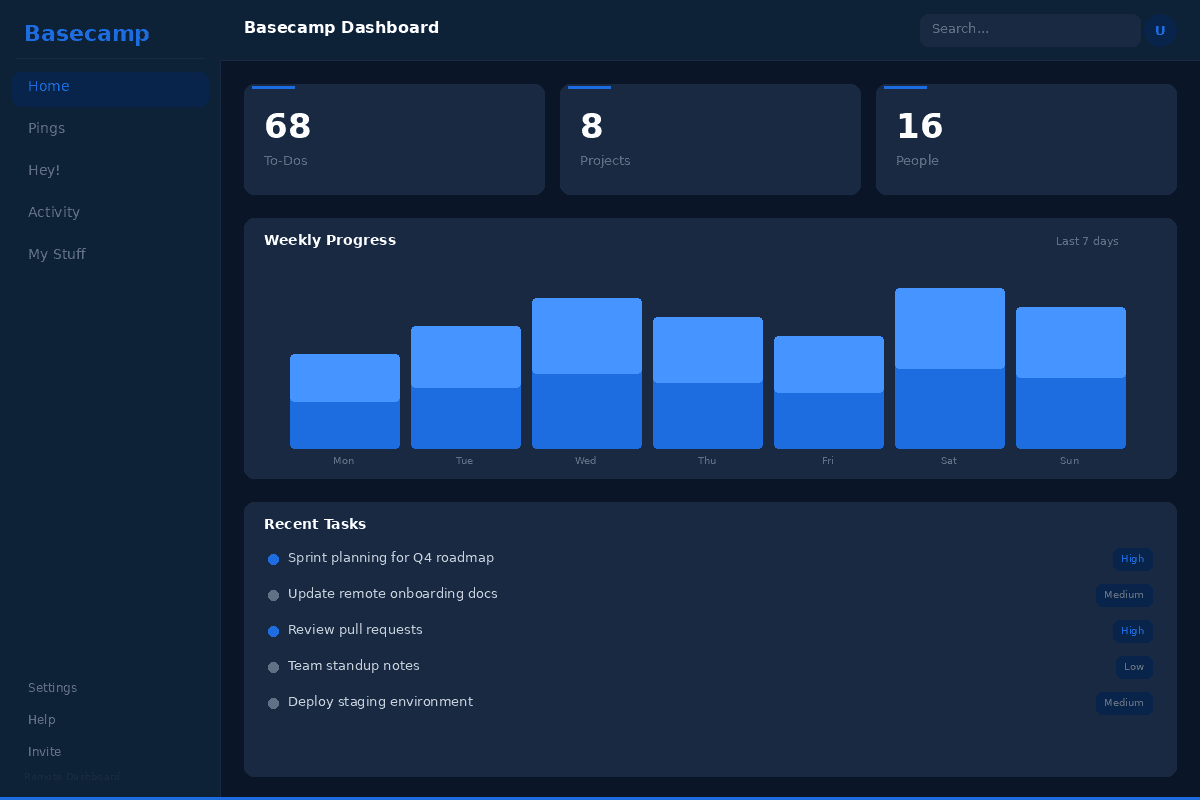
Basecamp is the best project management tool for remote teams that want simple, opinionated collaboration without feature overload in 2026. With per-user pricing at $15 per user per month and a Pro Unlimited plan at $299 per month (annual) for unlimited users, Basecamp takes a deliberately different approach from every other tool in this ranking: instead of adding more features, it removes complexity. Each project gets a fixed set of tools -- message board, to-dos, schedule, docs and files, campfire chat, and automatic check-ins -- with no Gantt charts, no custom fields, no automations engine, and no 15 different views. For remote teams drowning in tool complexity and notification overload, Basecamp's constraints are the feature. The company behind Basecamp (37signals) pioneered remote work culture and wrote the book "Remote" -- the tool's design reflects over two decades of building software for distributed teams.
BASECAMP CAPABILITIES OVERVIEW
| Capability | Rating |
|---|---|
| Simplicity and ease of adoption | Best-in-class -- zero learning curve, opinionated design |
| Async-first communication | Excellent -- message boards, check-ins, Hill Charts |
| Notification management | Industry-leading -- Work Can Wait, schedule-aware |
| Flat-rate pricing | $299/mo unlimited users (Pro Unlimited) |
| Pricing (per-user) | $15/user/mo |
| Best fit | Remote teams that want simplicity over feature count |
Key Features That Stand Out
- Message boards for long-form async discussions that replace both email threads and Slack chaos -- each project has a dedicated board for structured communication
- Automatic check-ins that ask team members recurring questions ("What did you work on today?") at scheduled times, replacing daily standup meetings across time zones
- Hill Charts that show project progress as a visual curve (uphill = figuring things out, downhill = execution), providing intuitive status without percentage estimates
- Work Can Wait feature that pauses notifications outside work hours, respecting time zone boundaries for distributed teams
- Campfire real-time group chat within each project for quick discussions without polluting async message boards
- To-do lists with assignments, due dates, and completion tracking -- simple and sufficient for most project work
- Docs and Files storage within each project for centralized documentation without a separate tool
- Card Table (Kanban) for visual task management when to-do lists are not sufficient
Why Basecamp Ranks #6
Basecamp earns this position because it solves a problem the other tools in this ranking create: complexity overload. Remote teams frequently spend more time configuring, maintaining, and learning their project management tools than actually managing projects. Basecamp eliminates this overhead by removing choices -- every project has the same structure, there are no custom fields to debate, no automations to build, and no views to configure. The automatic check-ins feature is uniquely valuable for remote teams: instead of scheduling a 30-minute daily standup meeting that interrupts three time zones, Basecamp asks each person what they worked on and compiles the answers for everyone to read asynchronously. The Pro Unlimited plan at $299 per month is the best deal for larger teams -- a 50-person remote team pays $6 per user per month, less than any competitor.
Honest Limitation
Basecamp deliberately lacks features that many remote teams consider essential: no Gantt charts, no timeline views, no workload management, no custom fields, no automations, no sprint planning, no time tracking, and no reporting dashboards. There is no free tier. The $15 per user per month starting price is expensive for small teams -- a 5-person team pays $75 per month compared to free tiers on ClickUp, Asana, and Trello. The Pro Unlimited plan only makes financial sense for teams of 20+ members. Integration options are limited compared to ClickUp, Asana, and Monday.com. The to-do list structure is flat and does not support complex task hierarchies or dependencies. Basecamp's philosophy of "enough is enough" means teams that outgrow its capabilities have no upgrade path -- they must migrate to a different tool entirely.
Best For
Remote teams of 10-100 members that value simplicity, calm work culture, and async-first communication over feature depth. Particularly strong for agencies, consultancies, and service businesses managing client projects. For more feature-rich alternatives, see ClickUp (#1) or Asana (#2). For even simpler Kanban boards, see Trello (#7).
Trello -- Best for Small Remote Teams and Freelancers
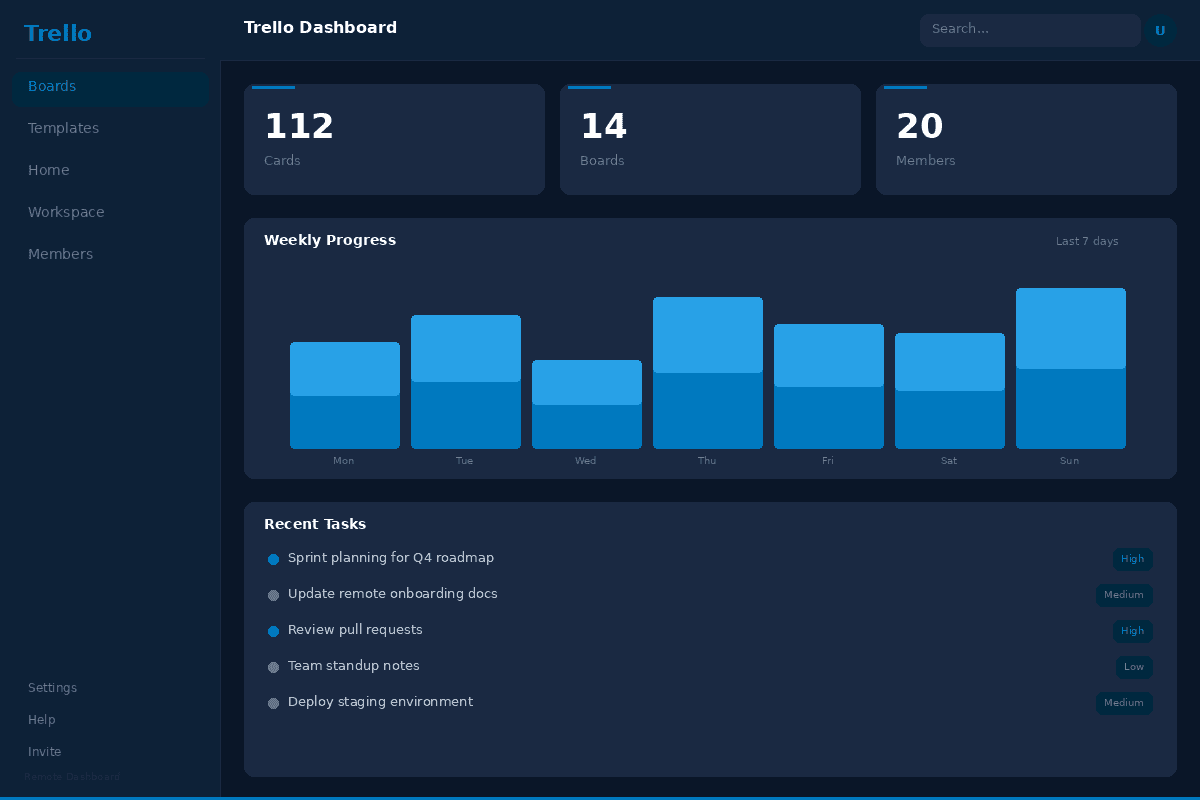
Trello is the best project management tool for small remote teams and freelancers who want visual Kanban board simplicity in 2026. With a free plan, Standard at $5 per user per month, Premium at $10 per user per month, and Enterprise at $17.50 per user per month, Trello provides the most intuitive drag-and-drop board experience in the market. Owned by Atlassian since 2017, Trello's strength is that anyone can start using it in minutes -- create a board, add lists (To Do, In Progress, Done), create cards, and drag them across. The Power-Ups ecosystem adds integrations and features (calendar views, time tracking, automations) without cluttering the core experience. Butler automation (built-in) provides rule-based task management that reduces repetitive actions. For freelancers, small agencies, and remote teams of 2-15 people, Trello's simplicity is its superpower.
TRELLO CAPABILITIES OVERVIEW
| Capability | Rating |
|---|---|
| Kanban board experience | Best-in-class -- intuitive drag-and-drop, visual clarity |
| Ease of adoption | Industry-leading -- usable in under 5 minutes |
| Butler automation | Good -- rule-based automations built-in on all plans |
| Power-Ups ecosystem | 200+ Power-Ups for extended functionality |
| Pricing (annual) | Free (10 boards), Standard $5, Premium $10, Enterprise $17.50 |
| Best fit | Freelancers and small remote teams wanting Kanban simplicity |
Key Features That Stand Out
- Intuitive Kanban boards with drag-and-drop cards, custom labels, due dates, checklists, attachments, and member assignments
- Butler automation engine built into all plans for creating rules (when a card moves to Done, mark due date complete), scheduled commands, and card/board buttons
- Power-Ups marketplace with 200+ integrations adding calendar views, time tracking, Gantt charts, and connections to Slack, Google Drive, and GitHub
- Timeline and Calendar views (Premium) for visualizing project schedules and deadlines across distributed team members
- Dashboard view (Premium) with cards-per-list, cards-per-member, cards-per-due-date, and cards-per-label analytics
- Workspace Table view for seeing all cards across multiple boards in a single spreadsheet-like view
- Card Templates for standardizing recurring work items like bug reports, content briefs, or client onboarding checklists
- Mobile app with full board management, offline access, and push notifications for remote workers on the go
Why Trello Ranks #7
Trello earns this position because it provides the lowest barrier to entry for remote project management. A freelancer or small team can create a Trello board, invite collaborators, and start tracking work within 5 minutes -- no training, no configuration, no feature overload. The free plan is genuinely useful (10 boards per workspace, unlimited cards, Butler automations), and the Standard plan at $5 per user per month is the cheapest paid option in this ranking. For small remote teams and freelancers who need "good enough" project management without the complexity of ClickUp or the cost of Asana, Trello delivers exactly what is needed and nothing more. The Atlassian ownership ensures enterprise-grade security and long-term product investment.
Honest Limitation
Trello is fundamentally limited by its board-based architecture. There is no portfolio management, no goals tracking, no workload view, and no native reporting beyond basic Dashboard view widgets. The free plan caps at 10 boards per workspace, which growing teams hit quickly. There are no built-in docs or wiki functionality. Time tracking requires a Power-Up. Gantt charts require the Premium plan or a Power-Up. The card-and-list structure becomes unwieldy for complex projects with 100+ tasks. There is no sprint planning or cycle management for engineering teams. Power-Ups that extend Trello's functionality often come with their own subscriptions, adding hidden costs. Trello has not invested significantly in AI features compared to ClickUp, Asana, and Monday.com. Teams of 15+ members typically outgrow Trello and need to migrate to a more capable tool.
Best For
Freelancers, solo operators, and small remote teams of 2-15 people who want the simplest possible Kanban-based project management. Particularly strong for content calendars, client project tracking, personal task management, and simple workflow boards. For teams that need more, see ClickUp (#1) for all-in-one value or Monday.com (#3) for visual workflows with more depth.
Frequently Asked Questions
What is the best project management software for remote teams?
ClickUp is the best overall project management software for remote teams in 2026. Starting at $7 per user per month on the Unlimited plan, ClickUp provides an all-in-one workspace combining tasks, documents, whiteboards, goals, time tracking, and the ClickUp Brain AI assistant in a single platform. For enterprise remote teams needing portfolio-level visibility, Asana ($10.99-24.99 per user per month) leads with Portfolios, Goals, and Workload management.
Monday.com ($9-19 per seat per month) excels at visual workflow management. Linear ($10-16 per user per month) is the best choice for remote engineering teams. Notion ($10-20 per user per month) suits documentation-first teams. Basecamp ($15 per user per month or $299 per month flat) offers simple, opinionated collaboration. Trello (free to $10 per user per month) works best for small remote teams and freelancers wanting Kanban simplicity.
How much does project management software cost for remote teams?
Project management software pricing for remote teams in 2026 ranges from free to $25+ per user per month. ClickUp offers a free plan with unlimited users and paid plans from $7 per user per month (Unlimited) to $12 per user per month (Business). Asana has a free tier for up to 10 users with Starter at $10.99 and Advanced at $24.99 per user per month. Monday.com starts free for 2 seats with Basic at $9, Standard at $12, and Pro at $19 per seat per month (3-seat minimum).
Linear provides a free tier with 250 issues, Standard at $10 and Plus at $16 per user per month. Notion is free for individuals with Plus at $10 and Business at $20 per user per month. Basecamp charges $15 per user per month or offers Pro Unlimited at $299 per month for unlimited users. Trello is free for basic use with Standard at $5 and Premium at $10 per user per month. All prices are for annual billing.
What features should remote teams look for in project management software?
Remote teams should prioritize five key features in project management software: async-first communication (comments, updates, and status reports that do not require real-time meetings), cross-timezone visibility (dashboards and views that show project status regardless of when team members are online), flexible views (List, Board, Gantt, Calendar, and Timeline so team members can work in their preferred style), integrated documentation (built-in docs or wiki to reduce context-switching between tools), and AI-powered automation (auto-generated summaries, status updates, and task assignment to reduce manual project admin).
Additional important features include time tracking for distributed accountability, workload management to prevent burnout across time zones, native integrations with communication tools like Slack and Microsoft Teams, mobile apps for on-the-go updates, and robust permissions and guest access for managing contractors and cross-team collaboration.
Is ClickUp better than Asana for remote teams?
ClickUp is better than Asana for most remote teams in 2026 due to its all-in-one approach and lower pricing. ClickUp at $7 per user per month (Unlimited) includes tasks, docs, whiteboards, goals, time tracking, and ClickUp Brain AI, while Asana at $10.99 per user per month (Starter) focuses on task and project management without built-in docs, whiteboards, or native time tracking.
However, Asana is the better choice for enterprise remote teams with 100+ members that need mature portfolio management, advanced workload balancing, and enterprise-grade admin controls. Asana's interface is cleaner with a gentler learning curve, while ClickUp's feature density can feel overwhelming. For engineering teams, neither is ideal -- Linear provides a better experience. For documentation-heavy teams, Notion may be the better fit.
The right choice depends on team size, budget, and whether you value breadth of features (ClickUp) or polish and scalability (Asana).
Can free project management tools work for remote teams?
Free project management tools can work for small remote teams of up to 10-15 members, but most teams outgrow free tiers within 6-12 months. ClickUp's free plan is the most generous with unlimited users and basic features but 100MB storage. Trello's free plan allows 10 boards per workspace and works for simple Kanban workflows. Asana's free tier supports up to 10 users with basic task management. Monday.com's free plan is limited to 2 seats. Linear's free tier caps at 250 issues.
Notion's free plan is limited to individual use. The main limitations of free tiers for remote teams are restricted storage, limited integrations (no Slack or Teams connections on most free plans), missing automation features essential for reducing async coordination overhead, and no admin controls. For teams of 5+ remote workers, the $5-10 per user per month entry-level paid plans deliver significantly more value than stretching free tiers.
About Geeky Expert
Geeky Expert is a leading provider of research and insights, dedicated to helping businesses make informed decisions through comprehensive analysis.