Direct answer: Yes, you can track AI search rankings. Use Google Search Console's AI Overview filter, specialized tools like Rankability and ZipTie, GA4 custom channel groups for AI referral traffic, and regular manual prompt testing across ChatGPT, Gemini, and Perplexity.
Key Takeaways:
• Filter Google Search Console for "AI Overview" data to see your generative search performance.
• Use specialized trackers like Rankability to monitor your brand across multiple AI platforms at once.
• Set up GA4 to track referral traffic from AI domains to measure real user impact.
Yes, you can track AI search rankings. Instead of blue links and positions, you monitor how often your brand appears inside answers from Google AI Overviews, ChatGPT, and Perplexity — and how those systems describe you. This isn't about being #1 on a list. It's about being a trusted source the AI relies on when shaping responses. Keep reading to see how to stay visible, and cited, as AI search becomes the default discovery channel.
Tracking Visibility in Google AI Overviews with Search Console
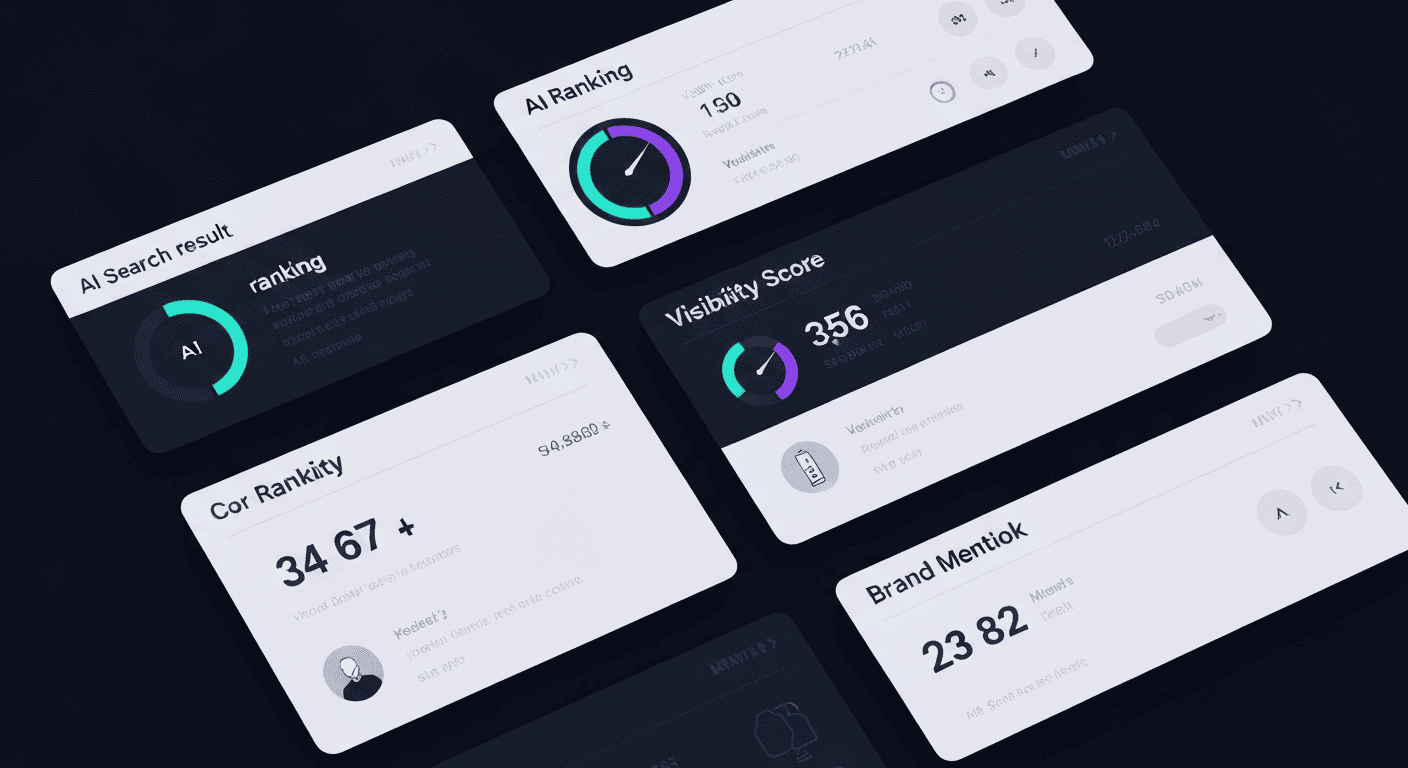
Screen displaying abstract AI search result cards, ranking indicators, and brand visibility metrics across AI platforms
Google has woven AI directly into its search results. These AI Overviews provide summarized answers at the top of the page. You can track your performance here using a tool you likely already have: Google Search Console. It is your direct line to how Google sees your site.
Within the Performance report, you apply a filter for "Search appearance." Look for the option labeled "AI Overview." This filter shows you the queries where your content was featured in one of these generative snapshots. You will see impressions, clicks, and the specific pages that Google's AI chose to cite.
This data is crucial. It tells you which topics and pages Google's AI considers authoritative enough to reference. A high number of impressions here means your content is being pulled into these high-visibility answers, even if the click-through rate looks different from traditional listings. It is a new metric for a new type of visibility — one that connects directly to a broader generative engine optimization strategy.
Google Search Console provides the foundational data.
Filter for "AI Overview" in Search Appearance.
Identify triggering queries and cited pages.
Track impressions and clicks from generative results.
The insights from this report form the basis of your AI search strategy. You learn what is working and where there are gaps to fill.
"Google Search Console now includes traffic from 'AI Overviews,' counted as impressions and clicks in the Performance report, even though currently there's no separate filter that isolates those metrics." — Search Engine Journal [1]
Evaluating AI Search Rankings Across ChatGPT, Gemini, and Claude
You need to check more than Google to see how AI search is ranking your brand. Tools that track visibility across ChatGPT, Claude, Gemini, and Perplexity are essential. They automate checking multiple platforms, saving you time and providing competitive data that manual checks alone cannot deliver.
These tools simulate user prompts to analyze:
How often your brand is cited
The context and sentiment of those mentions
Your share of voice versus competitors
Leading tools include:
Rankability: Tracks mentions across many AI platforms
ZipTie: Calculates a visibility score for Google AI Overviews
Keyword.com: Monitors real-time trends triggering AI answers
Tool
Platforms Tracked
Primary Metrics
Best Use Case
Rankability
ChatGPT, Claude, Perplexity, Gemini
Brand mentions, sentiment, share of voice
Competitive AI visibility tracking
ZipTie
Google AI Overviews
AI Overview visibility score
Measuring presence in Google generative results
Keyword.com
Google Search + AI-triggered queries
Query trends, AI answer triggers
Identifying keywords that surface AI answers
Using a combination of these tools gives you the broadest view of your AI search ranking performance. Pairing them with LLM citation monitoring helps you understand not just how often your brand appears, but the context of those mentions and how your visibility compares to competitors over time. GeekyExpert combines multi-platform tracking with sentiment and competitor analysis in one dashboard — run a our research reports to benchmark your current AI visibility.
Measuring Real Referral Traffic from Generative AI Platforms
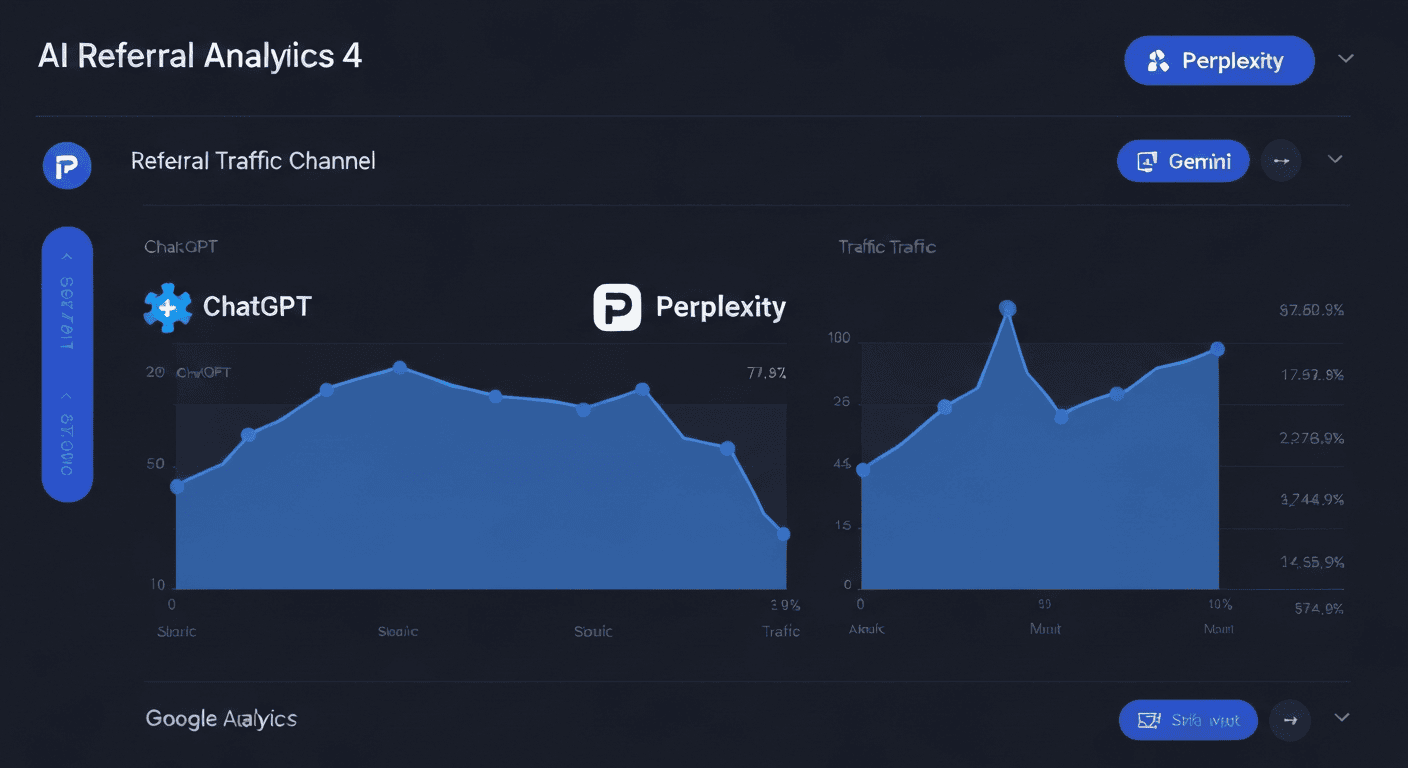
Google Analytics 4 dashboard showing rising AI referral traffic from ChatGPT, Perplexity, and Gemini as separate channel groups
AI mentions are good, but real traffic from platforms like ChatGPT and Perplexity is better. These tools send visitors to your website as referral traffic, which you can measure in Google Analytics 4 (GA4). Setting this up gives you a direct revenue signal, not just a visibility metric.
To see this data, you create a custom channel group in GA4. You tell it to look for traffic coming from specific AI domains.
AI Platform
GA4 Source Domain
Traffic Type
Key Metrics to Monitor
ChatGPT
chat.openai.com
Referral traffic
Sessions, landing pages, engagement rate
Perplexity
perplexity.ai
Referral traffic
Sessions, conversions, time on page
Google Gemini
gemini.google.com
Referral traffic
Sessions, assisted conversions
Google AI Overview
google.com (AI Overview)
Organic / Assisted
Impressions, clicks, downstream sessions
Here is the basic setup process:
Access the "Admin" section in your GA4 property.
Navigate to "Data Display" then "Channel groups."
Create a new group and add a rule for "Session source" that matches AI domains using a pattern.
Once set up, GA4 shows you which pages get clicks, how many visitors arrive, and what they do after landing. This tells you whether your AI visibility is actually driving useful visits or if your content needs to better match what the AI is sharing about your brand.
Why Hands-On Prompt Testing Still Matters for AI Visibility
Person actively testing AI prompts on a laptop with multiple chat windows open showing varied AI responses from ChatGPT and Gemini
Automated tools are powerful, but they can miss nuance. AI responses can be personalized, conversational, and highly dependent on how a question is phrased. This is why manual prompt testing remains a necessary part of tracking AI search rankings. It provides qualitative, real-world context that dashboards cannot capture on their own.
The process is straightforward. Open ChatGPT, Gemini, or Perplexity and type in the exact questions your potential customers might ask. Look for queries like:
"best [your service] for [specific need]"
"how to solve [problem your product addresses]"
"[your category] tools compared"
Observe if — and how — your brand appears in the answer. Is it recommended? Is it cited as a source? Is a competitor mentioned instead?
This hands-on approach reveals content gaps. If an AI consistently cites a competitor's guide over your own for a key topic, you have a clear signal to improve or expand your content on that subject. Manual testing validates the numbers from your automated tools and provides the "why" behind the data. It connects closely to the kind of AI citation tracking that turns raw data into content decisions.
Content Structures That Increase AI Citations and Mentions
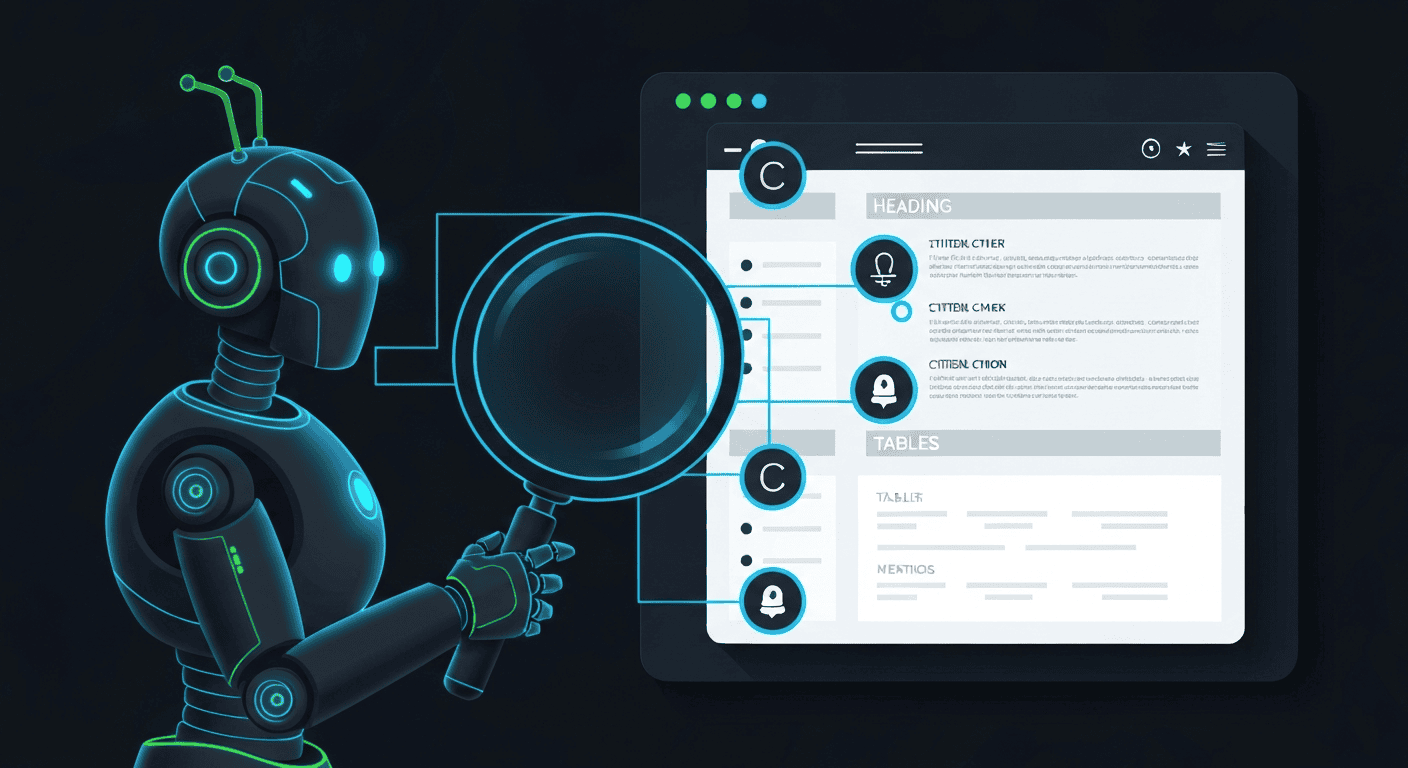
AI robot highlighting structured content sections — headings, bullet lists, tables — with lines connecting to citation and mention badges
To be cited by AI, your content must be easy for it to understand and extract information from. AI models are designed to find clear, well-structured answers. Optimizing your content structure is a direct path to improving your AI search rankings. It is about making your expertise machine-readable — a core principle in LLM ranking optimization.
Start with schema markup. Implementing structured data — especially FAQPage or HowTo schema — acts like a highlighter for AI. It explicitly labels questions and answers, definitions, and steps, making your content prime for extraction. Pages with this kind of markup are significantly more likely to be featured in AI answers. [2]
Beyond technical markup, your writing structure matters:
Use clear, descriptive H2 and H3 headings to break up topics
Employ bulleted or numbered lists to present key points
Include concise summary paragraphs at the start of complex sections
Use tables to compare features or present data
This approach aligns with how AI scans and summarizes information, and has the double benefit of improving readability for human visitors. Furthermore, building topical authority through content clusters — groups of interlinked articles covering a subject in depth — signals to AI that your site is a comprehensive resource, not just a single page with a few facts.
Final Thoughts on AI Search Tracking
Tracking AI search is now essential for visibility. You are not just competing for a search ranking — you are competing to be a trusted source for AI systems like ChatGPT, Gemini, and Perplexity. That requires a mix of tools, from Google Search Console to specialized trackers, plus regular manual prompt testing to understand the full picture.
Build clear, structured content for both people and AI. Monitor your performance across platforms consistently. Secure your brand's place in future answers before competitors do. The brands tracking AI visibility today will have the data advantage that shapes tomorrow's buying decisions.
GeekyExpert supports B2B and SaaS leaders with practical research for smarter decisions. Explore AI visibility, citation tracking, and LLM optimization strategies to strengthen your long-term generative search presence. To put tracking into practice immediately, GeekyExpert monitors your brand across ChatGPT, Gemini, Claude, and Perplexity — start with a our research reports to see exactly where you stand.
How can I track AI overview positions across Google AI mode and Gemini?
To track AI overview positions, use Google Search Console and filter by 'AI Overview' in Search Appearance. Test the same questions manually across Google AI mode, Gemini search, and other engines. Note which AI overview triggers fire and when they change. Use position tracking tools and AI search visibility platforms that support multi-platform AI monitoring to compare results over time and spot shifts without relying on screenshots or guesswork.
How do I monitor ChatGPT rankings and other AI answers reliably?
To monitor ChatGPT rankings, run fixed prompts in clean browser sessions and log the responses consistently. Repeat the same tests with Perplexity, Claude, and Gemini to build comparable data. Manual AI prompt testing combined with weekly automated rank checks reveals trends over time. Track AI result volatility to distinguish content-driven drops from model update changes, so you can respond with the right fix.
Which metrics show real brand visibility inside AI search results?
Key metrics for AI brand visibility include Google Search Console AI Overview impressions, GA4 AI referral traffic sessions and conversions, citation frequency across LLM platforms, and share of voice compared to competitors. Tracking AI mentions frequency and citation accuracy alongside traditional engagement signals like bounce rate and time on page gives you a complete picture of how AI search is actually impacting your brand.
What page structure helps content rank better in AI search?
Content that ranks better in AI search uses clear H2 and H3 headings, bullet lists, comparison tables, and concise summary paragraphs at the start of each section. Implement FAQPage and HowTo schema markup to label content explicitly for AI extraction. Build topical authority clusters through interlinked articles covering a subject in depth. E-E-A-T signals like expert bylines, citations, and up-to-date information further strengthen AI citation likelihood.
How do I match user intent as AI rankings change often?
Focus on query intent mapping and content freshness. Identify the questions your audience actually asks in AI tools and create content that directly answers them. Target long-tail keywords that consistently trigger AI overviews. Update existing pages regularly to send freshness signals. Monitor engagement metrics — click-through rate, time on page, and bounce rate — to confirm your content is satisfying the intent behind AI-driven queries as models update their behavior.
About Geeky Expert
Geeky Expert is a leading provider of research and insights, dedicated to helping businesses make informed decisions through comprehensive analysis.