
Research Report
Geeky Expert Logo

Best Benefits Administration Software (2026)
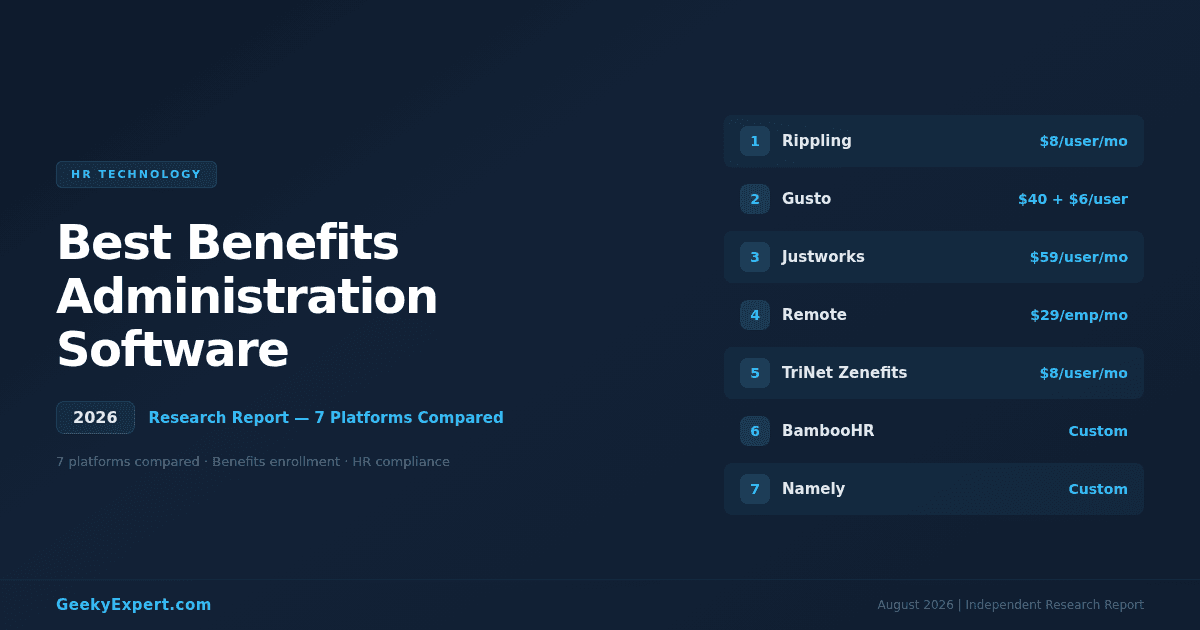
Published: August 11, 2026 10:00 ET | Source: Geeky Expert
Best Benefits Administration Software (2026)

Why Benefits Administration Software Matters in 2026

Benefits administration software has evolved from a back-office enrolment tool into a strategic platform that directly impacts talent acquisition, employee retention, and regulatory compliance. The benefits administration software market is valued at approximately $1.82 billion in 2025, projected to reach $3.27 billion by 2031 at a 10.23% CAGR, driven by three converging forces: rising healthcare costs that demand smarter plan design and carrier negotiation, increasingly complex compliance requirements across federal, state, and international jurisdictions, and employee expectations for consumer-grade digital enrolment experiences. Organisations still managing benefits in spreadsheets and paper forms face enrolment errors, compliance exposure, and the attrition costs of a poor employee experience.
For related research on HR technology, see our report on the best HRIS for small business. For compensation-specific tools, see our best compensation management software report. For organisations with global workforces, our best global payroll software report covers international payroll and benefits coordination.
⚡ Quick Answer

What is the best benefits administration software in 2026?

The best benefits administration software in 2026 is Rippling -- it provides unified benefits, payroll, and IT management in a single platform with automated carrier connections to 4,000+ plans, AI-driven plan recommendations, and the strongest compliance automation engine in the market, starting at $8/user/month. Gusto leads for small businesses with simple, affordable benefits. Justworks is the best PEO option for outsourced benefits administration. Remote leads for global benefits across 75+ countries.

🏆
Top Pick -- Unified HR + Benefits + Compliance Automation
Rippling
4,000+ carrier plans. Automated EDI feeds. ACA, COBRA, ERISA compliance built in. From $8/user/mo.

Best for your situation

  • Small business (<50 ee): Gusto -- $40/mo + $6/user
  • PEO / outsourced benefits: Justworks -- $59/user/mo
  • Global teams (75+ countries): Remote -- $29/ee/mo
  • Mid-market (50--500 ee): TriNet Zenefits -- $8/user/mo

VERIFIED PLATFORM & PRICING DATA (2026)

Platform Entry Price Best For GeekyExpert Rating
Rippling$8/user/mo baseOverall benefits administration9.3/10
Gusto$40/mo + $6/user/moSmall business benefits9.1/10
Justworks$59/user/moPEO for outsourced benefits8.9/10
Remote$29/employee/mo (EOR separate)Global benefits (75+ countries)8.8/10
TriNet Zenefits$8/user/moMid-market benefits8.6/10
BambooHRCustom pricingEmployee self-service8.5/10
NamelyCustom pricing50--500 employee companies8.4/10

The Benefits Administration Imperative

BENEFITS ADMINISTRATION MARKET SNAPSHOT (2026)

$1.82B
Market size (2025)
$3.27B
Projected by 2031
10.23%
CAGR (2025--2031)

Why This Market Is Accelerating

Driver Impact
Healthcare cost inflation (7--9% annually)Employers need plan optimisation to control spend
ACA compliance complexity (1,000+ pages of regulation)Penalties up to $4,350/employee for non-compliance
Remote and global workforce expansionMulti-state and international benefits coordination
Employee experience expectationsConsumer-grade digital enrolment is table stakes
Talent retention through benefits78% of employees say benefits influence retention
Benefits administration software's job in 2026 is not to digitise paper forms -- it's to automate carrier connections, ensure ACA/COBRA/ERISA compliance without manual tracking, optimise plan design for cost control, and deliver an enrolment experience that employees actually want to use.

What to Optimise For

Choosing the right benefits administration platform depends on identifying your primary challenge -- the one thing you most need the tool to solve. The four most common challenges map to different platforms and approaches.

FOUR OPTIMISATION TARGETS FOR BENEFITS PLATFORMS

Challenge Platform Approach Best When
Unified HR + Benefits + ComplianceRipplingAutomated EDI carrier feeds, ACA/COBRA engine, benefits tied to payroll and ITYou want one system for benefits, payroll, and device management
Small Business SimplicityGustoGuided plan selection, embedded broker, payroll-integrated enrolmentYou have <50 employees and no dedicated HR or benefits team
Outsourced Benefits (PEO)JustworksCo-employment PEO model with enterprise-grade group rates and full administrationYou want someone else to manage benefits entirely
Global Benefits CoordinationRemoteCountry-specific benefits packages with local compliance in 75+ countriesYou hire globally and need locally compliant benefits in each jurisdiction
Decide your primary challenge first. A 20-person startup will drown in Rippling's configuration options. A 500-person company across 10 states will outgrow Gusto's small business focus within a year. The best benefits platform is the one that matches your scale, complexity, and internal HR capacity.

Featured HR Technology

1

Rippling -- Best Overall Benefits Administration (9.3/10)
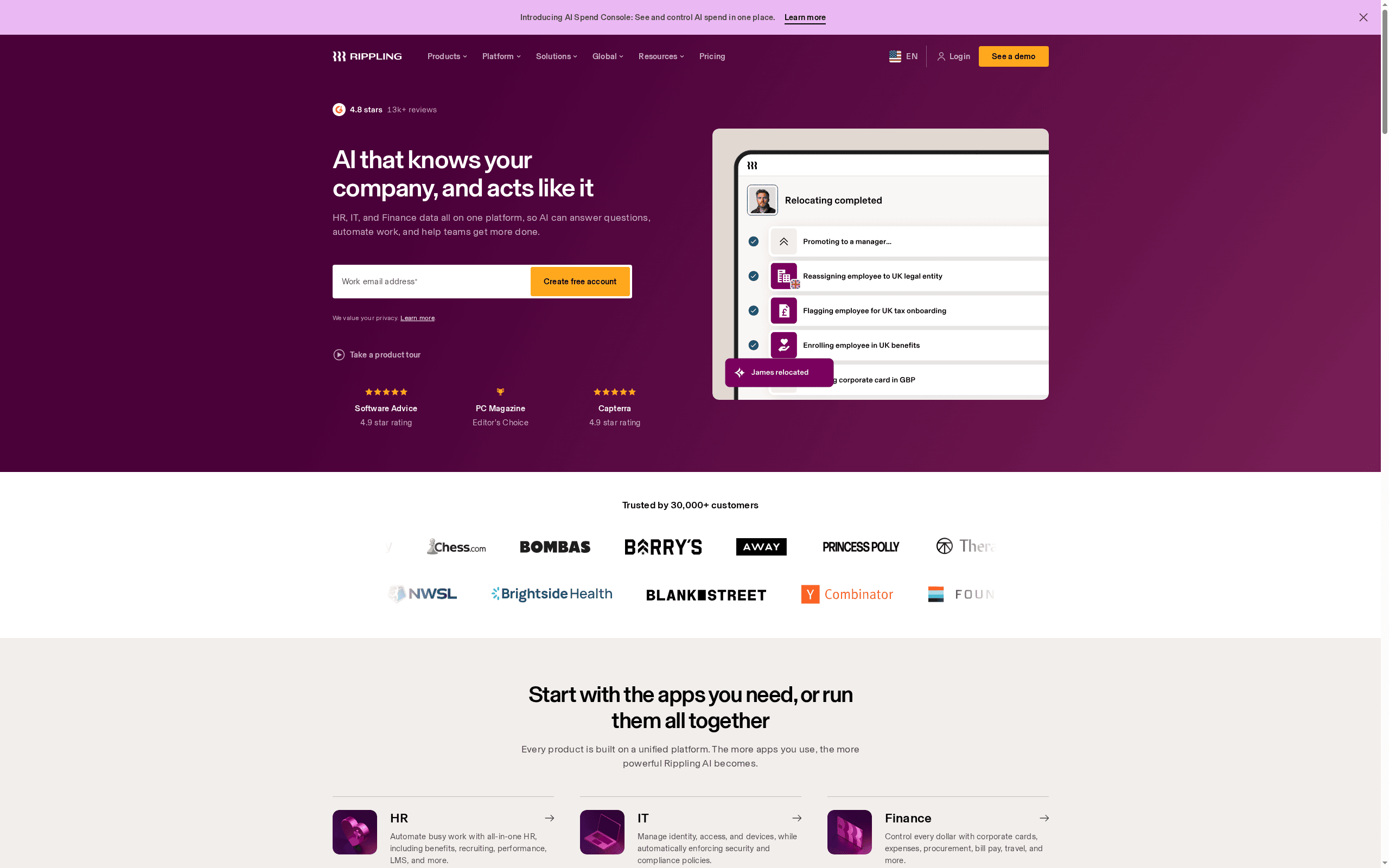
Rippling -- Best Overall Benefits Administration (9.3/10)
Rippling is the best benefits administration software in 2026 for organisations that want unified benefits, payroll, and IT management in a single platform. Rippling connects to 4,000+ carrier plans via automated EDI feeds, eliminating the manual data entry that causes enrolment errors and coverage delays. The platform's compliance automation engine handles ACA tracking and 1094-C/1095-C filing, COBRA administration, and ERISA requirements without manual intervention. Starting at $8/user/month for the core platform, benefits administration is available as an add-on module that integrates seamlessly with payroll, time tracking, and device management.

RIPPLING AT A GLANCE

Attribute Detail
Entry price$8/user/mo base (benefits module add-on)
G2 Rating4.8
Carrier connections4,000+ plans via automated EDI
ComplianceACA, COBRA, ERISA, Section 125, state mandates
Deployment2--4 weeks
Key features: Automated EDI carrier connections to 4,000+ insurance plans across medical, dental, vision, life, disability, and voluntary benefits. AI-powered plan recommendation engine that analyses employee demographics and usage patterns to suggest optimal plan design. ACA compliance automation with real-time employee hour tracking, eligibility monitoring, and automated 1094-C/1095-C generation and IRS filing. COBRA administration with automated qualifying event detection, notification generation, and payment tracking. New hire benefits enrolment triggered automatically from the onboarding workflow. Life event management for qualifying changes (marriage, birth, adoption, divorce, address change) with guided employee self-service. Benefits cost analytics dashboard showing per-employee costs, plan utilisation, and carrier performance. Section 125 cafeteria plan administration with pre-tax deduction automation. Multi-state compliance for organisations with employees across multiple jurisdictions. Payroll integration that automatically calculates and applies benefits deductions -- pre-tax and post-tax -- without manual reconciliation.
Why it leads: Rippling's structural advantage is the unified employee graph -- a single data model that connects benefits administration to payroll, time tracking, IT, and device management. When a new employee is hired, Rippling's onboarding workflow automatically triggers benefits enrolment, provisions a laptop, sets up payroll, and creates accounts -- benefits is one step in an automated pipeline rather than a standalone process. When an employee terminates, Rippling simultaneously triggers COBRA notifications, final payroll, device retrieval, and account deprovisioning. This level of automation across HR, IT, and finance domains is unique in the market. The 4,000+ carrier EDI connections eliminate the enrolment error rate that plagues manual data entry systems, and the ACA compliance engine removes a major audit risk that costs organisations an average of $4,350/employee in penalties when mismanaged.

Honest Limitation

Rippling's modular pricing means the total cost can escalate quickly as you add benefits, payroll, IT, and device management modules -- the $8/user/month base price is just the starting point. The platform's depth creates a configuration overhead that small businesses without HR teams may find overwhelming. Benefits administration is US-centric; organisations needing global benefits coordination should evaluate Remote. Rippling does not operate as a PEO, so it does not negotiate group rates on your behalf -- you still need a broker relationship or direct carrier negotiation.

Best For

US-based organisations (25--5,000+ employees) that want a unified platform for benefits administration, payroll, and IT management, have or can hire internal HR capacity, and value automation and compliance automation over outsourced benefits management.

2

Gusto -- Best for Small Business Benefits Administration (9.1/10)
Gusto -- Best for Small Business Benefits Administration (9.1/10)
Gusto is the best benefits administration software for small businesses under 50 employees that lack dedicated HR or benefits teams. Starting at $40/month base plus $6/user/month, Gusto combines payroll, benefits, and basic HR in a single platform designed for founders and office managers who are managing benefits as one of many responsibilities. Gusto's embedded licensed benefits advisors act as a built-in broker, helping small businesses select and negotiate health insurance plans without requiring external broker relationships -- a critical differentiator for companies offering benefits for the first time.

GUSTO AT A GLANCE

Attribute Detail
Entry price$40/mo + $6/user/mo
G2 Rating4.5
Target company size1--100 employees (sweet spot: 5--50)
BrokerBuilt-in licensed benefits advisors
Deployment1--2 weeks
Key features: Built-in licensed benefits advisors who help small businesses select health insurance plans, compare carrier options, and navigate plan renewals without an external broker. Medical, dental, vision, and life insurance administration with carrier connections across major national and regional carriers. Guided employee enrolment experience with plan comparison tools and cost calculators that show per-paycheck deductions. Automatic payroll integration -- benefits deductions are calculated and applied to each pay run without manual reconciliation. HSA and FSA administration with contribution tracking and compliance limits. Workers' compensation insurance with pay-as-you-go premium calculations based on actual payroll. 401(k) retirement plan integration through partnerships with Guideline, Human Interest, and other providers. New hire onboarding with benefits enrolment built into the welcome flow. State tax registration and compliance for multi-state employers. Employee self-service portal for viewing coverage, downloading plan documents, and updating life events.
Why it leads for small business: Gusto removes the two biggest barriers small businesses face when offering benefits: complexity and broker dependency. Most small businesses do not have HR departments, benefits expertise, or broker relationships -- they have a founder or office manager who needs to figure out health insurance alongside 50 other responsibilities. Gusto's built-in licensed advisors handle the plan selection and carrier negotiation that would otherwise require a broker engagement. The enrolment flow is designed for employees who have never selected benefits before, with clear plan comparisons and cost calculators that show exactly what comes out of each paycheck. For a 20-person startup offering benefits for the first time, Gusto is the fastest path from "we should offer health insurance" to employees being enrolled.

Honest Limitation

Gusto's benefits capabilities are designed for simplicity, not sophistication -- organisations with complex benefit structures (multiple plan tiers, employee classes, eligibility rules based on job codes or departments) will hit limitations. The platform is US-only with no global benefits support. Carrier connections are narrower than Rippling's 4,000+ plans. ACA compliance features are basic compared to Rippling's automated engine. Companies outgrowing 100--200 employees often find Gusto's reporting and configuration options insufficient, creating a re-platforming need. Gusto does not support benefits administration for 1099 contractors.

Best For

Small businesses (1--50 employees) offering benefits for the first time or looking to simplify existing benefits administration, especially those without dedicated HR staff or existing broker relationships. Ideal for startups, professional services firms, and small retailers.

3

Justworks -- Best PEO for Benefits Administration (8.9/10)
Justworks -- Best PEO for Benefits Administration (8.9/10)
Justworks is the best benefits administration platform for organisations that want to outsource benefits management entirely through a PEO (Professional Employer Organisation) model. At $59/user/month for the Plus plan that includes benefits, Justworks becomes a co-employer of your workforce, leveraging its pooled employee base to negotiate enterprise-grade group health insurance rates that small and mid-sized businesses cannot access independently -- typically 20--40% lower than small group market rates. The PEO model means Justworks handles benefits procurement, carrier management, enrolment administration, compliance, and employee support, removing the entire benefits burden from internal HR.

JUSTWORKS AT A GLANCE

Attribute Detail
Entry price$59/user/mo (Plus plan with benefits)
G2 Rating4.6
ModelPEO (co-employment)
Insurance ratesEnterprise-grade group rates (Aetna, UnitedHealthcare, Kaiser)
Deployment2--4 weeks
Key features: PEO co-employment model providing access to enterprise-grade group health insurance rates through partnerships with Aetna, UnitedHealthcare, and Kaiser Permanente. Full benefits administration including medical, dental, vision, life, disability, and ancillary benefits managed entirely by Justworks. Employee enrolment portal with plan comparison, cost calculators, and guided selection. COBRA administration handled entirely by Justworks including notifications, elections, and payment tracking. Workers' compensation insurance included in the PEO fee with pay-as-you-go pricing. 401(k) retirement plans through partner providers. Commuter benefits and wellness programmes. HR compliance support including state registration, employment law guidance, and regulatory updates. Dedicated account management for benefits questions and employee support. Payroll processing fully integrated with benefits deductions. Multi-state compliance for distributed US workforces.
Why it leads for PEO benefits: The PEO model solves a fundamental problem that standalone benefits software cannot: small and mid-sized businesses pay dramatically more for health insurance than large enterprises because carriers price based on group size and risk pool. A 30-person company might pay $800/employee/month for the same coverage that a 10,000-person company gets for $550. Justworks pools its client companies into a single large group, accessing the same enterprise-grade rates. The savings -- often 20--40% compared to small group market rates -- frequently exceed Justworks' per-user fee, making the PEO model net-positive on total benefits spend. Beyond cost savings, the PEO model removes every administrative task: carrier negotiations, plan design, enrolment management, COBRA, compliance filings, and employee benefits support are all handled by Justworks.

Honest Limitation

The PEO co-employment model is a structural trade-off: Justworks becomes the employer of record for tax and benefits purposes, which some organisations find uncomfortable from a control and brand perspective. Organisations outgrowing the PEO model face a complex transition to standalone benefits administration. The $59/user/month fee is the highest per-user cost on this list, though it includes services that would otherwise require a broker, benefits administrator, and compliance team. Benefits plan options are limited to Justworks' negotiated carrier relationships -- you cannot bring your own carrier or customise plans beyond what Justworks offers. The platform is US-only. Companies with complex eligibility rules or benefits classes may find the PEO model restrictive.

Best For

Small to mid-sized businesses (10--300 employees) that want to outsource benefits administration entirely, access enterprise-grade health insurance rates they could not negotiate independently, and prefer a full-service model over self-managed benefits technology. Particularly strong for companies without HR departments or benefits expertise.

4

Remote -- Best for Global Benefits Administration (8.8/10)
Remote -- Best for Global Benefits Administration (8.8/10)
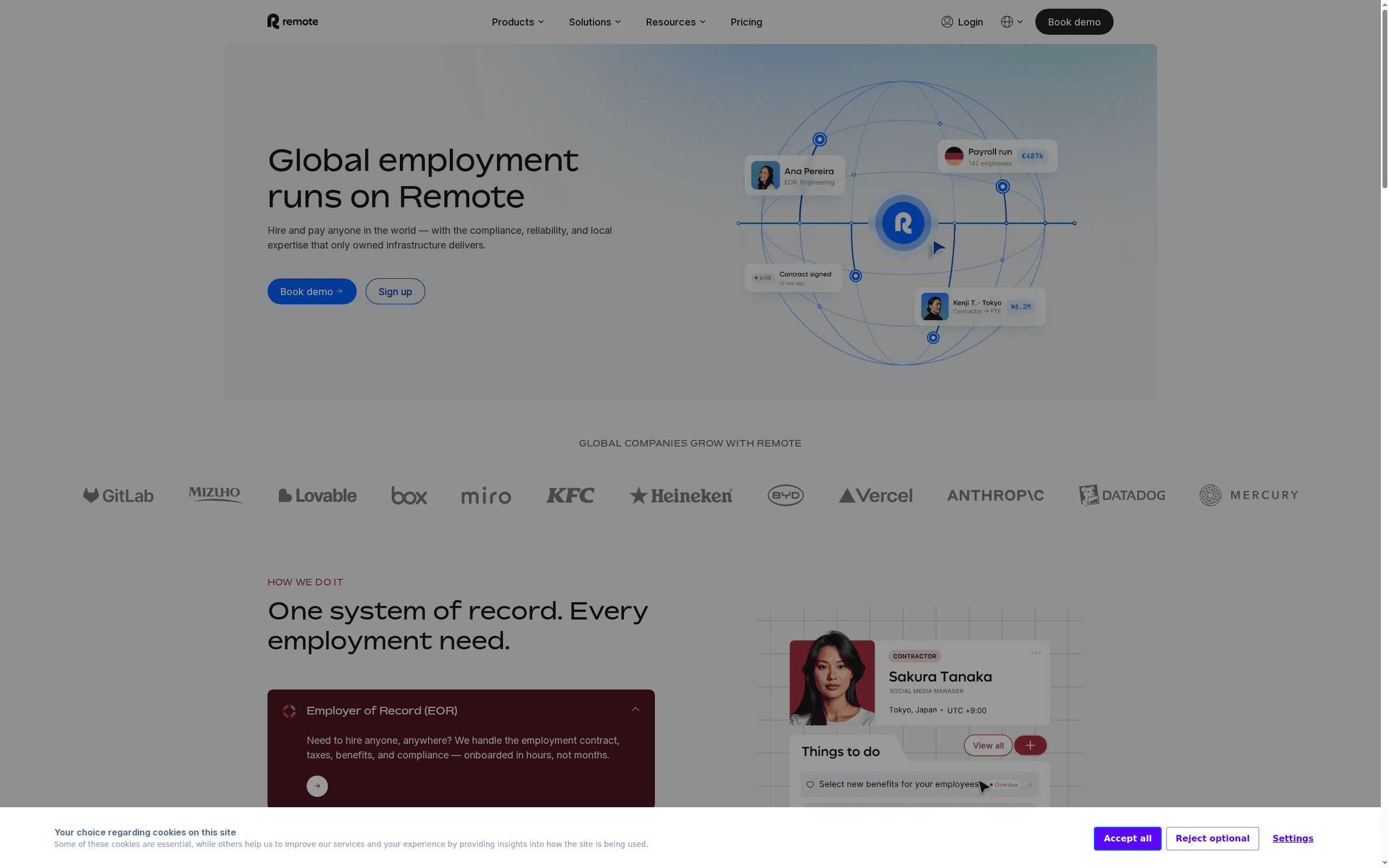
Remote is the best benefits administration platform for organisations with distributed global workforces that need locally compliant benefits packages in 75+ countries. Starting at $29/employee/month for its HR Management platform (EOR services priced separately), Remote provides country-specific benefits administration that accounts for local mandatory requirements, statutory contributions, and market-competitive supplemental benefits. For organisations also evaluating global employment infrastructure, see our best global payroll software and best EOR platforms reports.

REMOTE AT A GLANCE

Attribute Detail
Entry price$29/employee/mo (HR Management); EOR separate
G2 Rating4.5
Country coverage75+ countries
Entity modelOwn entities in 75+ countries (no third-party reliance)
Deployment2--6 weeks (varies by country)
Key features: Country-specific benefits packages covering local mandatory requirements (social insurance, pension, healthcare) plus market-competitive supplemental benefits in 75+ countries. Own legal entities in every country of operation -- no reliance on third-party local partners that add cost and reduce control. Benefits comparison tools that show how packages in different countries meet local market standards and legal minimums. Statutory benefits tracking and compliance with local contribution requirements, filing deadlines, and reporting obligations. Supplemental health insurance, dental, and vision plans offered through local carrier partnerships. Equity and stock option administration with local tax implications surfaced by country. Employee self-service portal with country-specific benefits information, documents, and enrolment flows. Integration with Remote's global payroll and EOR infrastructure for end-to-end employment management. Benefits cost analytics across the global workforce.
Why it leads for global: Remote's structural advantage is its own legal entities in 75+ countries. Most global benefits platforms rely on third-party in-country partners, adding a layer of cost, latency, and reduced control. Remote's direct presence means it can negotiate directly with local carriers, administer statutory benefits in-house, and respond to regulatory changes without waiting for partner updates. When an organisation hires an employee in Germany, Remote understands the mandatory social insurance contributions (approximately 20% of gross salary), pension requirements, and supplemental benefits expectations that make an offer competitive in the German market. This closed loop between global benefits knowledge and local execution is Remote's differentiator for distributed teams.

Honest Limitation

US domestic benefits administration is not Remote's strength -- organisations primarily in the US should evaluate Rippling or Gusto for domestic benefits. The $29/employee/month is the platform fee; EOR services (which many global employers need) are priced separately and add significant cost. Benefits plan options in each country are limited to Remote's negotiated carrier relationships. Some smaller markets may have fewer supplemental benefits options. The platform is optimised for distributed-first companies -- traditional enterprises with established local HR teams may find Remote redundant with their existing in-country benefits infrastructure.

Best For

Distributed global organisations hiring in 5+ countries that need locally compliant benefits packages administered through a single platform, especially those using or evaluating Remote's EOR or global payroll services. Ideal for remote-first technology companies, international NGOs, and any organisation building a globally distributed team.

5

TriNet Zenefits -- Best for Mid-Market Benefits Administration (8.6/10)
TriNet Zenefits -- Best for Mid-Market Benefits Administration (8.6/10)
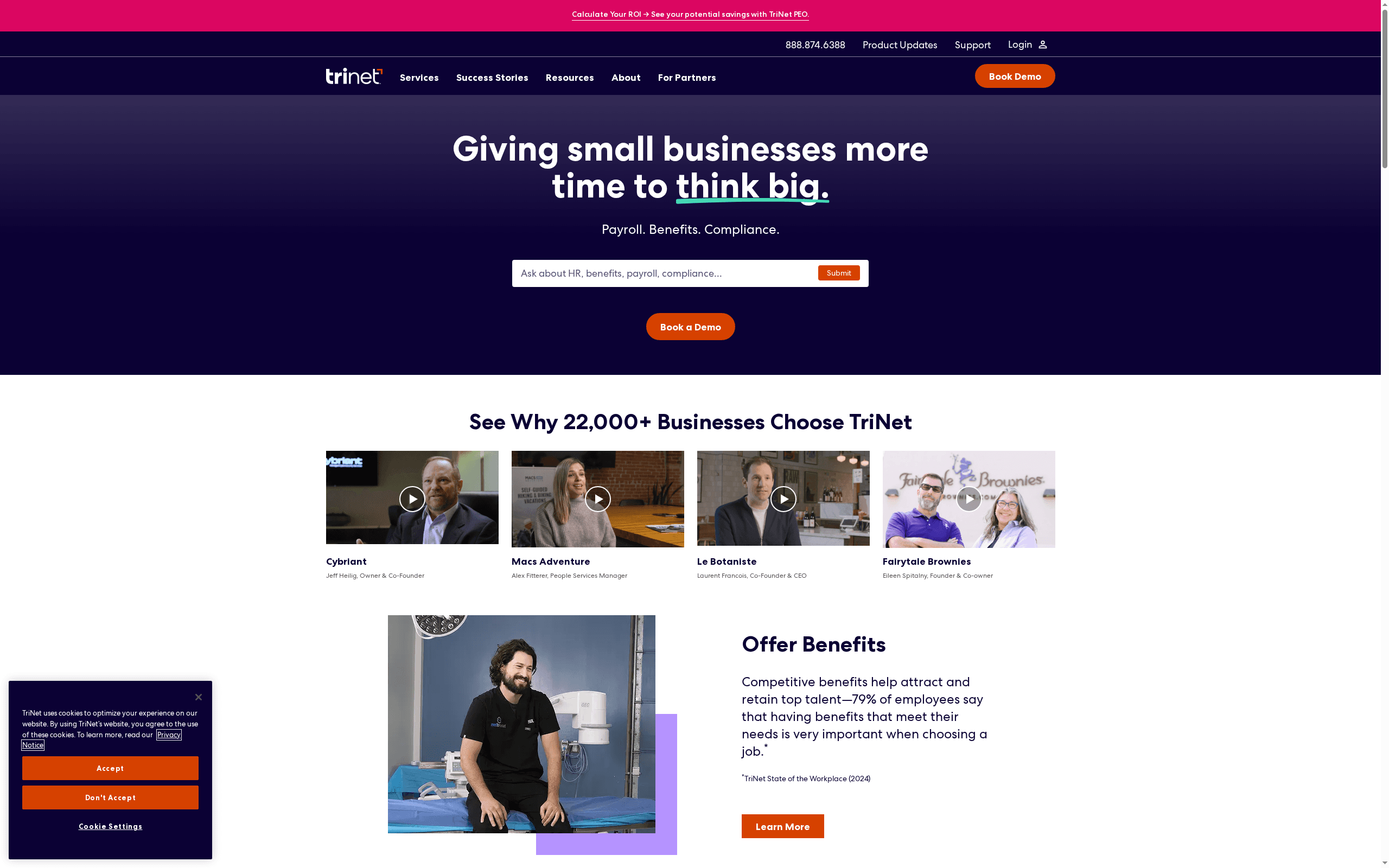
TriNet Zenefits (formerly Zenefits, acquired by TriNet in 2022) is the best benefits administration software for mid-market companies that need a balanced HR and benefits platform at an accessible price point. Starting at $8/user/month, Zenefits provides benefits administration alongside core HR, onboarding, time tracking, and compliance tools, positioned for organisations with 50--500 employees that have outgrown small business tools like Gusto but do not need Rippling's full-stack HR+IT platform.

TRINET ZENEFITS AT A GLANCE

Attribute Detail
Entry price$8/user/mo
G2 Rating4.0
Target company size50--500 employees
Parent companyTriNet (PEO + HCM provider)
Deployment2--4 weeks
Key features: Benefits administration for medical, dental, vision, life, disability, and supplemental benefits with carrier connections. ACA compliance tracking with eligibility monitoring, affordability calculations, and form generation. Employee self-service enrolment portal with plan comparison and cost transparency. COBRA administration with automated notifications and tracking. Benefits analytics dashboard showing costs, enrolment rates, and plan participation. Integration with Zenefits' core HR module for unified employee records. Onboarding workflows with benefits enrolment built into the new hire process. Time and attendance tracking integrated with benefits eligibility for ACA compliance. PTO management connected to benefits administration. Performance management add-on module. Payroll integration (through TriNet payroll or third-party processors). Multi-state compliance support. Mobile app for employee self-service.
Why it leads for mid-market: Zenefits occupies a strategic price-to-feature sweet spot for mid-market companies. At $8/user/month, it costs the same as Rippling's base price but includes benefits administration in the core package rather than as an add-on. For a 200-person company, that translates to $1,600/month for a complete HR and benefits platform -- less than the cost of a part-time HR coordinator. The TriNet acquisition adds the backing of a $4.7B public company with 330,000+ co-employed worksite employees, providing stability and expanded benefits access through TriNet's existing carrier relationships. Zenefits' benefits administration is purpose-built for the mid-market complexity zone: sophisticated enough to handle multiple plan tiers, employee classes, and eligibility rules, but not so complex that it requires a dedicated benefits administrator.

Honest Limitation

The TriNet acquisition creates product roadmap uncertainty -- it is unclear how long TriNet will maintain Zenefits as a standalone platform versus migrating users to TriNet's broader HCM platform. G2 ratings have declined since the acquisition, with users citing slower support response times and delayed feature development. Carrier connections are narrower than Rippling's 4,000+ plans. The platform is US-only. Advanced compliance features (automated ACA filing, advanced COBRA management) are less robust than Rippling's compliance engine. Some features require higher-tier plans, increasing the effective per-user cost above the $8 entry point.

Best For

Mid-market organisations (50--500 employees) that need a balanced HR and benefits platform at an accessible price, prefer an integrated system over point solutions, and want the stability of a TriNet-backed platform. Best for organisations with a small HR team that needs a tool to augment their capacity rather than replace them.

6

BambooHR -- Best for Employee Self-Service Benefits (8.5/10)
BambooHR -- Best for Employee Self-Service Benefits (8.5/10)
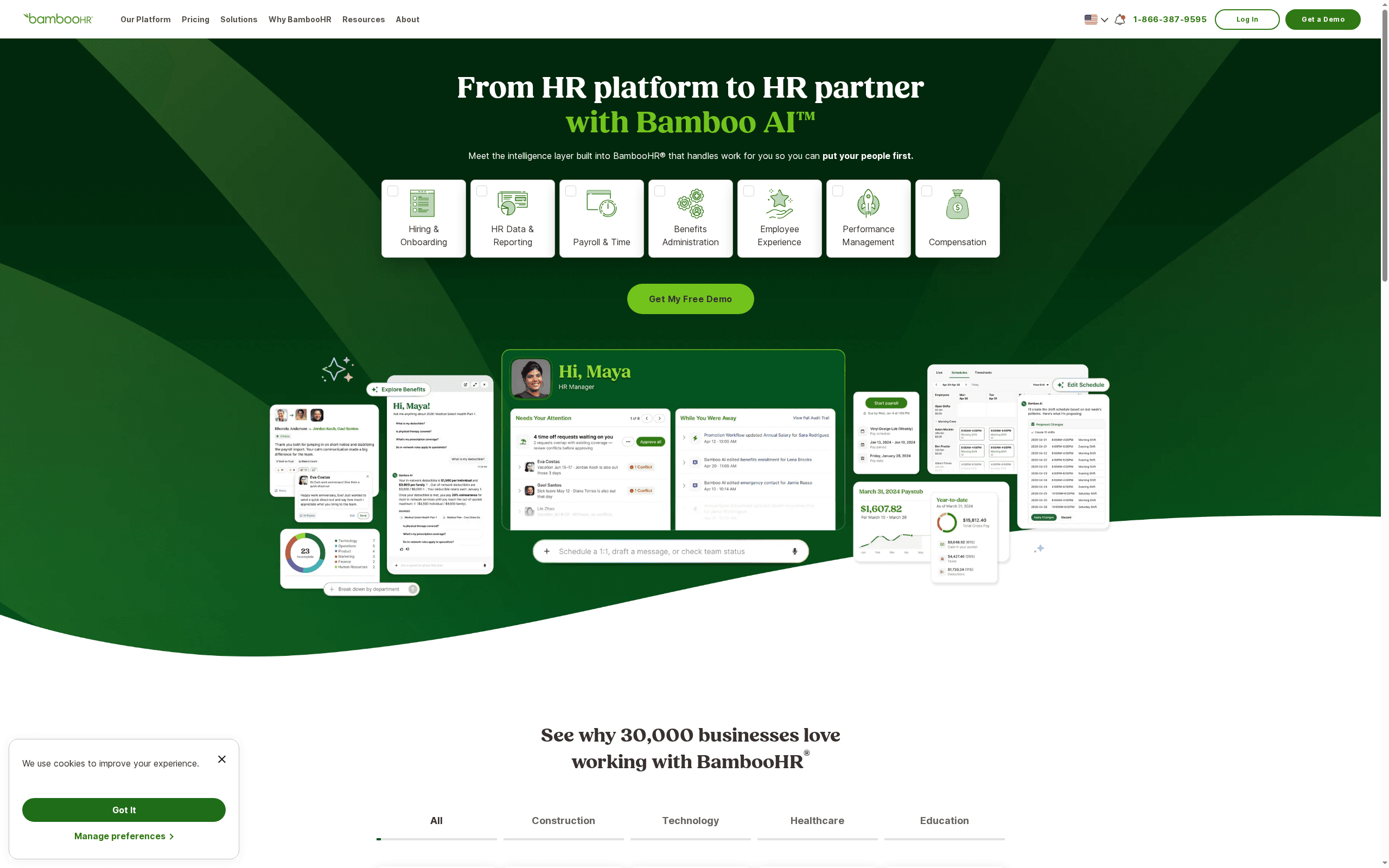
BambooHR is the best benefits administration platform for organisations that prioritise employee experience and self-service capabilities above all else. With custom pricing based on company size (typically $6--$12/user/month), BambooHR provides benefits administration as part of its broader HRIS platform, known industry-wide for having the highest employee adoption and satisfaction rates among mid-market HR tools. The platform's benefits module is designed to minimise HR involvement in routine benefits tasks by empowering employees to manage their own enrolment, life events, and benefits questions through an intuitive self-service portal.

BAMBOOHR AT A GLANCE

Attribute Detail
Entry priceCustom pricing (~$6--$12/user/mo)
G2 Rating4.4
DifferentiatorHighest employee adoption + self-service UX
eNPSIndustry-leading employee satisfaction scores
Deployment2--6 weeks
Key features: Employee self-service benefits portal with intuitive plan comparison, cost calculators, and one-click enrolment. Benefits tracking within BambooHR's unified employee record -- benefits elections, coverage details, and deduction amounts visible alongside personal information, time off, and performance data. Open enrolment management with configurable windows, reminder notifications, and completion tracking. Life event workflows that guide employees through qualifying event changes without HR intervention. Benefits eligibility rules based on employment type, department, location, and custom criteria. Carrier integration for syncing enrolment data with insurance providers. Benefits cost reporting and analytics. Mobile app for on-the-go benefits access and enrolment. Document management for plan summaries, SPDs, and benefits guides. Integration with 125+ third-party tools including payroll providers (ADP, Paychex, Gusto), applicant tracking systems, and performance platforms. Employee satisfaction surveys (eNPS) to measure benefits programme effectiveness.
Why it leads for self-service: BambooHR's consistent reputation for the highest employee adoption rates in mid-market HR software extends directly to its benefits module. Benefits self-service only works if employees actually use it -- and BambooHR's design philosophy prioritises simplicity and delight over feature density. The result is a benefits enrolment experience that employees complete without calling HR, a self-service portal that employees return to for benefits questions, and an overall platform that HR teams can point employees to with confidence. For organisations where "employees keep asking HR about their benefits" is a top frustration, BambooHR's self-service design directly solves that problem. The unified employee record also means managers and HR can see an employee's benefits coverage, time off, performance data, and personal information in a single view.

Honest Limitation

BambooHR's benefits administration is a module within an HRIS, not a dedicated benefits platform -- it lacks the carrier connectivity depth of Rippling (4,000+ plans), the broker services of Gusto, or the PEO buying power of Justworks. ACA compliance features are basic compared to Rippling's automated engine. The platform does not offer benefits brokerage or plan selection advisory services. Custom pricing means no public transparency on costs. Carrier EDI integrations are more limited, sometimes requiring manual data sync. The platform is US-focused with limited international benefits support. Advanced benefits analytics and cost modelling are not as sophisticated as enterprise-focused tools.

Best For

Mid-market organisations (25--1,000 employees) that already use or are evaluating BambooHR as their HRIS and want benefits administration tightly integrated with their employee record. Especially strong for organisations where employee self-service adoption is a priority and HR wants to reduce the volume of routine benefits questions and requests.

7

Namely -- Best for 50--500 Employee Companies (8.4/10)
Namely -- Best for 50--500 Employee Companies (8.4/10)
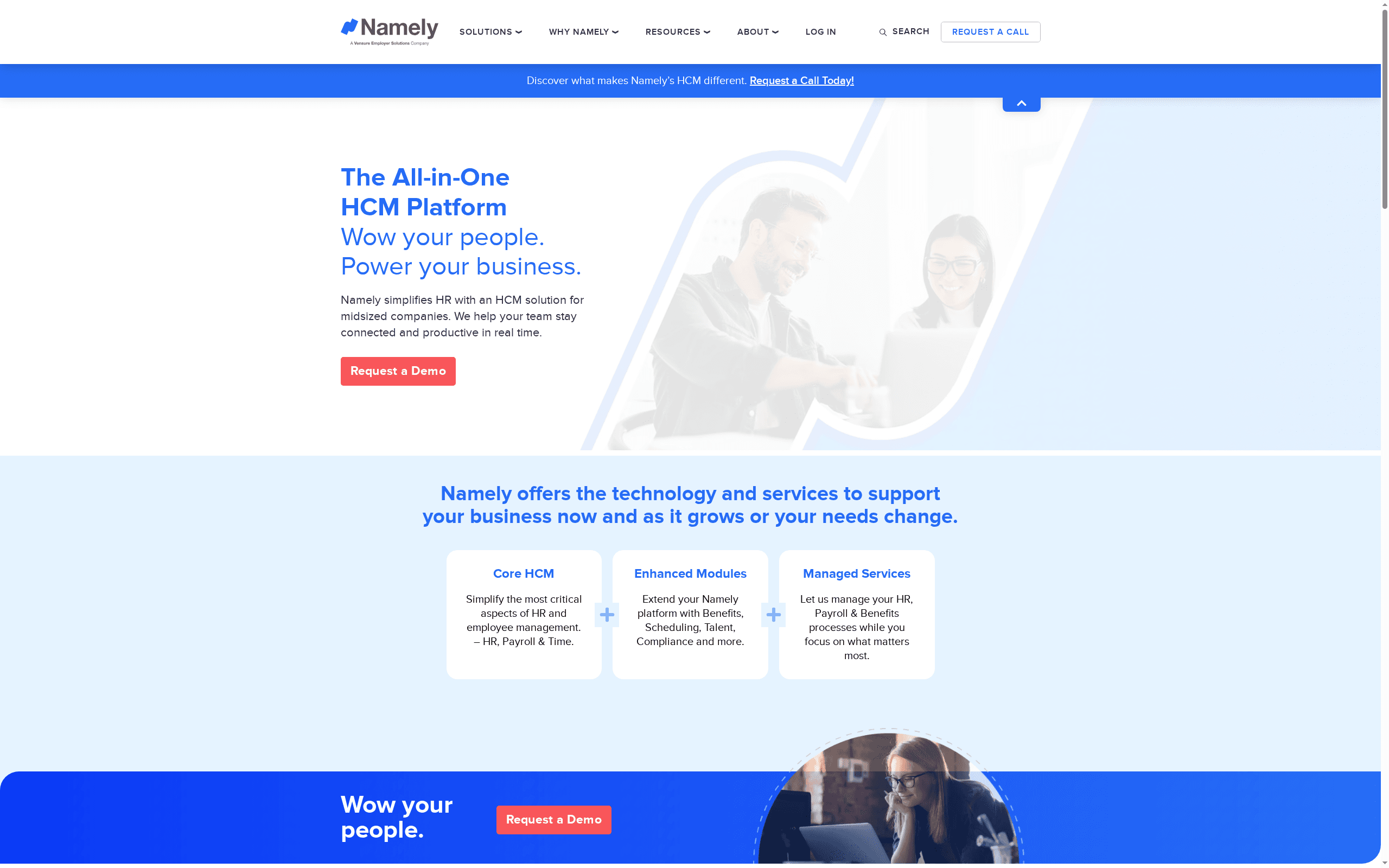
Namely is the best benefits administration platform for companies with 50--500 employees that want an all-in-one HR, payroll, and benefits system built specifically for the mid-market segment. With custom pricing (typically $12--$25/user/month for the full platform), Namely provides benefits administration with managed services -- a team of benefits specialists who handle carrier negotiations, plan renewals, compliance filing, and employee questions on the organisation's behalf. This managed services layer differentiates Namely from self-service platforms like BambooHR or Rippling, providing a middle ground between fully self-managed software and fully outsourced PEO models like Justworks.

NAMELY AT A GLANCE

Attribute Detail
Entry priceCustom (~$12--$25/user/mo full platform)
G2 Rating3.9
Target company size50--500 employees
DifferentiatorManaged benefits services + software
Deployment4--8 weeks
Key features: Managed benefits services with a dedicated benefits team handling carrier negotiations, plan design, renewals, and compliance on the organisation's behalf. Benefits administration for medical, dental, vision, life, disability, FSA, HSA, commuter, and voluntary benefits. Employee self-service enrolment portal with plan comparison and cost transparency. Open enrolment management with configurable windows and guided workflows. ACA compliance tracking and reporting with form generation. COBRA administration including notifications and payment tracking. Benefits cost analytics and utilisation reporting. Integrated payroll with automatic benefits deduction calculations. Core HR module with employee records, org charts, and onboarding. Performance management and goal tracking. Social newsfeed for company communication. Custom reporting and analytics. API for integrations with third-party systems.
Why it leads for 50--500 employee companies: Namely addresses a specific gap in the market: companies that have outgrown Gusto's simplicity and need more than BambooHR's self-service benefits module, but are not ready for Rippling's configuration complexity or Justworks' PEO co-employment model. The managed benefits services layer is the key differentiator -- Namely provides a team of benefits specialists who act as an extension of the client's HR department, handling carrier negotiations, plan design consultations, renewal analysis, and compliance filing. For a 150-person company with a 2-person HR team, having Namely's benefits specialists handle the annual renewal process (which typically consumes 40--80 hours of internal time) frees HR to focus on strategic work. This "software plus services" model is purpose-built for the mid-market, where companies have enough complexity to need professional benefits management but not enough scale to justify a dedicated benefits administrator.

Honest Limitation

Namely's G2 rating (3.9) is the lowest on this list, with recurring user complaints about platform bugs, slow support response times, and delayed feature releases. The company has undergone multiple ownership changes, creating product roadmap uncertainty. Custom pricing with no public transparency makes cost comparison difficult. The platform is US-only. Payroll functionality has received mixed reviews compared to dedicated payroll platforms. The user interface, while functional, feels dated compared to Rippling, Gusto, or BambooHR. Carrier connectivity is narrower than Rippling's 4,000+ plans. The managed services quality can vary by account team.

Best For

Mid-market companies (50--500 employees) that need an all-in-one HR, payroll, and benefits platform with managed benefits services, particularly those with small HR teams that need benefits expertise augmentation without adopting a full PEO model. Strongest for organisations that value having a dedicated benefits services team over self-service technology sophistication.

Frequently Asked Questions

What is benefits administration software?

Benefits administration software is a platform that helps organisations manage employee benefits programmes including health insurance (medical, dental, vision), life insurance, disability coverage, retirement plans (401k), HSA/FSA accounts, and voluntary benefits.

It automates the full benefits lifecycle: plan configuration and eligibility rules, employee enrolment (open enrolment and life events), carrier data exchange through automated EDI feeds, payroll deduction calculations, compliance tracking (ACA, COBRA, ERISA, HIPAA, Section 125), and employee self-service.

Modern platforms like Rippling connect to 4,000+ carrier plans with automated data feeds, while tools like Gusto provide guided plan selection with built-in licensed benefits advisors for small businesses without dedicated HR teams.

How much does benefits administration software cost in 2026?

Costs range from $6/user/month to $59/user/month depending on the model and scope. Gusto starts at $40/month base plus $6/user/month for integrated payroll and benefits. Rippling and TriNet Zenefits both start at $8/user/month, though Rippling's benefits module is an add-on to the core platform. Remote charges $29/employee/month for its HR Management platform (EOR services priced separately).

Justworks charges $59/user/month under its PEO model, but this includes benefits procurement, administration, compliance, and HR support -- services that would otherwise require a broker and dedicated benefits administrator. BambooHR and Namely use custom pricing (typically $6--$12/user/month and $12--$25/user/month respectively).

Factor in total cost of ownership: a $8/user platform where you still pay a broker $5,000--$15,000/year may cost more than a $59/user PEO that includes brokerage services.

What is the difference between a PEO and standalone benefits administration software?

A PEO (Professional Employer Organisation) like Justworks becomes a co-employer of your workforce, taking on legal responsibility for benefits procurement, carrier negotiations, administration, and compliance. The PEO pools employees across many client companies to negotiate enterprise-grade group rates that small businesses cannot access independently -- often 20--40% lower than small group market rates. You trade control for cost savings and administrative relief.

Standalone benefits administration software like Rippling, Gusto, or BambooHR provides the technology platform for managing benefits but you remain the employer of record, select your own carriers (or work with a broker), and handle plan negotiations yourself. PEOs cost more per user ($49--$99/user/month) but include the benefits themselves plus full administrative support. Standalone platforms cost less ($6--$15/user/month) but require you to source, negotiate, and manage carrier relationships.

Choose a PEO if you want zero benefits administration burden and cost savings through group buying power. Choose standalone software if you want full control over carrier selection and plan design.

What features should I look for in benefits administration software?

The five essential features are: (1) Automated carrier connections (EDI feeds) that sync enrolment data directly with insurance carriers, eliminating manual data entry and the 5--10% error rate associated with manual processing.

(2) Compliance automation for ACA reporting (1094-C/1095-C generation and IRS filing), COBRA administration (qualifying event detection, notification generation, payment tracking), ERISA requirements, and state-specific mandates -- non-compliance penalties reach $4,350 per employee for ACA violations alone. (3) Employee self-service portal where employees can enrol, compare plans with cost calculators, update dependents, and access plan documents without contacting HR.

(4) Life event management that triggers qualifying events (marriage, birth, address change, loss of other coverage) and guides employees through mid-year enrolment changes with proper documentation. (5) Payroll integration for automatic benefits deduction calculations, including pre-tax and post-tax handling for different benefit types (Section 125 cafeteria plans, Roth 401k, etc.).

Additional valuable features: decision support tools with AI-powered plan recommendations, benefits cost analytics for plan design optimisation, multi-state compliance, and mobile access.

What compliance requirements does benefits administration software handle?

Benefits administration software handles several critical compliance areas: ACA (Affordable Care Act) tracking and reporting, including monitoring employee hours for eligibility, affordability safe harbour calculations, generating 1094-C and 1095-C forms, and filing with the IRS -- non-compliance penalties reach $4,350 per full-time employee per year.

COBRA administration for continuation coverage when employees leave, are terminated, reduce hours, or experience other qualifying events -- missed COBRA notifications can result in $110/day excise tax penalties. ERISA (Employee Retirement Income Security Act) compliance for retirement and welfare benefit plans, including required plan documents, summary plan descriptions (SPDs), and fiduciary requirements.

HIPAA privacy and security compliance for protected health information collected during benefits enrolment. State-specific mandates including paid family leave (now mandatory in 13+ states), state disability insurance, and small group market regulations. Section 125 cafeteria plan compliance for pre-tax benefits deductions including non-discrimination testing. Form 5500 filing requirements for plans covering 100+ participants.

The best platforms like Rippling automate these requirements end-to-end rather than providing checklists for manual compliance.

About Geeky Expert

Geeky Expert is a leading provider of research and insights, dedicated to helping businesses make informed decisions through comprehensive analysis.

Contact Data

GeekyExpert Research
Geeky Expert
GeekyExpert is a leading market intelligence and strategic research firm delivering data-driven insights, trend analysis, and executive decision support for global business leaders.

Share this report