
Best Workforce Management Software (2026)
Why Workforce Management Software Matters in 2026
What is the best workforce management software in 2026?
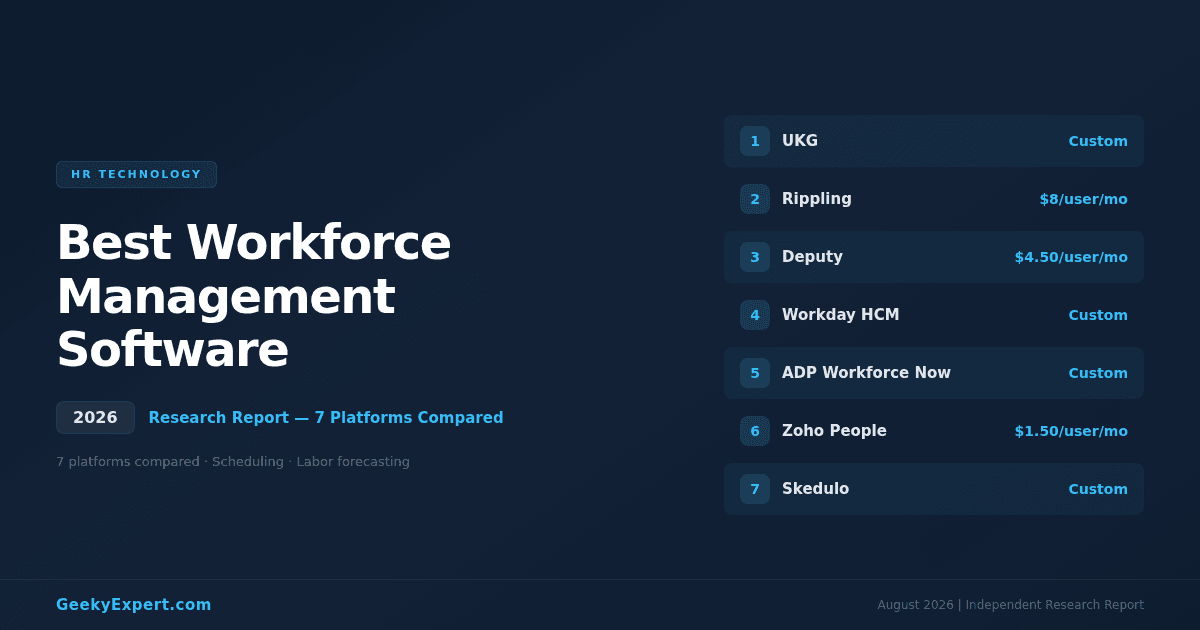
The best workforce management software in 2026 depends on your organisation size and workforce type. For enterprise-scale WFM with deep AI forecasting and compliance, UKG (Ultimate Kronos Group) leads. Rippling is best for mid-market all-in-one, Deputy for shift-based operations, and Workday HCM for large enterprise with complex global requirements.
Best for your situation
- ▸Enterprise WFM: UKG -- AI forecasting, compliance, analytics
- ▸Mid-market all-in-one: Rippling -- from $8/user/mo
- ▸Shift-based teams: Deputy -- from $4.50/user/mo
- ▸Large enterprise: Workday HCM -- global, unified platform
WORKFORCE MANAGEMENT SOFTWARE -- MARKET DATA (2026)
| Platform | Starting Price | Rating | Best For |
|---|---|---|---|
| UKG | Custom pricing | 9.3/10 | Enterprise workforce management |
| Rippling | $8/user/mo base | 9.1/10 | Mid-market all-in-one |
| Deputy | $4.50/user/mo | 8.9/10 | Shift-based workforce management |
| Workday HCM | Custom pricing | 8.8/10 | Large enterprise, global |
| ADP Workforce Now | Custom pricing | 8.7/10 | Payroll-centric WFM |
| Zoho People | $1.50/user/mo | 8.5/10 | Budget WFM for SMBs |
| Skedulo | Custom pricing | 8.4/10 | Mobile & field workforce |
AI IN WORKFORCE MANAGEMENT: THE 2026 DIFFERENTIATOR
AI-powered WFM features that matter in 2026: DEMAND FORECASTING ML models predict labour needs 2--6 weeks ahead using historical data, weather, events, and POS signals. AUTO-SCHEDULING Generate compliant schedules in seconds, factoring in labour laws, certifications, preferences, and overtime thresholds. REAL-TIME OPTIMIZATION Adjust staffing mid-shift based on actual foot traffic, call volume, or order flow. FATIGUE & COMPLIANCE Flag burnout risk, predict unplanned absences, enforce rest-period regulations. LABOUR COST MODELLING Simulate schedule scenarios to minimize cost while maintaining coverage targets. Source: GeekyExpert Research, WFM vendor analysis 2026
PICK YOUR WFM BY WORKFORCE TYPE (2026)
ENTERPRISE (1,000+ employees, complex compliance) → UKG Pro Workforce Management → Deep AI forecasting, union rules, multi-jurisdiction MID-MARKET (100--999 employees, all-in-one needs) → Rippling → HR + IT + Finance unified, modular pricing SHIFT-BASED (retail, hospitality, healthcare) → Deputy → Fast scheduling, shift swaps, break compliance LARGE ENTERPRISE (global, 5,000+ employees) → Workday HCM → Unified platform, global compliance, deep analytics PAYROLL-CENTRIC (payroll as anchor) → ADP Workforce Now → Time, scheduling, benefits around core payroll BUDGET SMB (under 100 employees) → Zoho People → From $1.50/user/mo, full HR + time + scheduling FIELD / MOBILE WORKFORCE (technicians, healthcare) → Skedulo → Mobile-first dispatch, route optimization, offline
The Workforce Management Software Market in 2026
This GeekyExpert research report evaluates the top 7 workforce management (WFM) software platforms in 2026. Modern WFM has expanded well beyond basic time clocks and spreadsheet scheduling. Today's leading platforms combine AI-driven demand forecasting, automated schedule generation, real-time attendance tracking, labour cost analytics, and compliance enforcement into unified systems. The shift to hybrid and distributed workforces, tightening labour regulations across jurisdictions, and the proven ROI of AI-powered scheduling have made WFM software a strategic investment for organisations of every size, from 20-person retail operations to 50,000-employee enterprises.
Featured HR Technology
UKG (Ultimate Kronos Group) -- Best for Enterprise Workforce Management
UKG is the best workforce management software for enterprise organisations that need deep AI-powered scheduling, comprehensive compliance enforcement, and workforce analytics at scale. Formed from the 2020 merger of Ultimate Software and Kronos, UKG manages workforce data for over 80 million people globally, giving it an unmatched dataset for benchmarking and AI training. Its WFM suite -- UKG Pro Workforce Management -- combines demand forecasting, auto-scheduling, time and attendance, leave management, and labour analytics into a unified platform built for complex, multi-location, multi-jurisdiction operations.
UKG VERIFIED CAPABILITIES
| Attribute | Detail |
|---|---|
| Pricing | Custom (typically $6--15/employee/month range) |
| Employee data coverage | 80M+ employee records globally |
| Compliance jurisdictions | 4,000+ pay rules and regulations |
| AI capabilities | Demand forecasting, auto-scheduling, absence prediction, UKG Bryte AI assistant |
| Ideal size | 500--100,000+ employees |
| Integrations | 300+ pre-built connectors, open API, SAP, Oracle, Workday, ADP |
Honest Limitation
UKG's enterprise depth comes with enterprise complexity: implementation timelines of 3--9 months are common, and the learning curve is steeper than shift-focused tools like Deputy. Custom pricing means no self-serve trial. Smaller organisations (under 500 employees) will find the platform over-engineered for their needs. Some users report that the mobile experience, while functional, lags behind mobile-first competitors. The UI has modernised significantly but still reflects its Kronos heritage in certain modules.
Best For
Enterprise organisations (500--100,000+ employees) with complex scheduling, multi-jurisdiction compliance requirements, union agreements, and a need for AI-powered demand forecasting and workforce analytics. Industries: healthcare, retail, manufacturing, hospitality, logistics, public sector.
Rippling -- Best for Mid-Market All-in-One
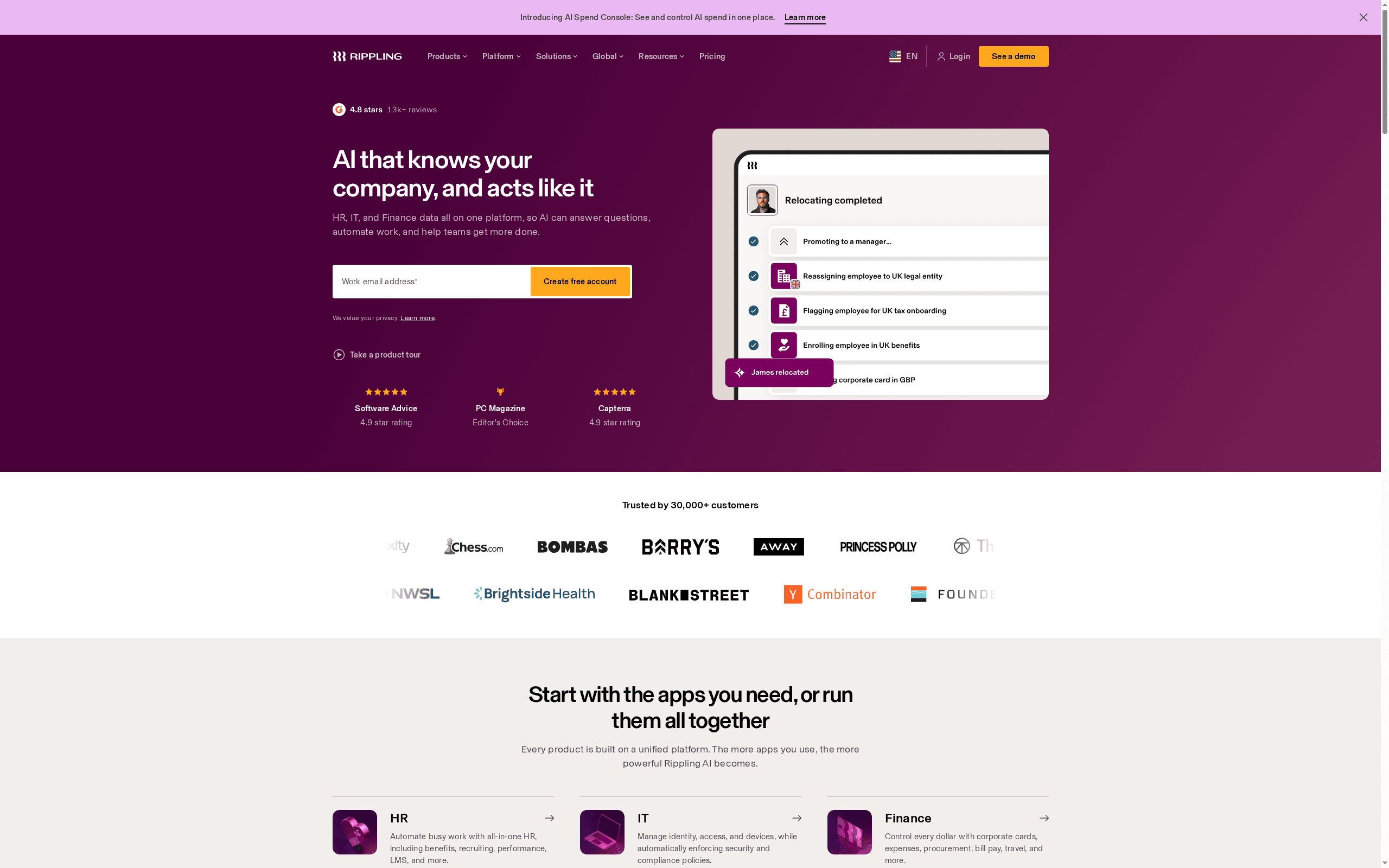
Rippling is the best workforce management platform for mid-market companies (100--999 employees) that want HR, IT, and finance unified in a single system with modular pricing. Founded in 2016 by Parker Conrad, Rippling has grown to over $350M ARR and a $13.5B valuation, built on the premise that employee data should flow through one system rather than being fragmented across dozens of point solutions. Its WFM capabilities -- time and attendance, scheduling, and workforce analytics -- sit alongside payroll, benefits, device management, and app provisioning, creating an operational layer that eliminates data silos.
RIPPLING VERIFIED CAPABILITIES
| Attribute | Detail |
|---|---|
| Starting price | $8/user/month base + modules |
| Platform scope | HR + IT + Finance unified |
| WFM modules | Time & attendance, scheduling, workforce analytics, payroll |
| Automation engine | Policy-driven workflows across HR, IT, and Finance |
| Ideal size | 100--999 employees (scales to 5,000+) |
| Integrations | 500+ apps, Slack, Jira, GitHub, Salesforce, Netsuite, QuickBooks |
Honest Limitation
Rippling's WFM-specific depth (demand forecasting, AI scheduling, compliance rule libraries) does not match UKG's enterprise capabilities. The modular pricing can add up quickly once you stack multiple modules -- a full-suite deployment may cost $15--25/user/month. Advanced WFM analytics trail dedicated WFM platforms. Shift-heavy industries with complex union rules or predictive scheduling law requirements may find Rippling's scheduling module insufficient compared to UKG or Deputy. Implementation for full-suite deployments can take 4--8 weeks.
Best For
Deputy -- Best for Shift-Based Workforce Management
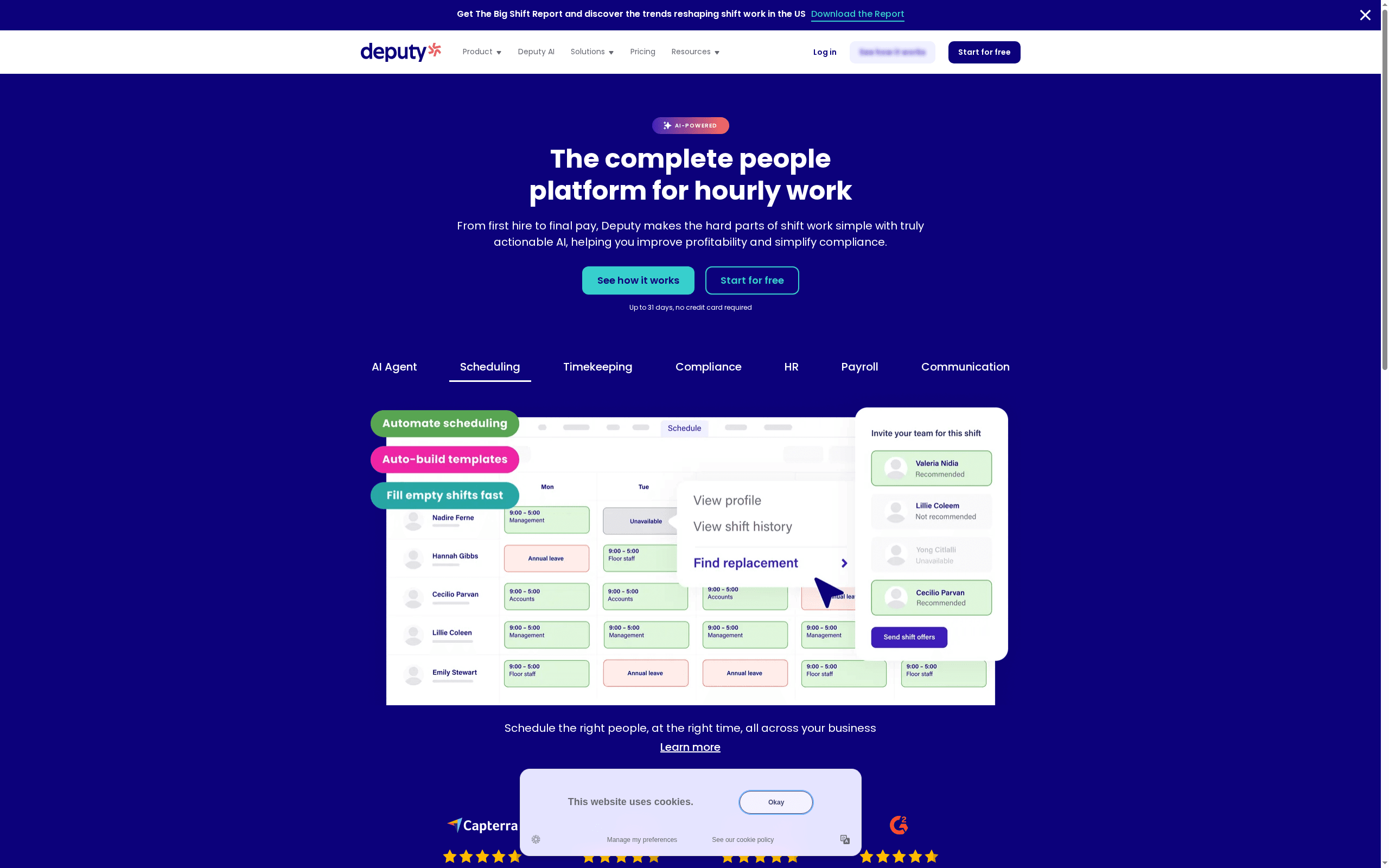
Deputy is the best workforce management software for shift-based operations -- retail, hospitality, healthcare, and any organisation where hourly scheduling, break compliance, and shift swaps are the daily operational challenge. Founded in 2008 in Sydney, Australia and now serving over 1.4 million workers in 100+ countries, Deputy has built a mobile-first platform laser-focused on the problems that shift managers face: creating compliant schedules fast, filling open shifts, tracking time accurately, and controlling labour costs. Starting at $4.50/user/month, it delivers the best price-to-value ratio for shift-centric WFM.
DEPUTY VERIFIED CAPABILITIES
| Attribute | Detail |
|---|---|
| Starting price | $4.50/user/month (Scheduling or Time & Attendance) |
| Premium plan | $6/user/month (both modules combined) |
| Workers served | 1.4M+ workers in 100+ countries |
| AI features | Auto-scheduling, demand-based staffing, fatigue flags |
| Ideal size | 10--5,000 shift-based employees |
| Integrations | Xero, QuickBooks, ADP, Gusto, Square, Toast, Lightspeed, Clover, Zapier |
Honest Limitation
Deputy's strength is its focus, which is also its boundary. It does not attempt to be a full HRIS, payroll system, or enterprise WFM platform. Advanced demand forecasting (multi-variable, ML-driven) trails UKG. Reporting depth, while adequate for shift operations, does not match enterprise analytics platforms. Organisations with both shift and salaried workforces may need Deputy plus an HRIS. Some users report that the scheduling interface can feel crowded when managing 50+ employees across multiple locations in a single view. Enterprise-scale deployments (10,000+ employees) are outside Deputy's core sweet spot.
Best For
Workday HCM -- Best for Large Enterprise
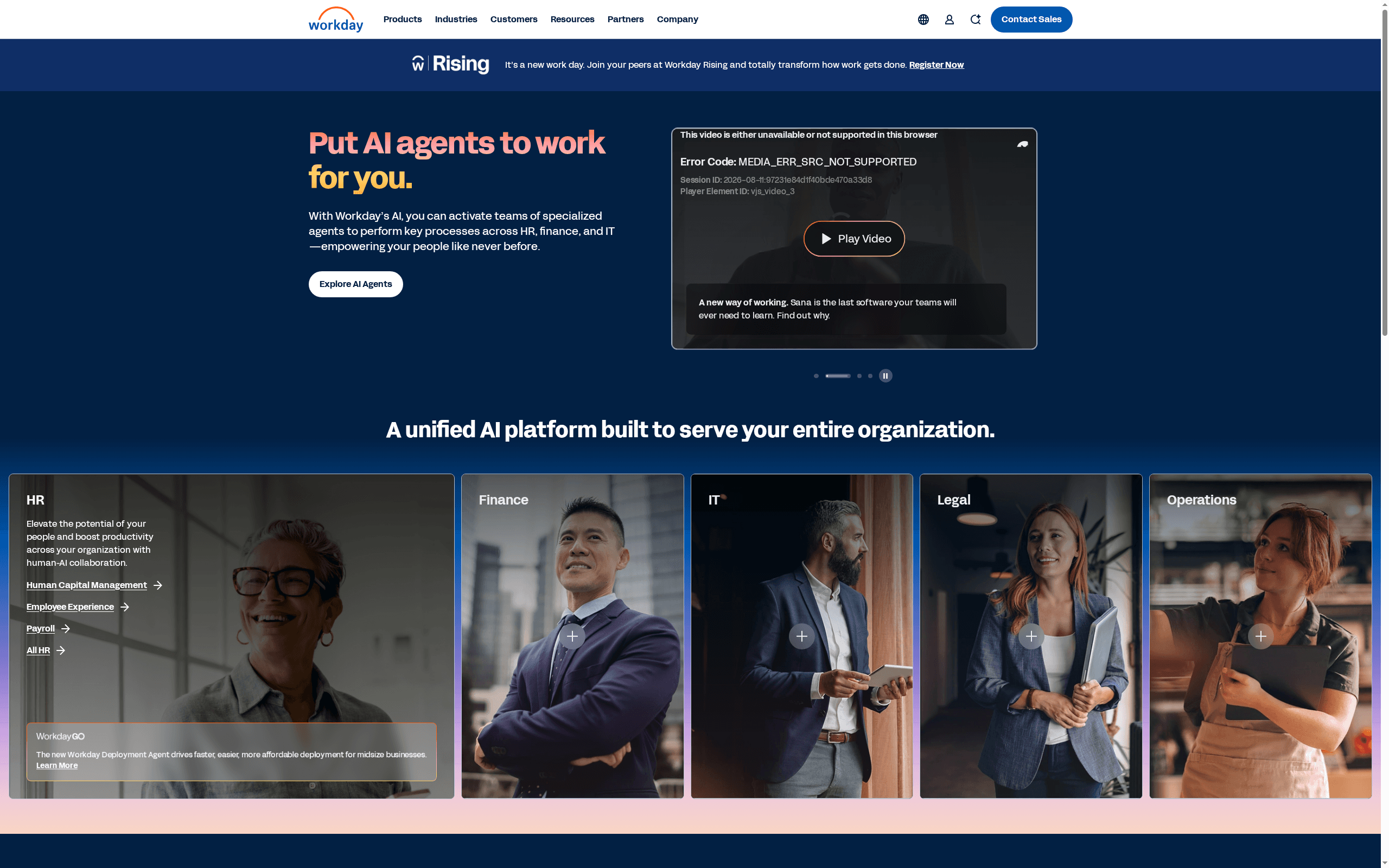
Workday HCM is the best workforce management platform for large, global enterprises (5,000+ employees) that need a unified system connecting workforce management to finance, planning, and talent management. Founded in 2005 by Dave Duffield and Aneel Bhusri (former PeopleSoft leaders), Workday serves over 60% of the Fortune 500 and processes transactions for more than 65 million workers worldwide. Its WFM module -- Workday Scheduling and Labour Optimization -- is deeply integrated with Workday Financial Management, Adaptive Planning, and Talent Management, creating a closed-loop system where workforce decisions connect directly to financial outcomes.
WORKDAY HCM VERIFIED CAPABILITIES
| Attribute | Detail |
|---|---|
| Pricing | Custom (typically $8--25/employee/month range) |
| Fortune 500 adoption | 60%+ of Fortune 500 |
| Workers processed | 65M+ worldwide |
| AI capabilities | Workday AI, skills intelligence, workforce planning, anomaly detection |
| Ideal size | 5,000--500,000+ employees |
| Global compliance | 200+ countries and territories |
Honest Limitation
Workday's enterprise strength is its barrier to entry. Implementation timelines of 6--18 months and implementation costs of $500K--$5M+ make it inaccessible for organisations under 3,000--5,000 employees. Pure shift-scheduling depth (union rules, granular break management, shop-floor kiosk UX) trails UKG. The platform is complex; organisations need dedicated Workday administrators. Mobile experience for frontline workers, while improved, still lags behind mobile-first tools like Deputy. Annual contract values make switching costly once committed.
Best For
ADP Workforce Now -- Best for Payroll-Centric WFM
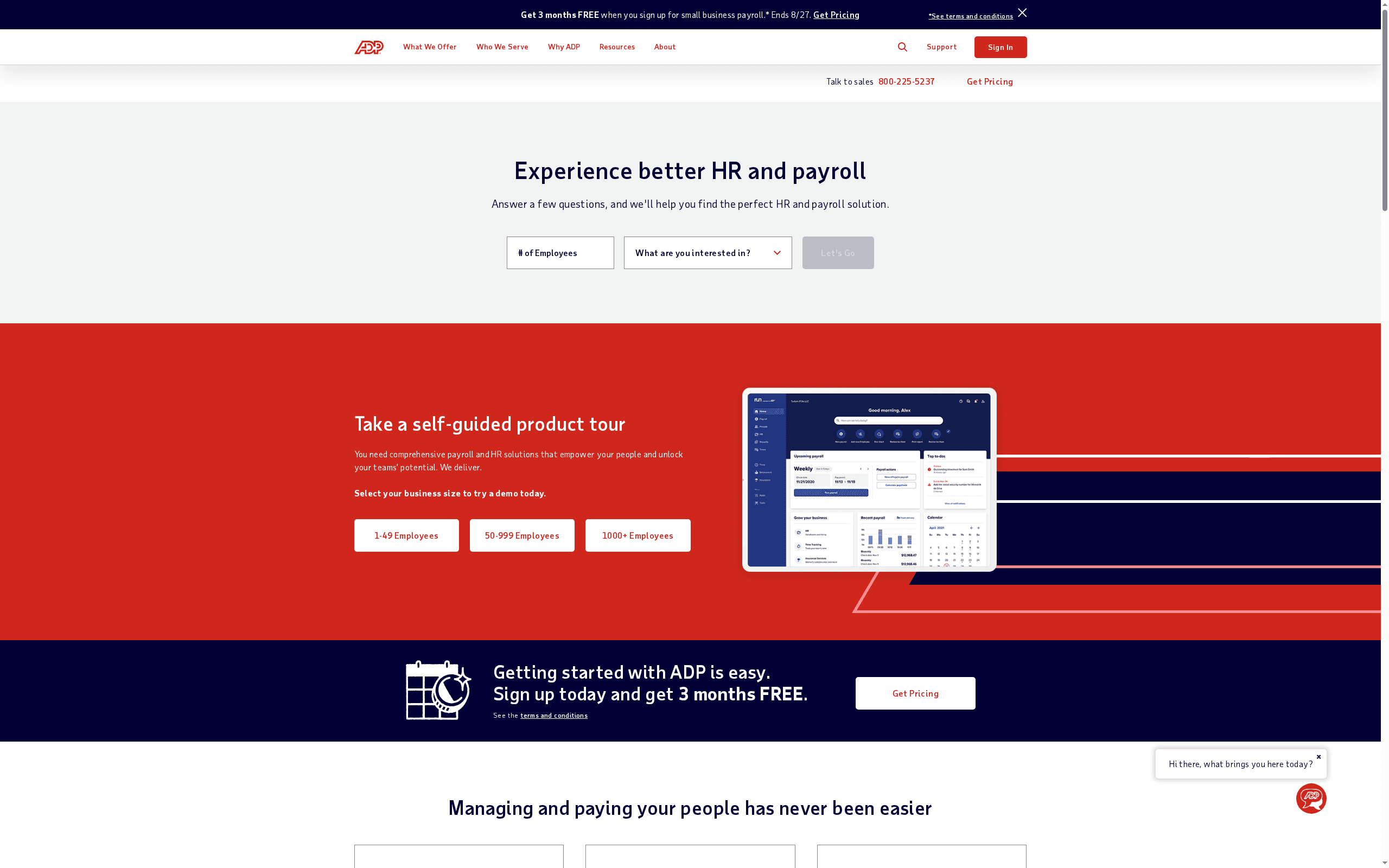
ADP Workforce Now is the best workforce management platform for organisations that want time tracking, scheduling, and workforce analytics built around ADP's industry-leading payroll engine. ADP processes payroll for approximately 1 in 6 US workers, and Workforce Now is its mid-market-to-enterprise platform (typically 50--1,000+ employees) that wraps WFM, HR, benefits, talent, and analytics around that payroll core. For organisations where payroll accuracy and compliance are the non-negotiable foundation, ADP's WFM modules benefit from decades of payroll tax expertise and regulatory coverage that standalone WFM vendors do not have.
ADP WORKFORCE NOW VERIFIED CAPABILITIES
| Attribute | Detail |
|---|---|
| Pricing | Custom (typically $10--20/employee/month all-in) |
| US payroll coverage | ~1 in 6 US workers paid through ADP |
| WFM modules | Time & attendance, scheduling, absence management, analytics |
| AI capabilities | ADP Assist, benchmarking from aggregate payroll data, predictive analytics |
| Ideal size | 50--1,000+ employees |
| Tax/compliance engine | All 50 US states + territories, multi-state, multi-jurisdiction |
Honest Limitation
ADP Workforce Now's WFM modules are solid but not best-in-class compared to dedicated WFM platforms. AI-powered demand forecasting and auto-scheduling depth trail UKG. The scheduling interface is functional rather than delightful -- shift-heavy operations will find Deputy more intuitive. Custom pricing and multi-year contracts reduce transparency. The platform's breadth means each individual module (scheduling, analytics) has less depth than a specialist. Some users report that support quality varies and that navigating the platform's full capability set has a learning curve. Implementation for the full suite can take 2--4 months.
Best For
Organisations (50--1,000+ employees) where payroll accuracy and compliance are the non-negotiable foundation and WFM capabilities need to be tightly integrated with payroll processing. Companies already on ADP payroll that want to add time tracking, scheduling, and analytics without introducing a new vendor. Industries: professional services, manufacturing, healthcare, financial services, non-profits.
Zoho People -- Best Budget WFM for SMBs
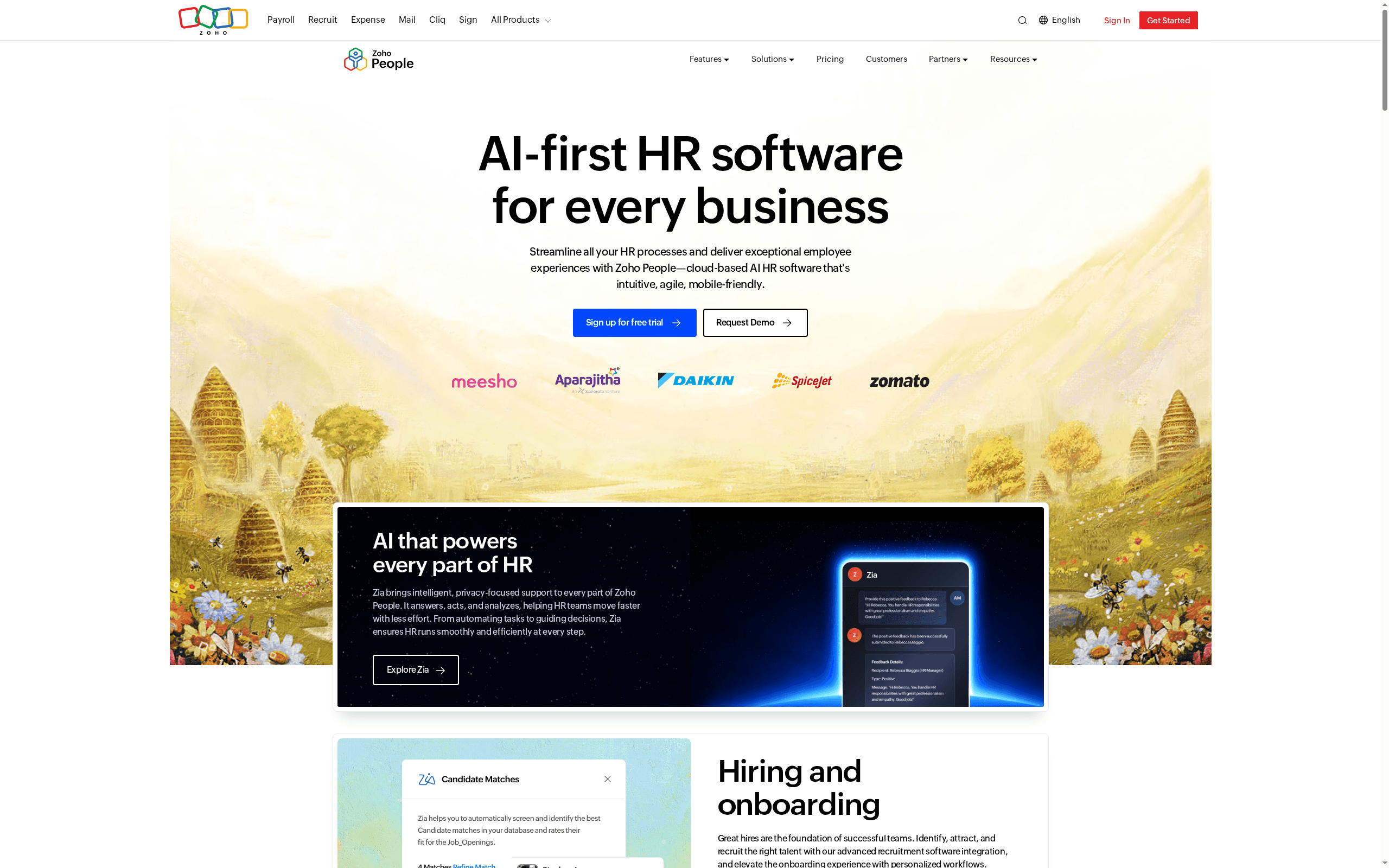
Zoho People is the best workforce management platform for budget-conscious small and mid-sized businesses that need time tracking, scheduling, attendance management, and core HR in a single platform at the lowest price point in the market. Starting at $1.50/user/month (Essential HR plan), Zoho People delivers WFM capabilities that competitors charge 3--5x more for, backed by Zoho's broader ecosystem of 55+ business applications. For SMBs under 100 employees that need solid WFM without enterprise complexity or enterprise pricing, Zoho People is the clear value leader.
ZOHO PEOPLE VERIFIED CAPABILITIES
| Attribute | Detail |
|---|---|
| Starting price | $1.50/user/month (Essential HR) |
| Professional plan | $3/user/month (includes time tracking) |
| Premium plan | $5/user/month (includes scheduling + shift management) |
| Free plan | Yes (up to 5 users) |
| Ideal size | 5--500 employees |
| Ecosystem | 55+ Zoho apps (Zoho Payroll, Books, CRM, Projects, Desk, Analytics) |
Honest Limitation
Zoho People's WFM capabilities are solid for SMBs but do not approach enterprise depth. AI-powered demand forecasting is basic compared to UKG or Workday. The scheduling module handles standard shifts well but lacks the sophisticated auto-scheduling and compliance rule libraries that Deputy or UKG offer. The mobile app, while functional, is not as polished as Deputy's mobile-first experience. Advanced workforce analytics (predictive modelling, labour cost simulation) trail dedicated platforms. US-specific compliance depth (predictive scheduling laws, state-by-state break rules) is lighter than US-focused competitors. The Zoho ecosystem is an advantage if you use Zoho; if you use Salesforce, HubSpot, or Microsoft 365, the integration story is less compelling.
Best For
Skedulo -- Best for Mobile and Field Workforce
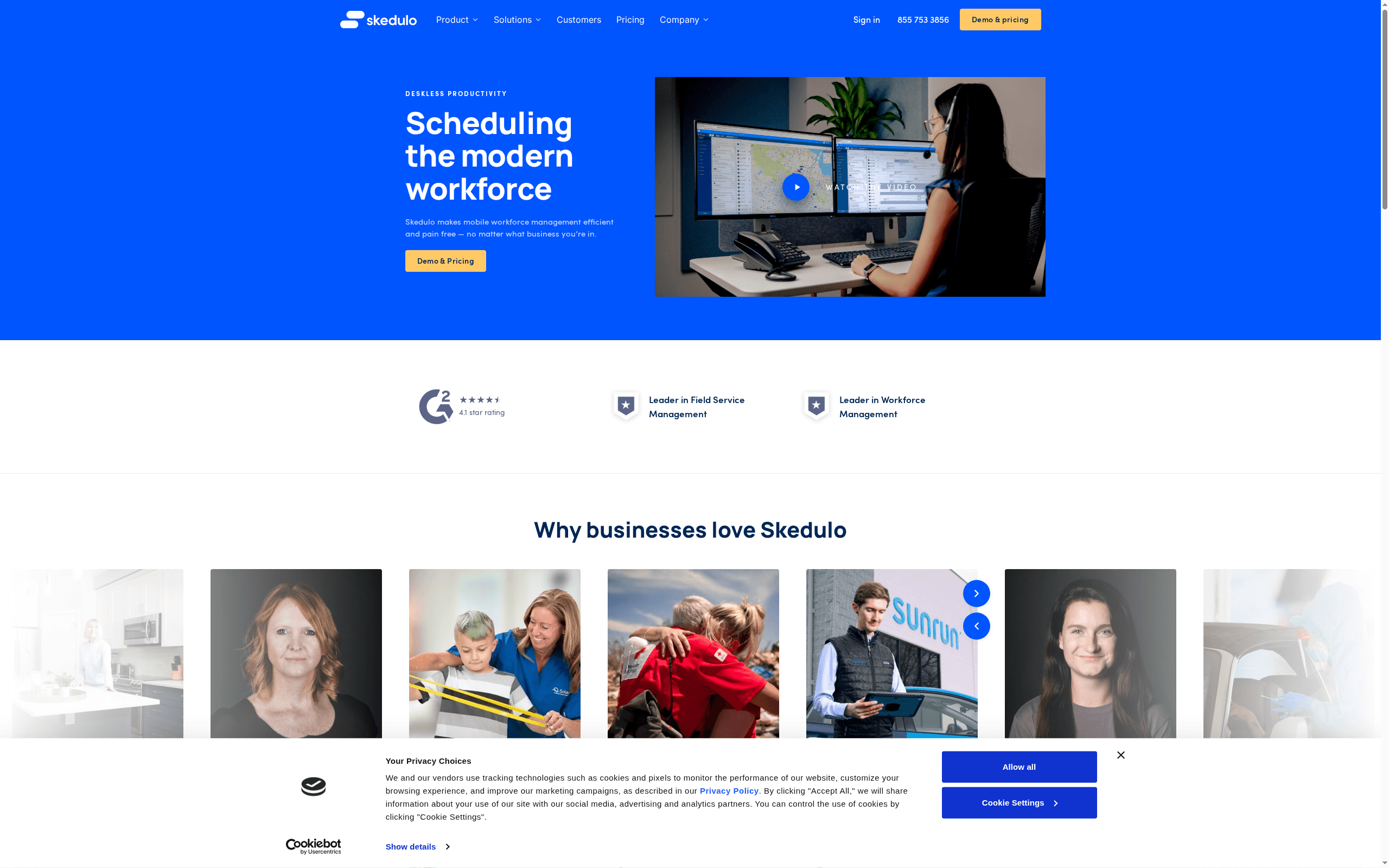
Skedulo is the best workforce management platform for organisations with mobile and field-based workers -- technicians, healthcare professionals, inspectors, installation crews, and any role where work happens at a customer site or in the field rather than at a fixed location. Founded in 2013 in Brisbane, Australia and now headquartered in San Francisco, Skedulo has raised over $115M in funding and serves customers across healthcare, energy, telecommunications, and field services. Its platform combines intelligent job scheduling, mobile workforce dispatch, route optimization, and field data capture in a mobile-first architecture designed for workers who rarely sit at a desk.
SKEDULO VERIFIED CAPABILITIES
| Attribute | Detail |
|---|---|
| Pricing | Custom pricing (contact for quote) |
| Funding | $115M+ raised (Softbank Vision Fund, M12, Costanoa) |
| Core focus | Mobile/deskless workforce scheduling & dispatch |
| AI capabilities | Smart scheduling, route optimization, skill-based matching, travel time prediction |
| Ideal size | 50--10,000+ field workers |
| Integrations | Salesforce (native), ServiceNow, SAP, Microsoft Dynamics, Workday, REST API |
Honest Limitation
Skedulo is purpose-built for field/mobile workforce scheduling and dispatch -- it is not a general-purpose WFM, HRIS, or payroll platform. Organisations with mixed workforces (field + office + shift) will need Skedulo alongside another platform for non-field workers. Custom pricing with no self-serve trial means smaller teams cannot easily evaluate it. The Salesforce dependency, while a strength for Salesforce shops, adds complexity for non-Salesforce environments. Payroll and benefits are completely out of scope. Reporting depth, while strong for field operations metrics, does not cover broader workforce analytics (engagement, retention, compensation benchmarking).
Best For
Frequently Asked Questions
What is workforce management (WFM) software?
Workforce management software is a category of tools that helps organisations forecast labour demand, create and optimise employee schedules, track time and attendance, manage leave and absences, ensure labour-law compliance, and analyse workforce productivity. Modern WFM platforms use AI and machine learning to automate scheduling, predict staffing needs 2--6 weeks ahead, and reduce labour costs while maintaining service levels.
The WFM market is projected to reach $12.5 billion by 2028, driven by AI-powered features and the shift to hybrid and distributed workforces. Key WFM functions include demand forecasting, schedule generation, time capture, absence management, compliance enforcement, and labour analytics.
What is the difference between WFM software and HRIS?
HRIS (Human Resources Information System) manages the full employee lifecycle -- records, onboarding, benefits administration, payroll, and compliance documentation. WFM (Workforce Management) software focuses specifically on optimising when, where, and how employees work: demand forecasting, schedule creation and optimization, time and attendance tracking, and labour cost analytics. Many enterprise platforms like UKG and Workday combine both in a unified system.
Others specialise: Deputy is pure WFM for shift-based teams, while BambooHR is pure HRIS. A mid-size company might use BambooHR for core HR records and Deputy for shift scheduling. The choice depends on whether your primary operational challenge is managing employee data and benefits (HRIS) or optimising schedules, time tracking, and labour costs (WFM).
How much does workforce management software cost?
WFM software pricing ranges widely based on features and organisation size. Budget options: Zoho People starts at $1.50/user/month for basic HR and attendance, $5/user/month for scheduling. Mid-market: Deputy starts at $4.50/user/month for scheduling or time tracking, $6/user/month for both. Rippling starts at $8/user/month base plus module fees.
Enterprise platforms: UKG, Workday, and ADP use custom pricing, typically ranging from $6 to $25 per employee per month depending on modules, employee count, and contract terms. Total cost of ownership includes implementation fees ($5K--$500K+ for enterprise), training, integrations, and ongoing support. The biggest cost trap is buying modules you do not need -- identify whether scheduling, time tracking, analytics, or compliance is your core requirement before committing.
How is AI used in workforce management software in 2026?
AI in WFM software powers five core capabilities in 2026. Demand forecasting: ML models analyse historical patterns, weather data, local events, POS signals, and seasonal trends to predict staffing needs 2--6 weeks ahead with 15--25% accuracy improvements over manual forecasting. Auto-scheduling: algorithms generate compliant schedules in seconds, factoring in labour laws, union rules, employee certifications, preferences, overtime thresholds, and fatigue limits.
Real-time optimization: platforms adjust staffing mid-shift based on actual foot traffic, call volume, or order flow versus forecasts. Predictive analytics: models flag burnout risk, forecast unplanned absences, and identify retention risks before they surface. Labour cost modelling: scenario simulation tools let managers compare scheduling options by cost, coverage quality, and compliance impact. UKG and Workday lead on AI sophistication; Deputy leads on practical AI for shift-based operations.
Is WFM software different for hourly vs. salaried employees?
Yes, the requirements differ significantly. Hourly workforce management emphasises shift scheduling, break compliance (including predictive scheduling laws in jurisdictions like California, Oregon, New York City, and Chicago), overtime tracking and cost control, shift swap management, and labour cost per labour hour -- tools like Deputy and UKG excel here.
Salaried workforce management focuses on capacity planning, project allocation and utilisation tracking, absence management, workforce planning, and productivity analytics -- Workday and Rippling handle this well. Many organisations need both: UKG and Workday cover hourly and salaried in a single platform. Smaller companies may pair Deputy (for hourly shift workers) with an HRIS like BambooHR or Rippling (for salaried staff).
The key decision: if over 50% of your workforce is hourly and shift-based, prioritise scheduling and compliance depth; if mostly salaried, prioritise planning and utilisation features.
About Geeky Expert
Geeky Expert is a leading provider of research and insights, dedicated to helping businesses make informed decisions through comprehensive analysis.